WordPress Plugin
WPSDDC Speed Timer
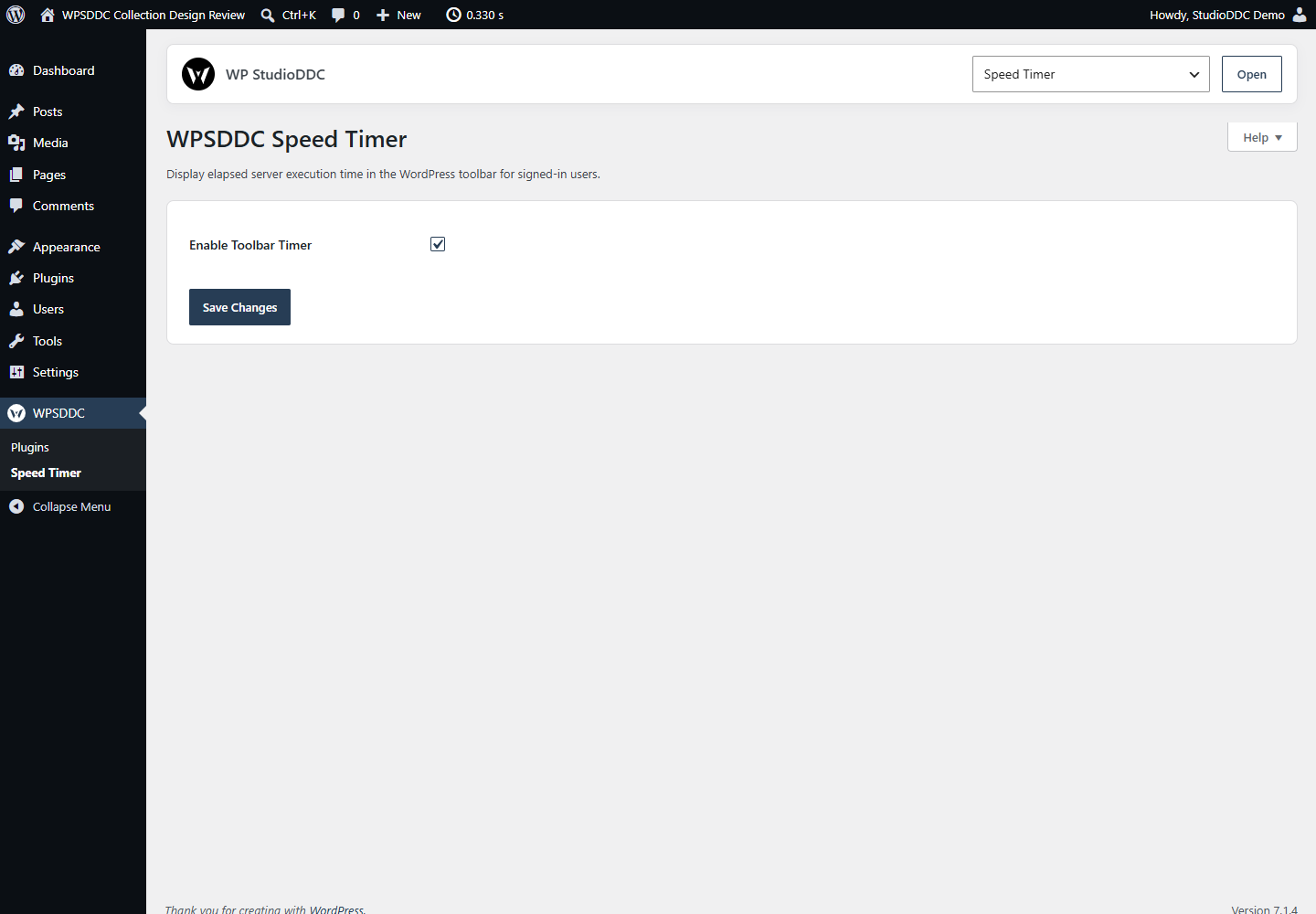
DocumentationDisplay elapsed server execution time in the WordPress toolbar for signed-in users.
Documentation
The WPSDDC Speed Timer WordPress Plugin is designed for observing WordPress server execution time. It helps editors show individual request timing in the toolbar for signed-in users. This is useful for quickly reviewing WordPress response times during maintenance. This indicator does not replace a full Core Web Vitals audit.
For practical context on the WPSDDC Speed Timer WordPress Plugin, read Core Web Vitals for Plugin Developers: Where to Start. The official reference on WordPress Request Timing explains related technical concepts.
Requirements and Compatibility
- WordPress 6.0 or later; PHP 8.1 or later.
- English and Spanish interface.
- Works without the general HQ plugin; active collection plugins share one WPSDDC menu.
Installation and First Steps
- Check requirements and use a test installation first.
- When the official ZIP is available to you, open Plugins → Add New → Upload Plugin, select it and activate it.
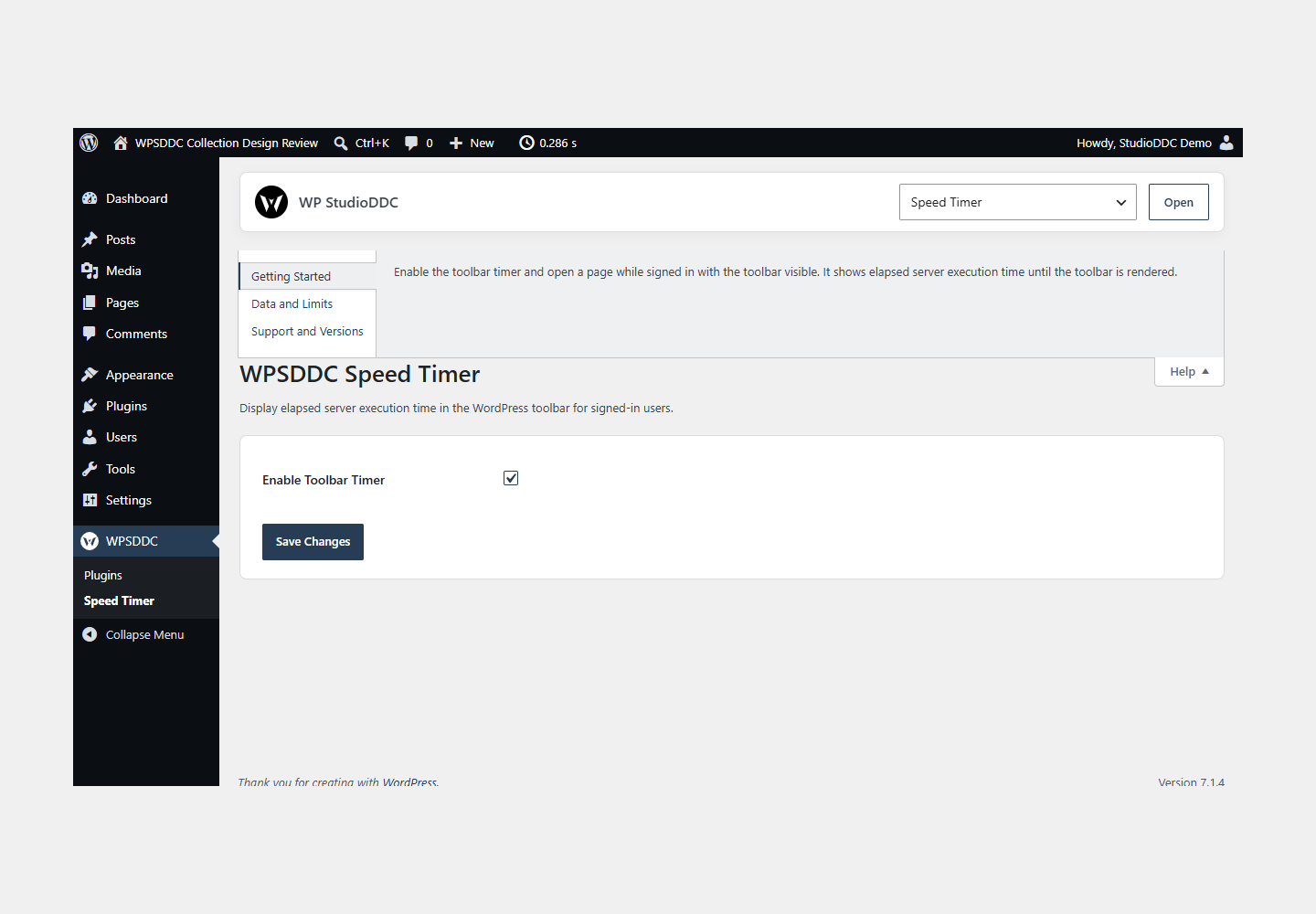
- Open WPSDDC → Speed Timer. The native Help tab includes instructions and support.
Configuration and Use
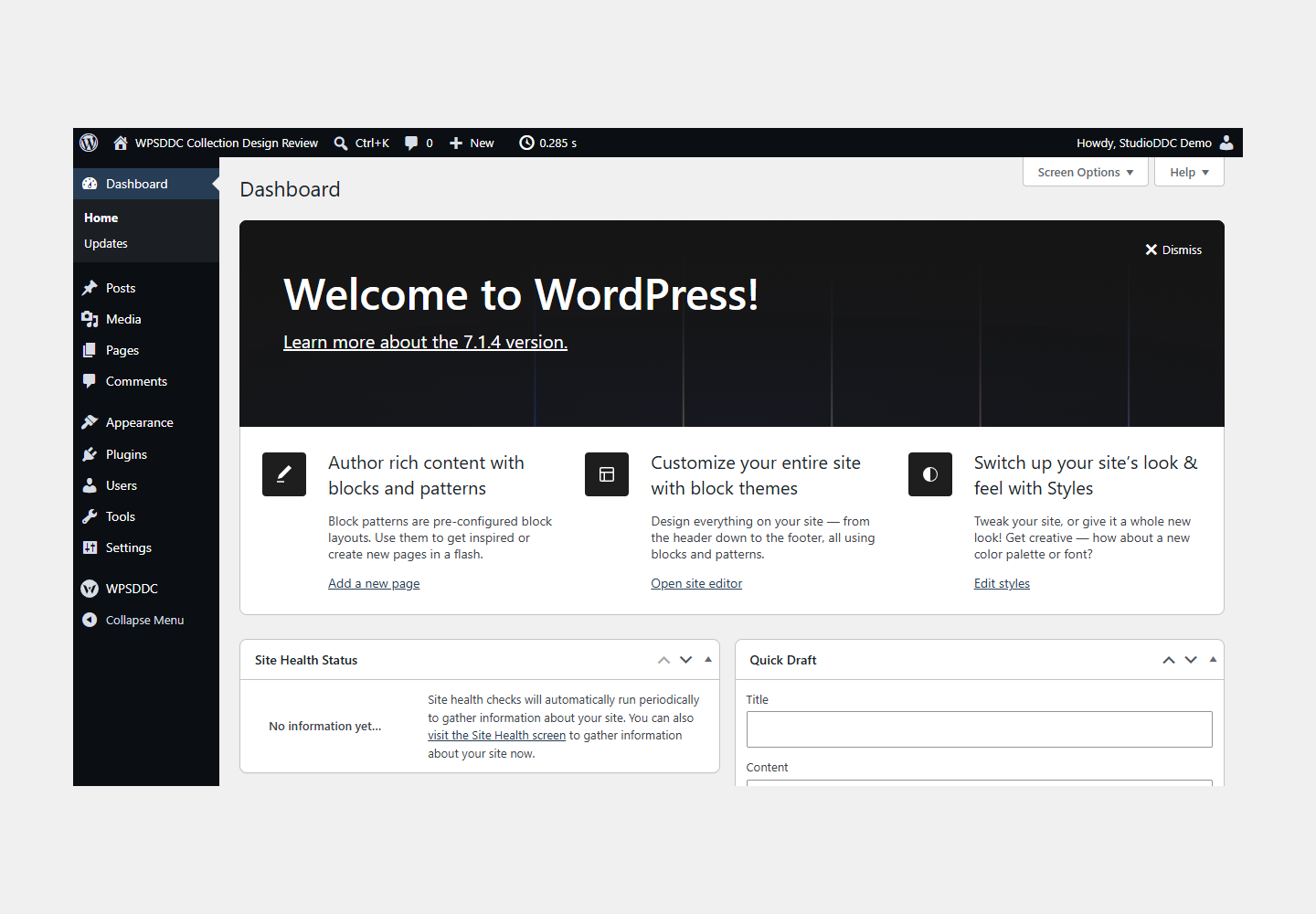
Enable the toolbar timer and open a page while signed in with the toolbar visible. It shows elapsed server execution time until the toolbar is rendered.
Operating Limits
Only local settings are stored. Samples are not recorded or sent anywhere. This quick indicator does not measure full browser loading time or network TTFB and does not replace a profiler.
Data, Privacy and Deactivation
Only local settings are stored. Samples are not recorded or sent anywhere. This quick indicator does not measure full browser loading time or network TTFB and does not replace a profiler.
Detailed Behavior
Display elapsed server execution time in the WordPress toolbar for signed-in users.
The optional toolbar timer shows elapsed PHP execution up to toolbar rendering, not browser load time or network TTFB. Six ranges provide a quick visual reference. The localized measured value is displayed immediately, with no counting animation or client-side timing. Disabled by default; no assets load for anonymous visitors. For site administrators and signed-in editors, it provides a lightweight request-time reference. It is not a load-testing, tracing or visitor analytics service. It stores only one site-local enable setting, retained on deactivation/removal; no timings or browsing history are saved. Anonymous visitors receive no output or assets. Signed-in users with a visible toolbar receive one small layout stylesheet whose colors inherit Core and one local visibility-only guard. Duplicate timing samples, animation and empty compatibility hooks are excluded. Layout observers are scoped to the toolbar.
The plugin uses local WordPress APIs and does not send telemetry. Settings are retained after deactivation or removal.
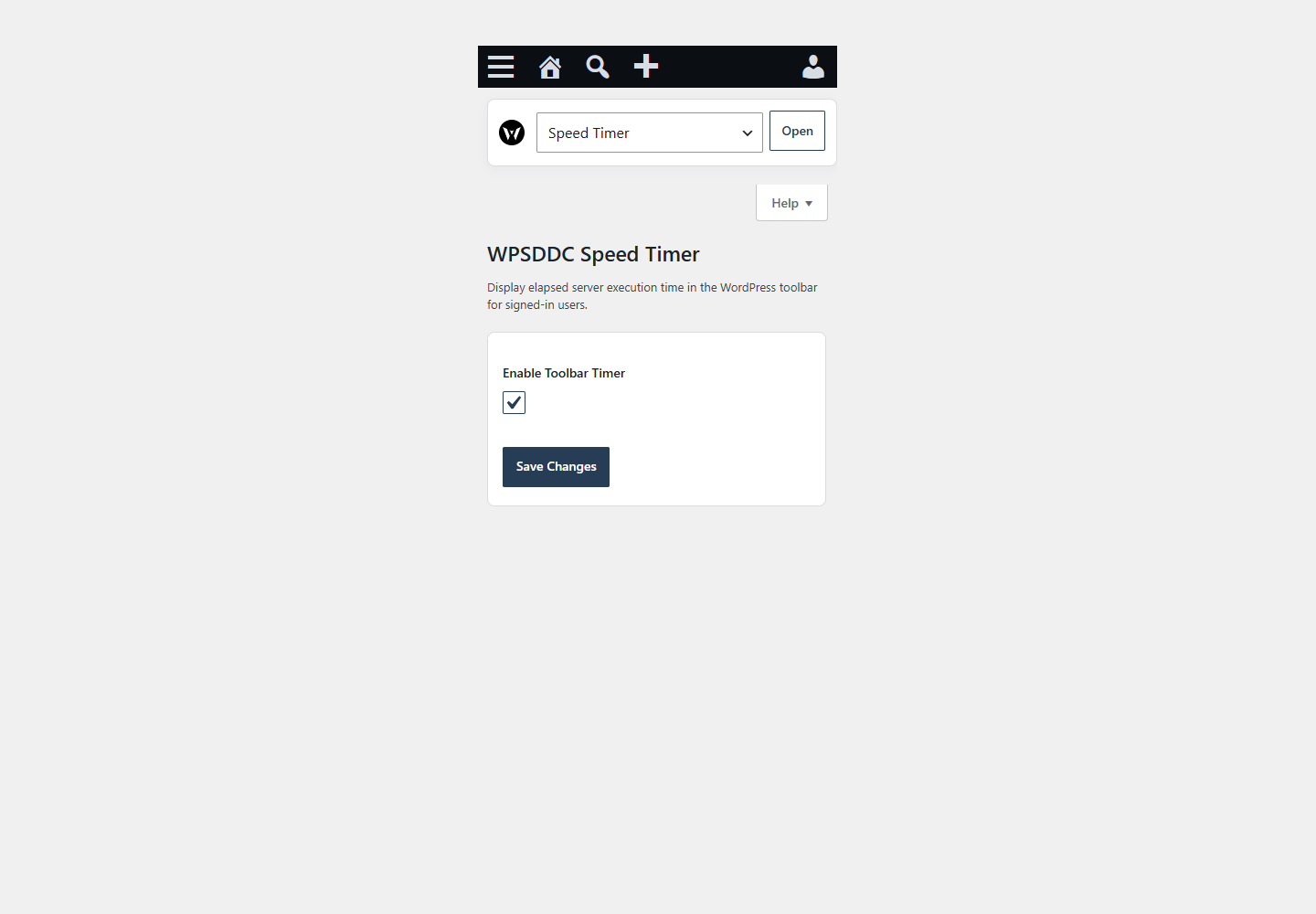
The optional toolbar indicator yields to Core navigation on compact, touch or crowded toolbars. A small local visibility guard measures available toolbar space when its layout changes. The elapsed server-time value remains a single static sample; the script does not animate, recompute, profile or transmit timings. Disabled and anonymous requests enqueue neither toolbar asset.
Frequently Asked Questions
Do I Need the Whole Collection?
No. Install only the plugins you need and check any product-specific dependencies listed above.
Is It Available on WordPress.org?
Version 1.0.0 is in preparation and is not published on WordPress.org yet. The official link will be added after an approved version is published.
Support and License
Check the documented limits first. Include the plugin, WordPress and PHP versions and reproduction steps when requesting support. Do not include passwords or personal data.
GPL-2.0-or-later license. Author: StudioDDC. Native WordPress controls.
Real Screenshots
Captured in real test WordPress installations with synthetic content. Images show implemented features and do not depict client installations.