WordPress Plugin
WPSDDC Social Marks
DocumentationDisplay customizable social profile links using a shortcode, widget or optional post and product placements.
Documentation
The WPSDDC Social Marks WordPress Plugin is designed for customizable social profile links. It helps editors display profile icons through shortcodes and optional widgets. This is useful for placing consistent social links in WordPress content. Site owners configure their own profile destinations.
For practical context on the WPSDDC Social Marks WordPress Plugin, read About. The official reference on WordPress Shortcodes explains related technical concepts.
Requirements and Compatibility
- WordPress 6.0 or later; PHP 8.1 or later.
- English and Spanish interface.
- Works without the general HQ plugin; active collection plugins share one WPSDDC menu.
Installation and First Steps
- Check requirements and use a test installation first.
- When the official ZIP is available to you, open Plugins → Add New → Upload Plugin, select it and activate it.
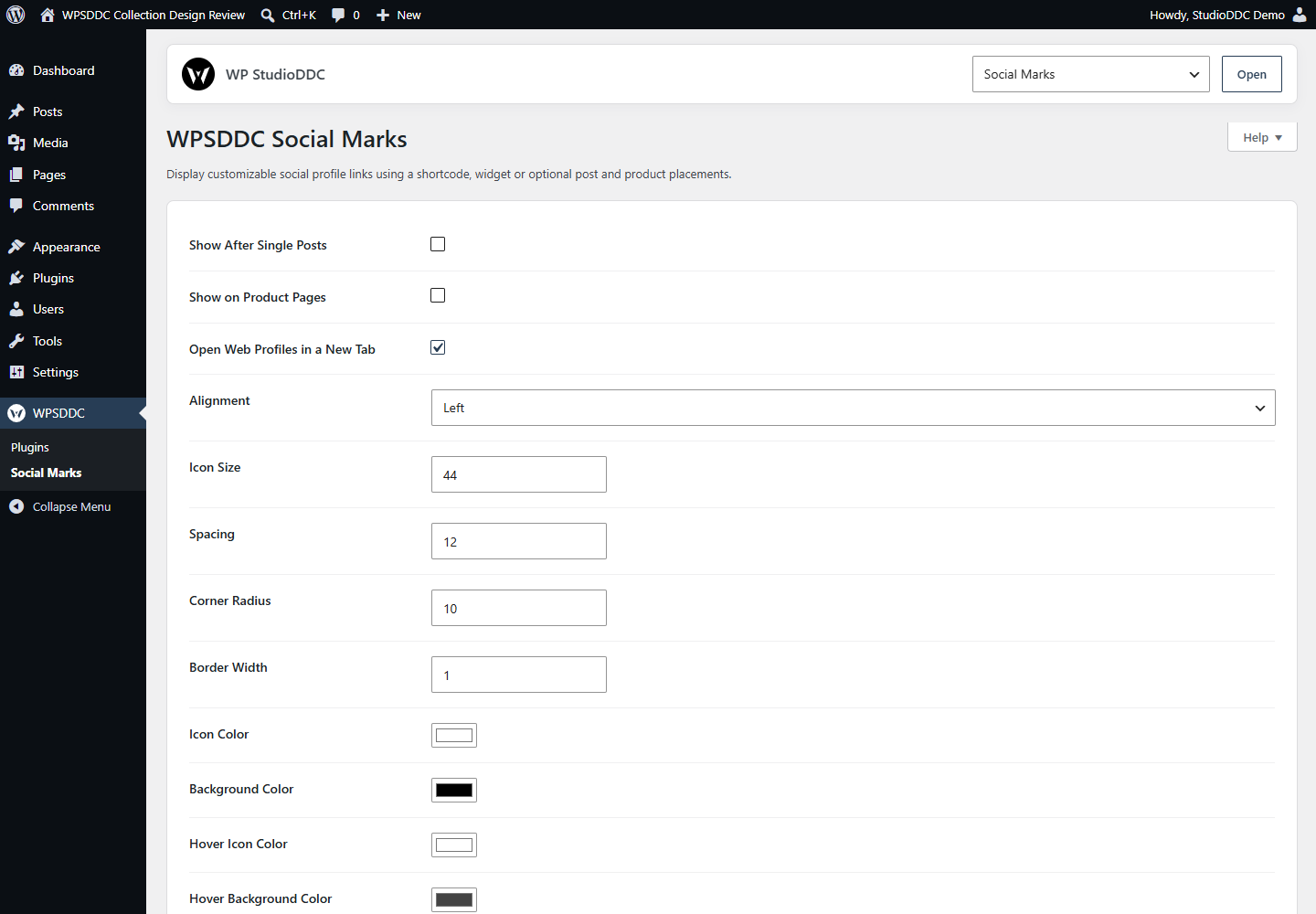
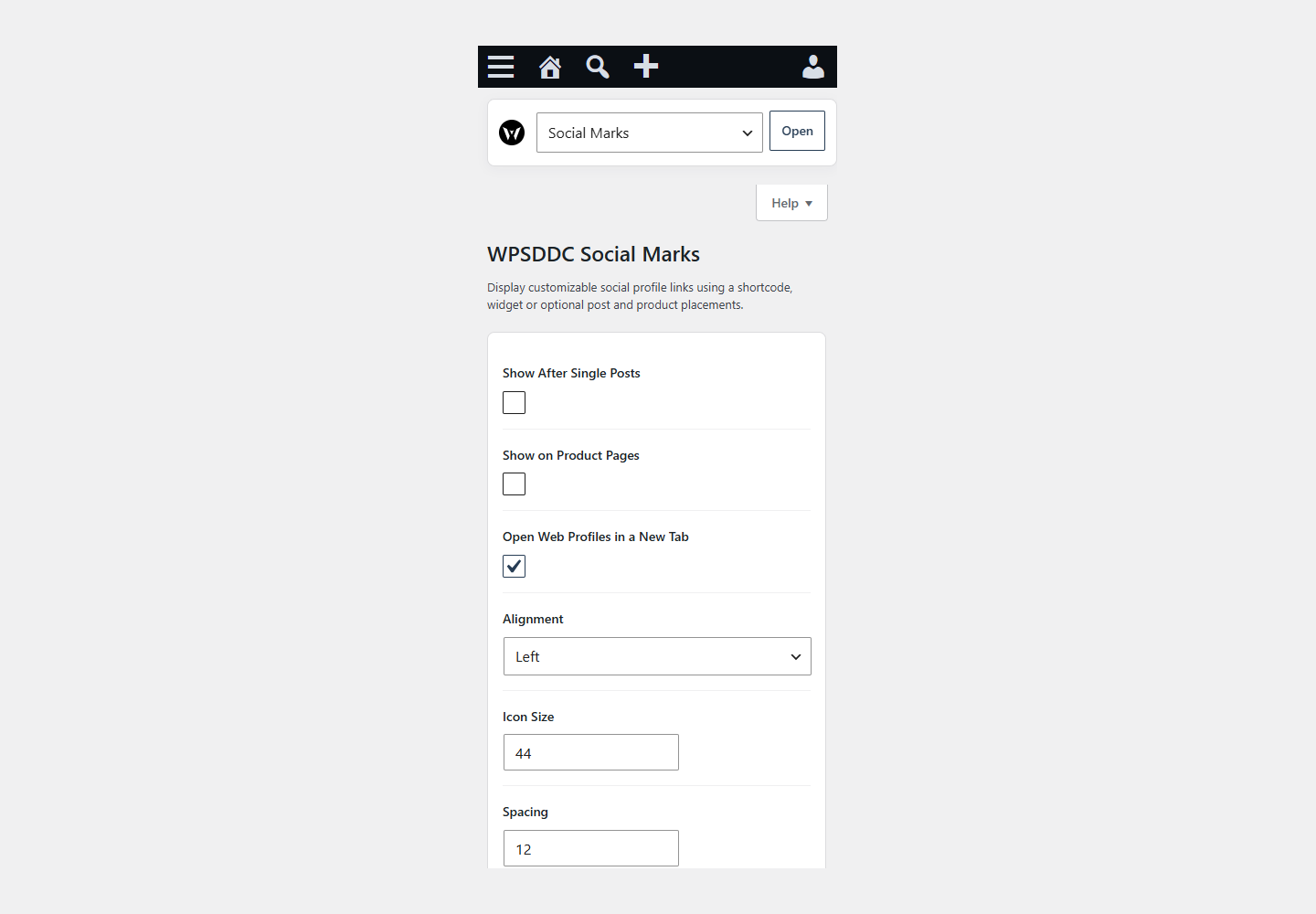
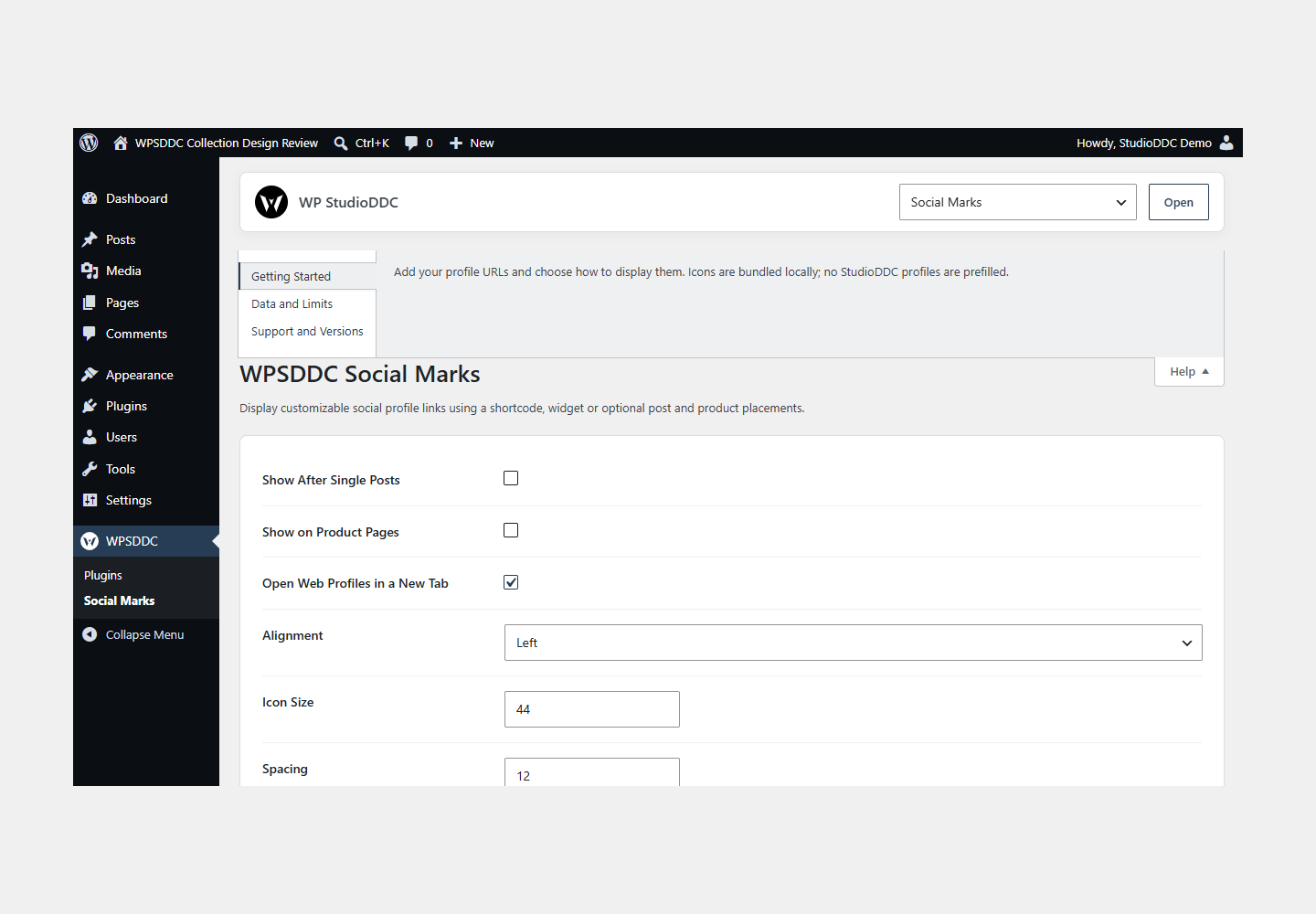
- Open WPSDDC → Social Marks. The native Help tab includes instructions and support.
Configuration and Use
Add your profile URLs and choose how to display them. Icons are bundled locally; no StudioDDC profiles are prefilled.
Operating Limits
Profile URLs and settings stay local. Visitors contact a social service when following a link. No remote icon library or visit statistics are loaded.
Data, Privacy and Deactivation
Profile URLs and settings stay local. Visitors contact a social service when following a link. No remote icon library or visit statistics are loaded.
Detailed Behavior
Display customizable social profile links using a shortcode, widget or optional post and product placements.
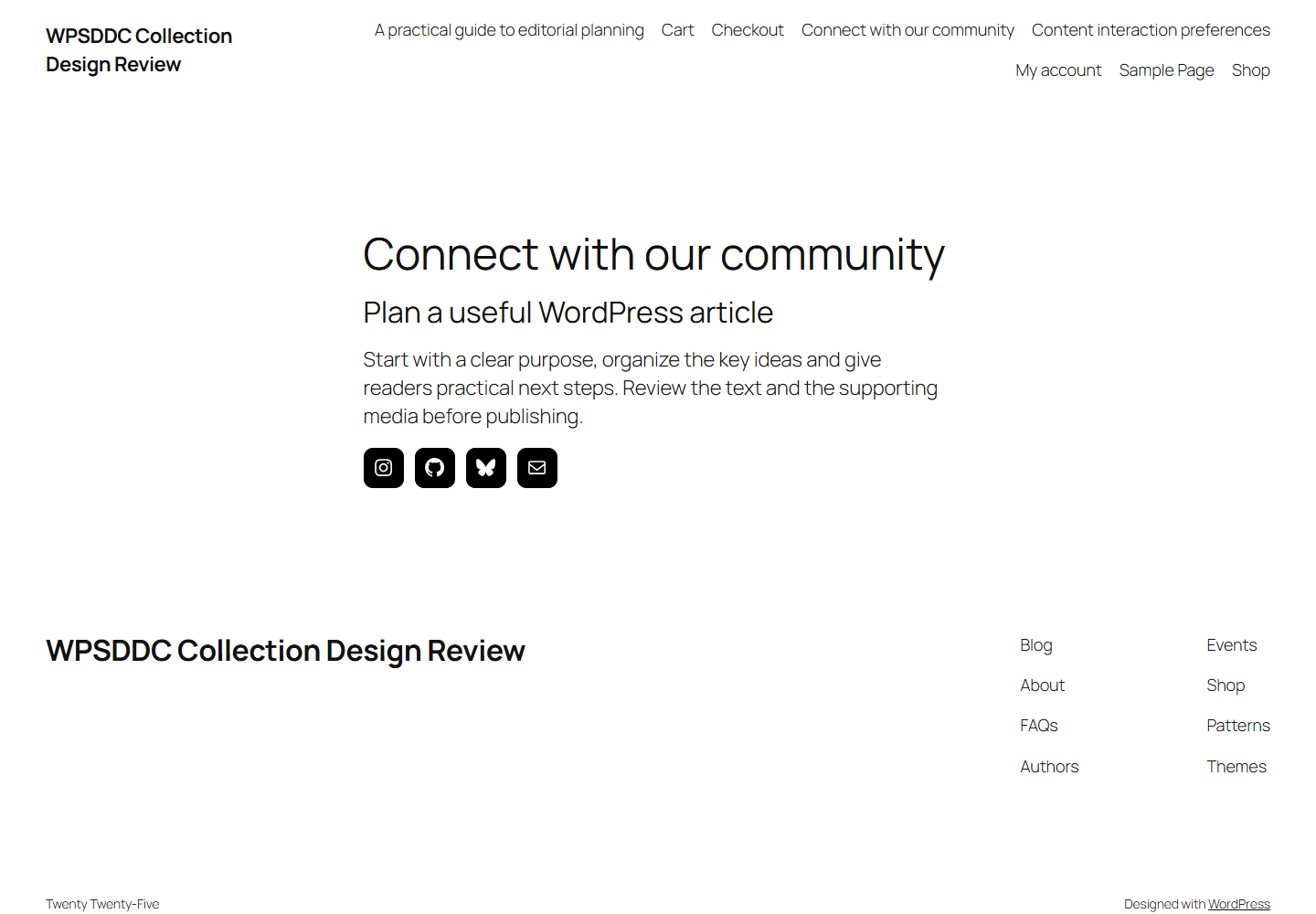
Configure profile destinations under WPSDDC > Social Marks. Use [wpsddc_social_marks align=”center” size=”36″], the Social Marks widget, or optional placements after single posts and on WooCommerce products. Choose from 64 supported public profile types. WordPress Core supplies supported social icons; supplemental SVG geometry is bundled from Simple Icons 13.21.0 under CC0. Unverified artwork (including laTostadora) uses a generic Core link icon; telephone uses a Unicode symbol. No private brand catalog is included. Links never load third-party resources before a visitor follows them. The new-tab preference is now honored and announced to assistive technology. No JavaScript, global admin assets, external requests, analytics or mandatory WooCommerce dependency are added. Settings and widget titles are retained on removal.
The plugin uses local WordPress APIs and does not send telemetry. Settings are retained after deactivation or removal.
Frequently Asked Questions
Do I Need the Whole Collection?
No. Install only the plugins you need and check any product-specific dependencies listed above.
Is It Available on WordPress.org?
Version 1.0.0 is in preparation and is not published on WordPress.org yet. The official link will be added after an approved version is published.
Support and License
Check the documented limits first. Include the plugin, WordPress and PHP versions and reproduction steps when requesting support. Do not include passwords or personal data.
GPL-2.0-or-later license. Author: StudioDDC. Native WordPress controls.
Real Screenshots
Captured in real test WordPress installations with synthetic content. Images show implemented features and do not depict client installations.