WordPress Plugin
WPSDDC Scroll Ascend
DocumentationAdd an accessible, optional back-to-top control that respects existing theme controls and reduced-motion preferences.
Documentation
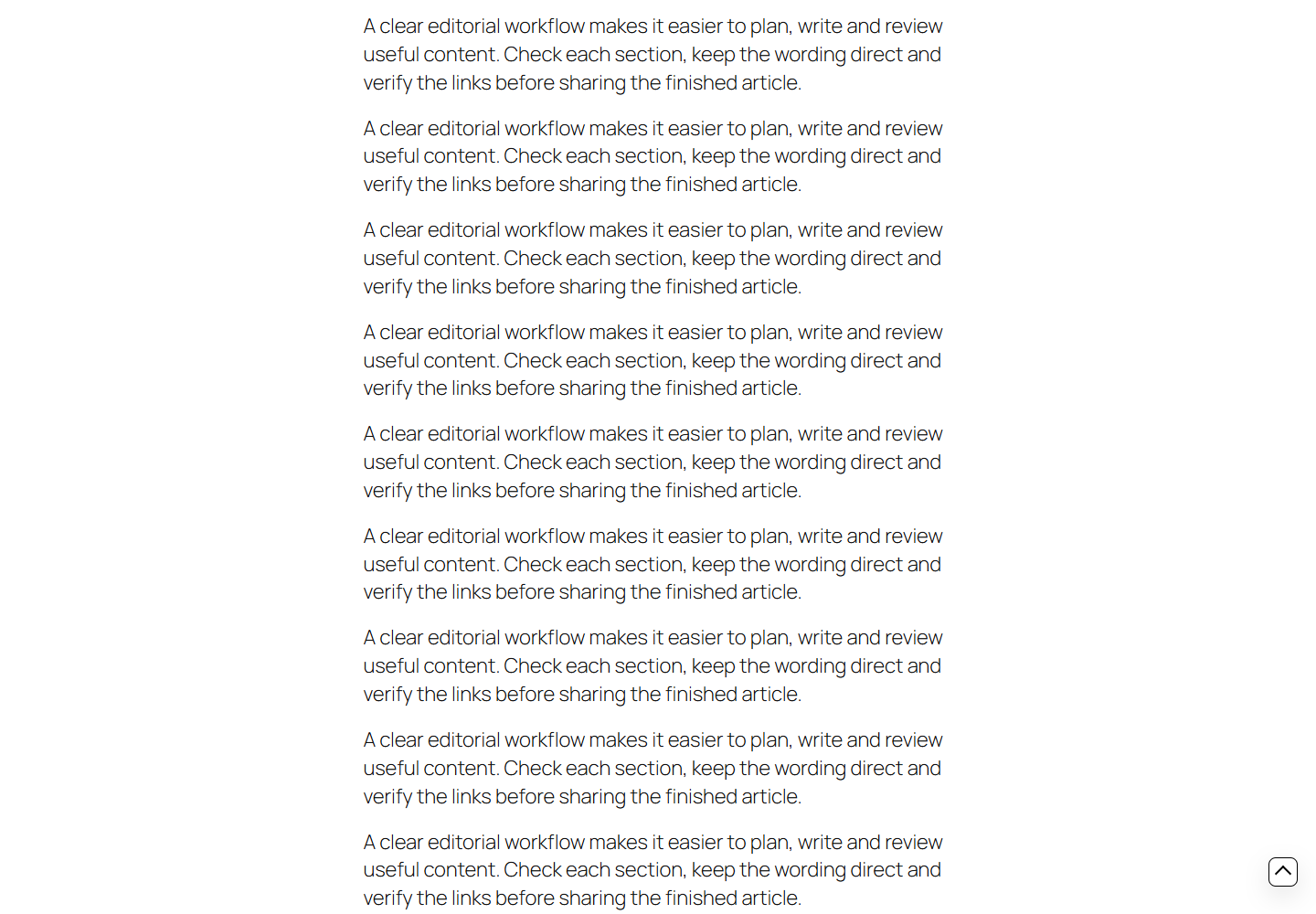
The WPSDDC Scroll Ascend WordPress Plugin is designed for an accessible back-to-top button. It helps editors configure its appearance and respect reduced-motion preferences. This is useful for simpler navigation on long WordPress pages. The optional control should not duplicate an existing theme button.
For practical context on the WPSDDC Scroll Ascend WordPress Plugin, read Keyboard and Contrast Checks Every Plugin Interface Needs. The official reference on W3C Reduced Motion Guidance explains related technical concepts.
Requirements and Compatibility
- WordPress 6.0 or later; PHP 8.1 or later.
- English and Spanish interface.
- Works without the general HQ plugin; active collection plugins share one WPSDDC menu.
Installation and First Steps
- Check requirements and use a test installation first.
- When the official ZIP is available to you, open Plugins → Add New → Upload Plugin, select it and activate it.
- Open WPSDDC → Scroll Ascend. The native Help tab includes instructions and support.
Configuration and Use
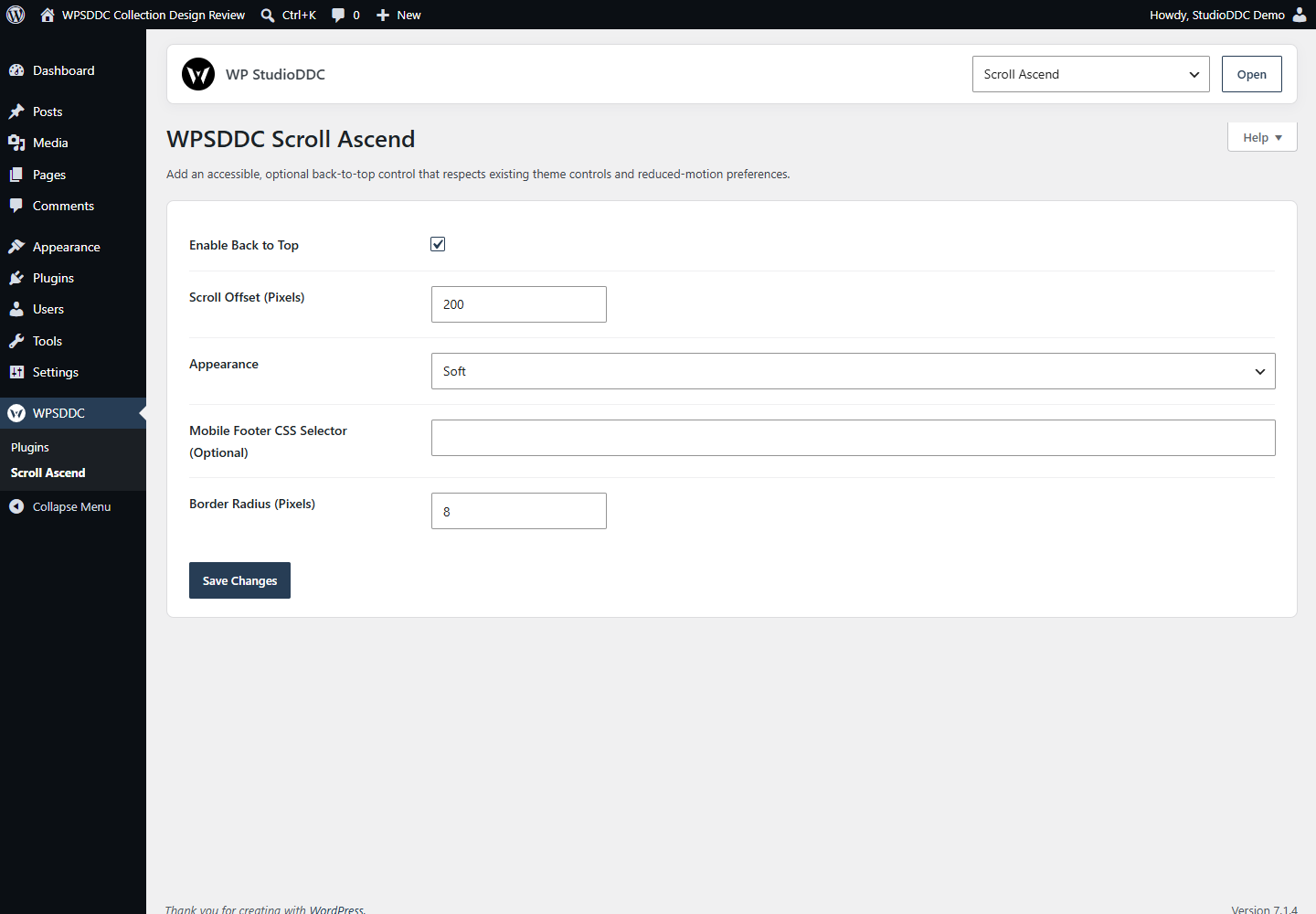
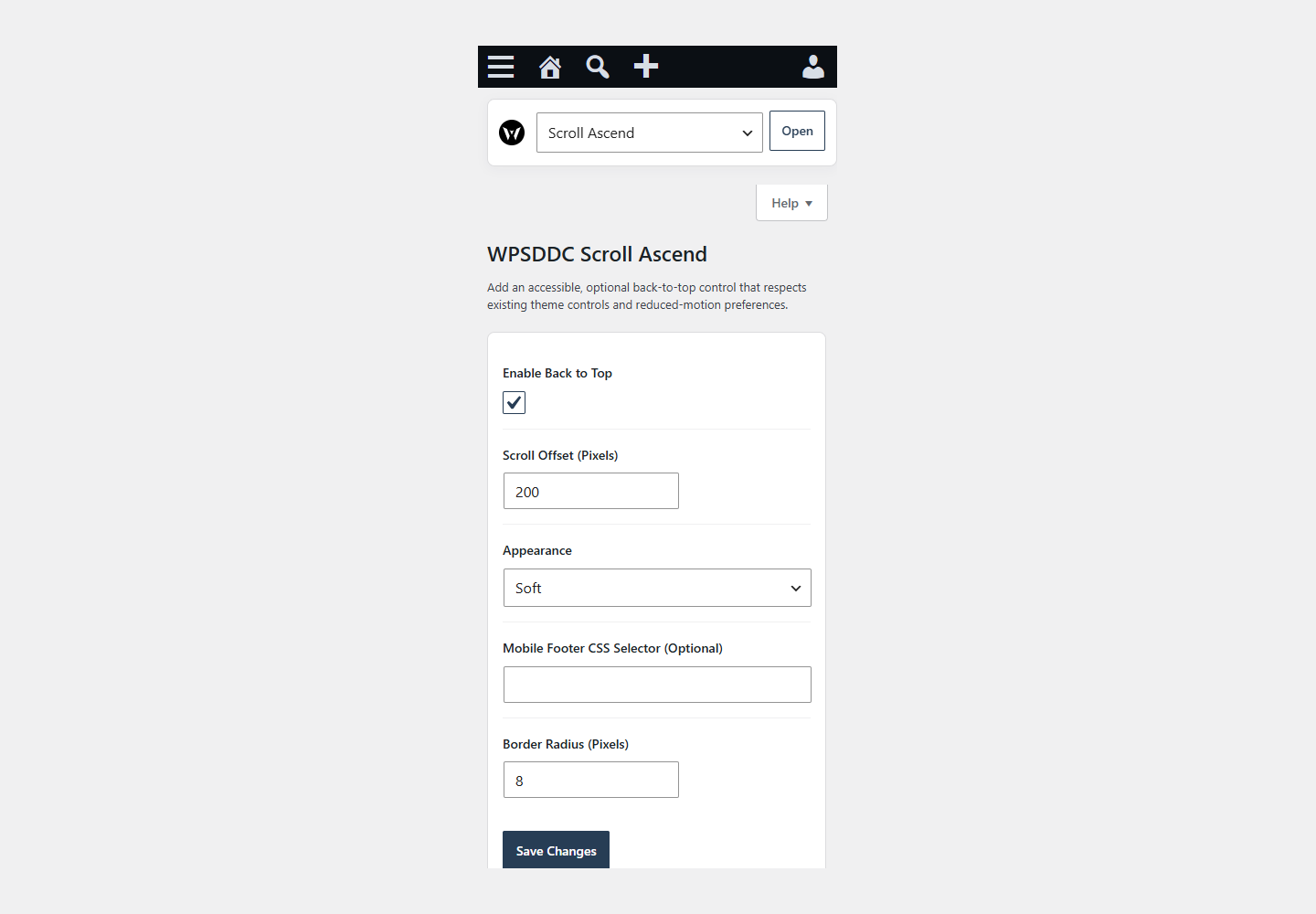
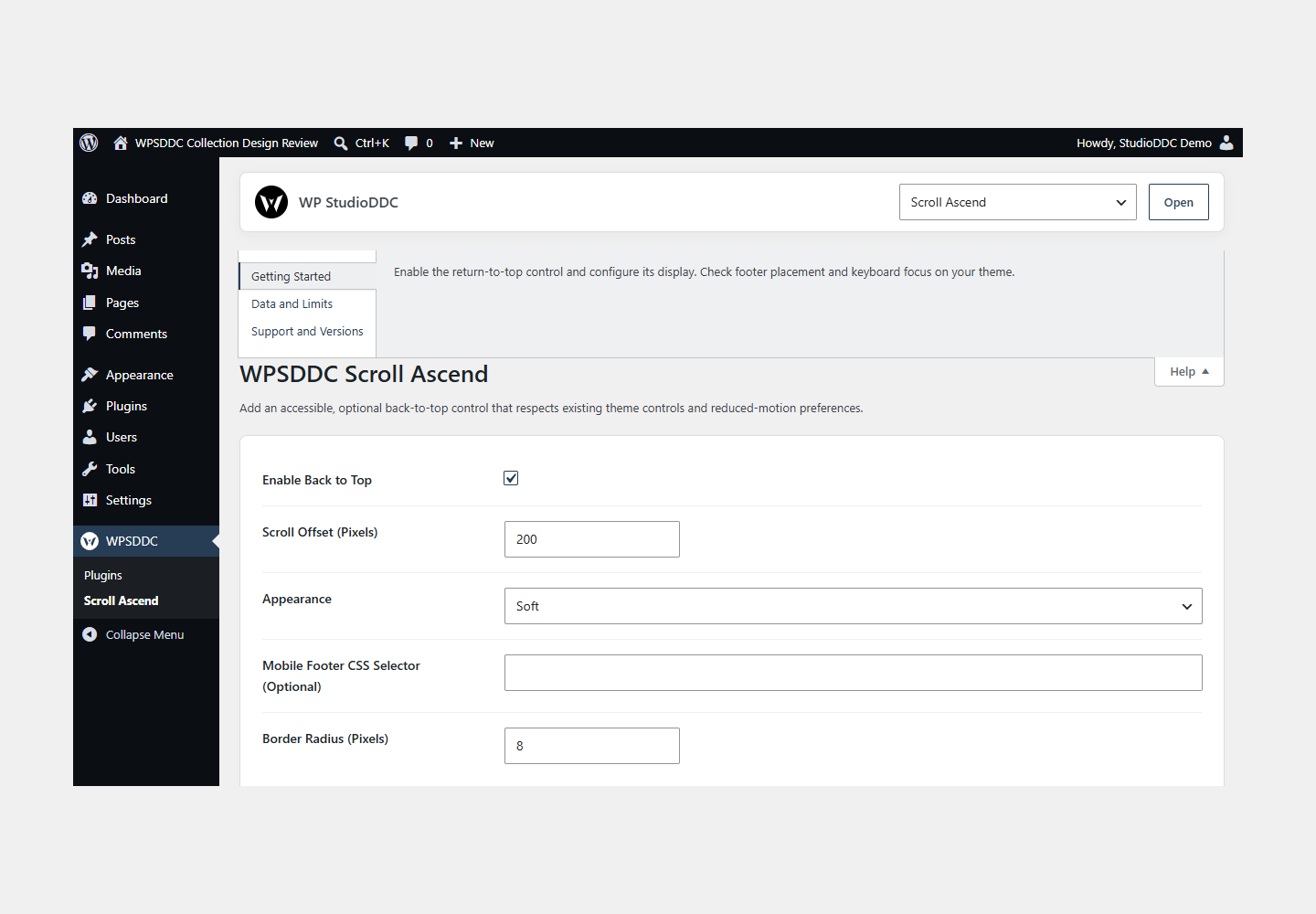
Enable the return-to-top control and configure its display. Check footer placement and keyboard focus on your theme.
Operating Limits
Only local settings are stored. The control respects reduced-motion preferences and loads only when enabled. A custom footer selector must match your theme. Scrolling is not tracked.
Data, Privacy and Deactivation
Only local settings are stored. The control respects reduced-motion preferences and loads only when enabled. A custom footer selector must match your theme. Scrolling is not tracked.
Detailed Behavior
Add an accessible, optional back-to-top control that respects existing theme controls and reduced-motion preferences.
Preserves the optional control, theme-control suppression, scroll threshold, neutral system-color appearance, optional user-defined mobile-footer selector and reduced-motion behavior. Settings use their own namespace and native Settings API. The control is disabled by default. Runtime styling is scoped; no administration assets are loaded.
The plugin uses local WordPress APIs and does not send telemetry. Settings are retained after deactivation or removal.
Frequently Asked Questions
Do I Need the Whole Collection?
No. Install only the plugins you need and check any product-specific dependencies listed above.
Is It Available on WordPress.org?
Version 1.0.0 is in preparation and is not published on WordPress.org yet. The official link will be added after an approved version is published.
Support and License
Check the documented limits first. Include the plugin, WordPress and PHP versions and reproduction steps when requesting support. Do not include passwords or personal data.
GPL-2.0-or-later license. Author: StudioDDC. Native WordPress controls.
Real Screenshots
Captured in real test WordPress installations with synthetic content. Images show implemented features and do not depict client installations.