WordPress Plugin
WPSDDC Related Nexus
DocumentationShow related public content ranked by shared terms, with optional recent results, automatic placement or a shortcode.
Documentation
The WPSDDC Related Nexus WordPress Plugin is designed for finding related posts through shared taxonomy terms. It helps editors display relevant public content based on categories and tags. This is useful for suggesting related WordPress articles without external services. Results depend on the available content and its taxonomy relationships.
For practical context on the WPSDDC Related Nexus WordPress Plugin, read Why Native WordPress APIs Beat Extra Dependencies. The official reference on WordPress Content Queries explains related technical concepts.
Requirements and Compatibility
- WordPress 6.0 or later; PHP 8.1 or later.
- English and Spanish interface.
- Works without the general HQ plugin; active collection plugins share one WPSDDC menu.
Installation and First Steps
- Check requirements and use a test installation first.
- When the official ZIP is available to you, open Plugins → Add New → Upload Plugin, select it and activate it.
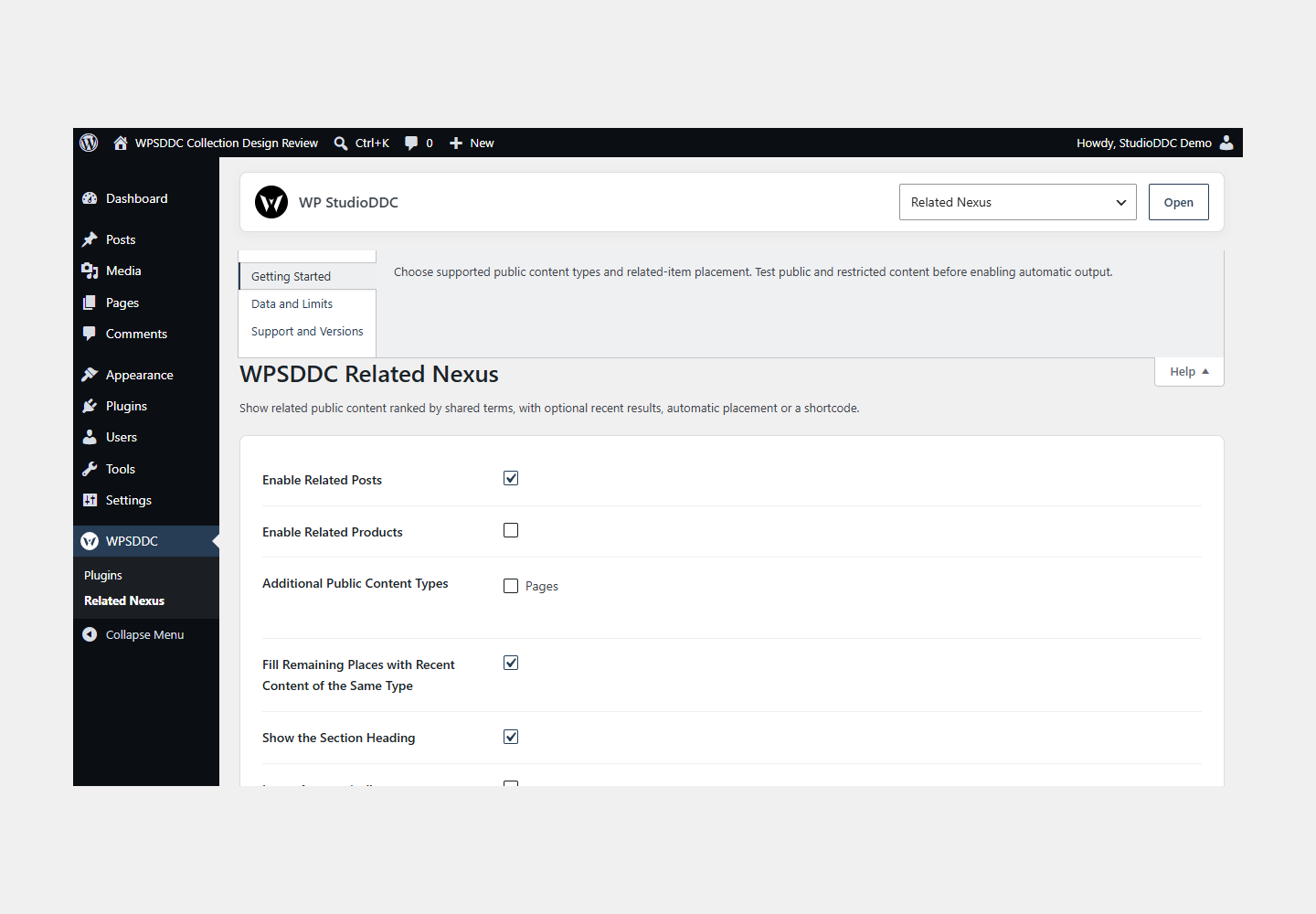
- Open WPSDDC → Related Nexus. The native Help tab includes instructions and support.
Configuration and Use
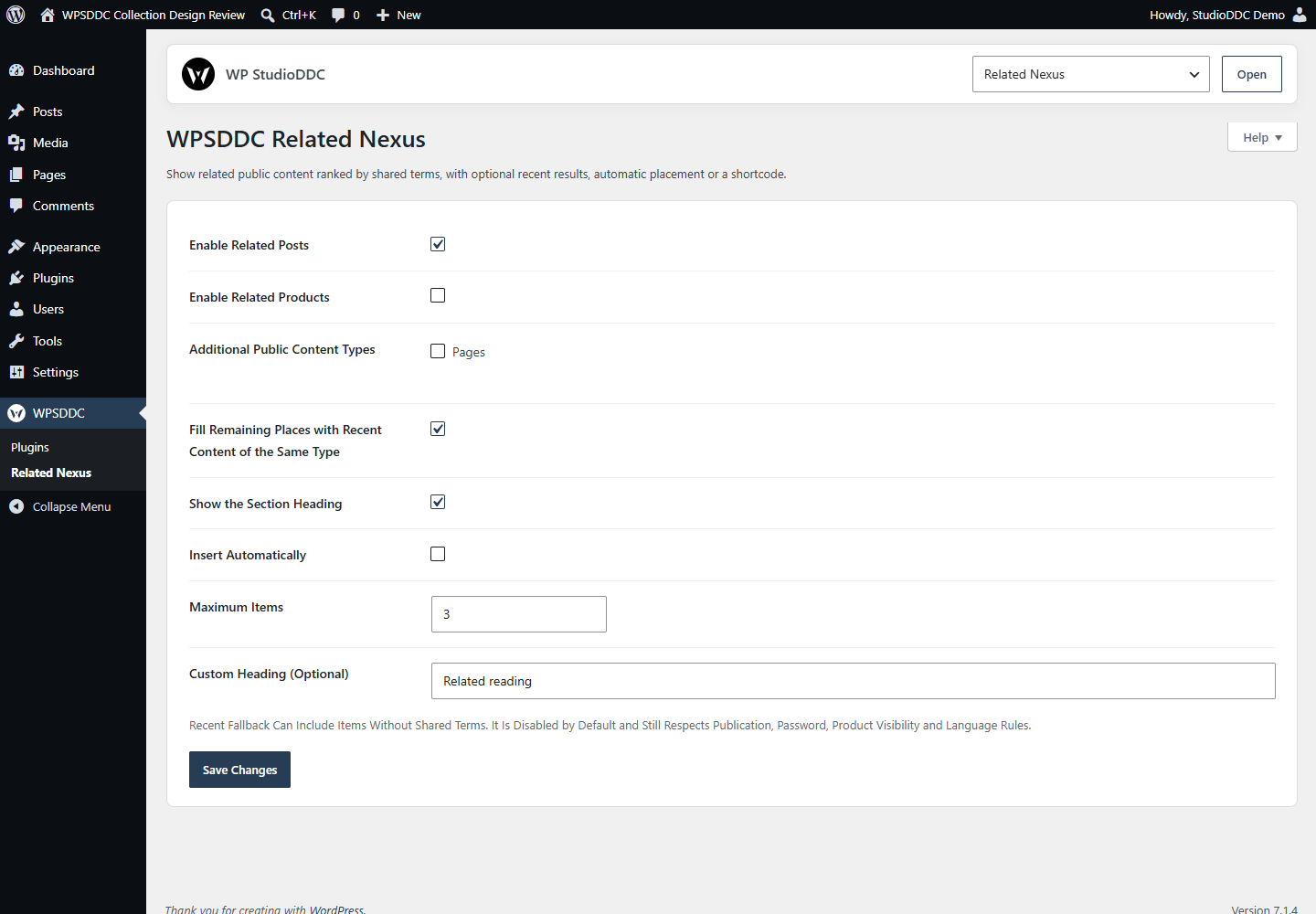
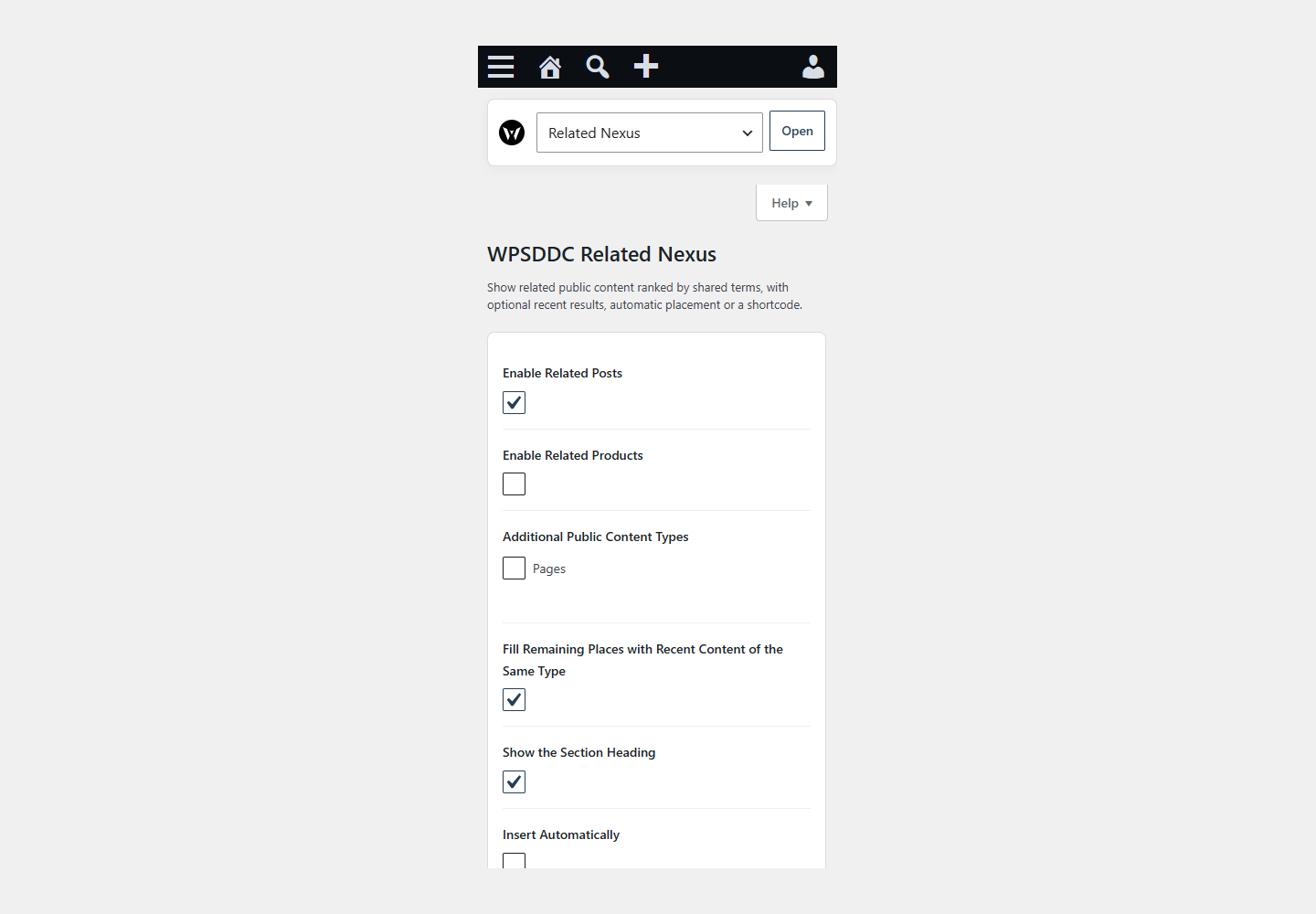
Choose supported public content types and related-item placement. Test public and restricted content before enabling automatic output.
Operating Limits
Recommendations use bounded local queries and are reused within the request. Only eligible public items are returned. There is no persistent recommendation cache or visitor profiling.
Data, Privacy and Deactivation
Recommendations use bounded local queries and are reused within the request. Only eligible public items are returned. There is no persistent recommendation cache or visitor profiling.
Detailed Behavior
Show related public content ranked by shared terms, with optional recent results, automatic placement or a shortcode.
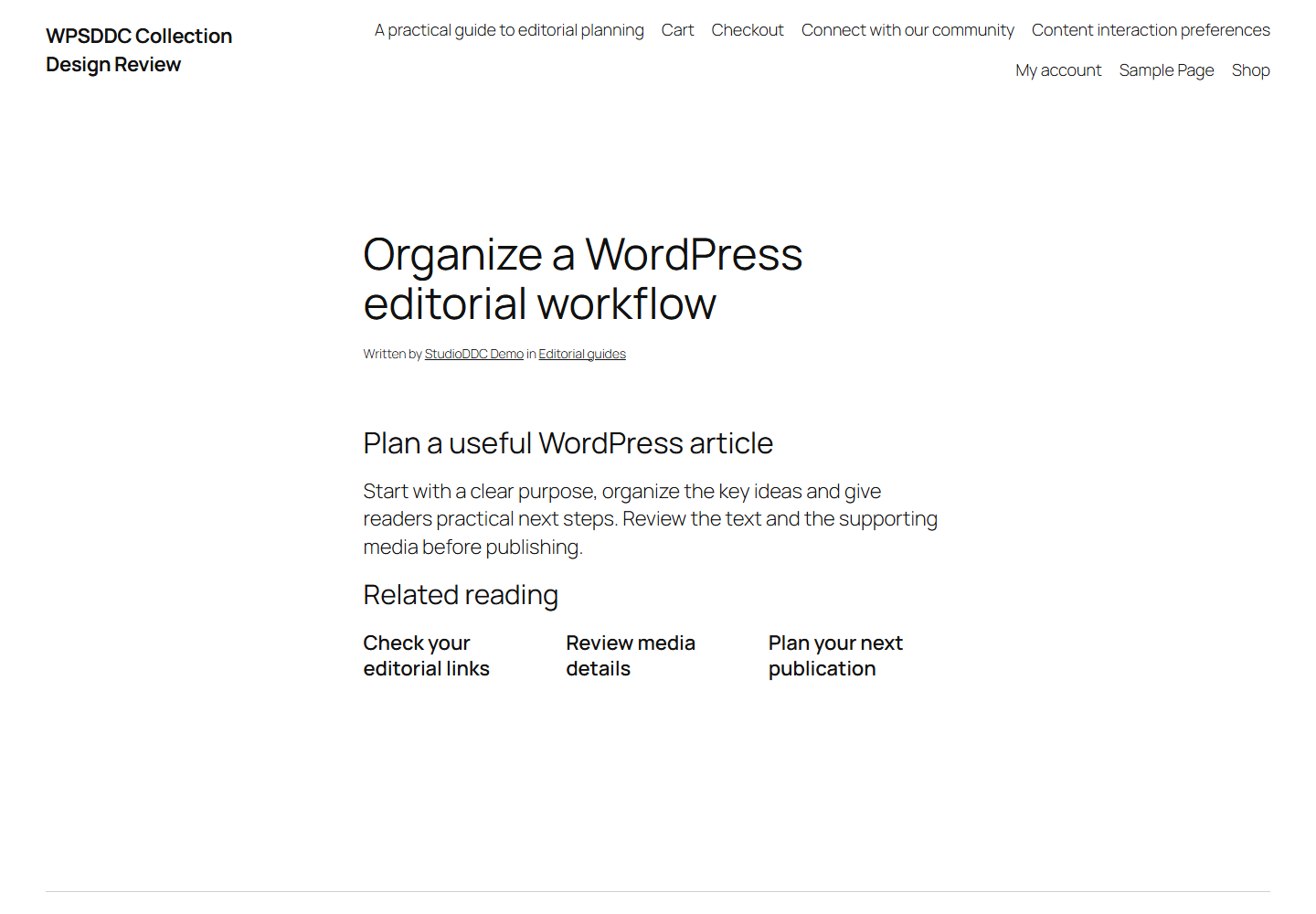
Public content types are independently opt-in, including pages and discovered custom types. Related terms use the type’s registered public taxonomies, weighted 100 for hierarchical taxonomies and 40 otherwise. The optional recent-content fallback is disabled by default; when enabled it can add recent items of the same type without shared terms. Both matching and fallback remain bounded to queries of 49 records each, display at most 12 items and preserve password, publication, product-visibility and language checks. The visible heading can be disabled while retaining an accessible section name. Request-cache keys include the taxonomy selection and fallback mode. Products require a registered product post type; WooCommerce integration is optional and respects product visibility. Polylang language filtering is optional. Use [wpsddc_related_nexus] for manual placement and disable automatic insertion to avoid duplicate sections. Password-protected and non-public content is excluded. Each displayed section has a unique accessible heading. Results are reused within a request and invalidated by Core post/term cache changes; no persistent recommendation cache can expose stale content.
The plugin uses local WordPress APIs and does not send telemetry. Settings are retained after deactivation or removal.
Frequently Asked Questions
Do I Need the Whole Collection?
No. Install only the plugins you need and check any product-specific dependencies listed above.
Is It Available on WordPress.org?
Version 1.0.0 is in preparation and is not published on WordPress.org yet. The official link will be added after an approved version is published.
Support and License
Check the documented limits first. Include the plugin, WordPress and PHP versions and reproduction steps when requesting support. Do not include passwords or personal data.
GPL-2.0-or-later license. Author: StudioDDC. Native WordPress controls.
Real Screenshots
Captured in real test WordPress installations with synthetic content. Images show implemented features and do not depict client installations.