WordPress Plugin
WPSDDC Redirect Gateway
DocumentationCreate local short paths that redirect to configured web, email or telephone destinations.
Documentation
The WPSDDC Redirect Gateway WordPress Plugin is designed for creating short redirect paths on your own domain. It helps editors connect local aliases to approved web, email or phone destinations. This is useful for organizing short links for WordPress websites. Existing WordPress pages and endpoints take priority over aliases.
For practical context on the WPSDDC Redirect Gateway WordPress Plugin, read Hreflang and Canonical Signals on Bilingual Sites. The official reference on Safe WordPress Redirects explains related technical concepts.
Requirements and Compatibility
- WordPress 6.0 or later; PHP 8.1 or later.
- English and Spanish interface.
- Works without the general HQ plugin; active collection plugins share one WPSDDC menu.
Installation and First Steps
- Check requirements and use a test installation first.
- When the official ZIP is available to you, open Plugins → Add New → Upload Plugin, select it and activate it.
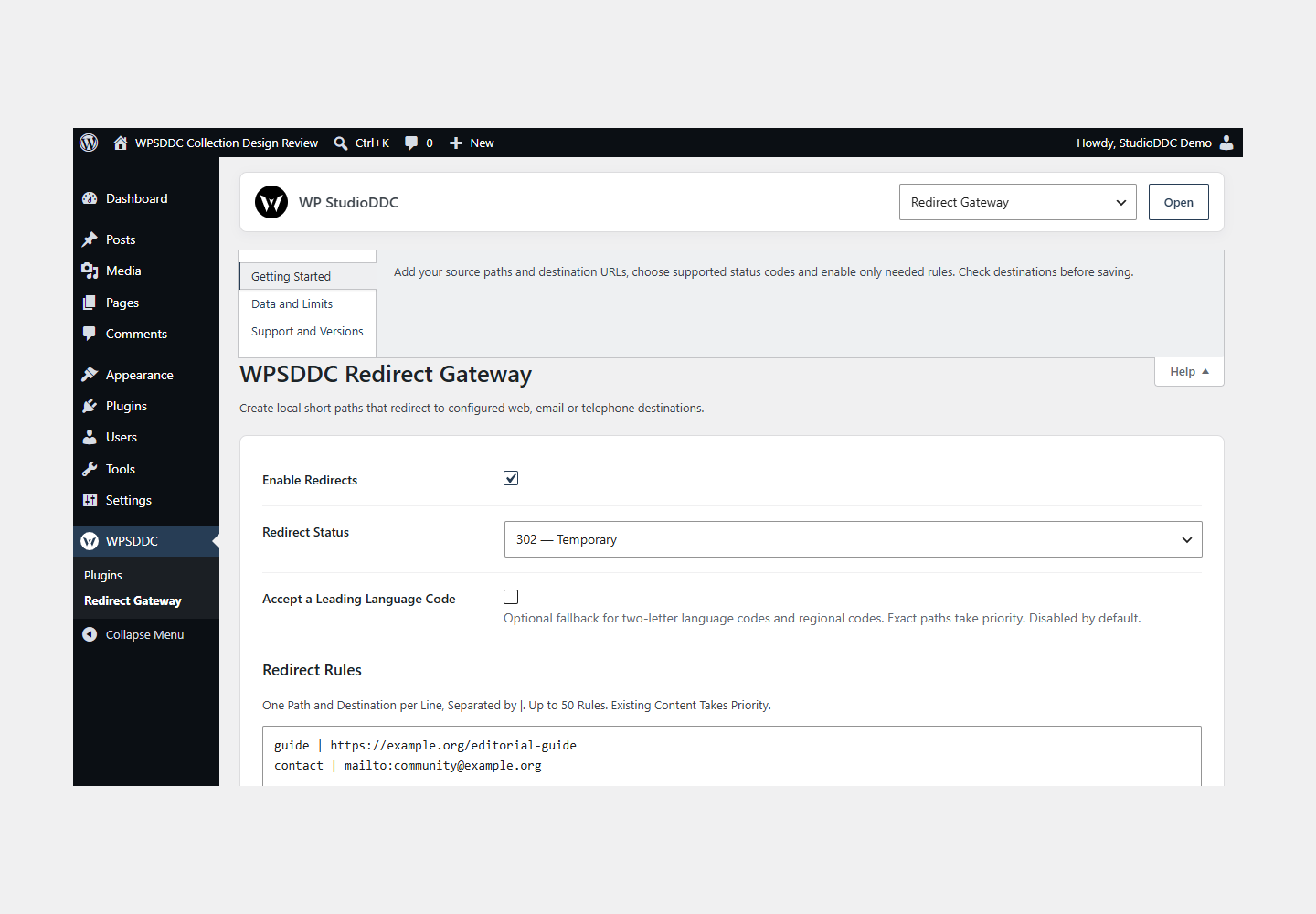
- Open WPSDDC → Redirect Gateway. The native Help tab includes instructions and support.
Configuration and Use
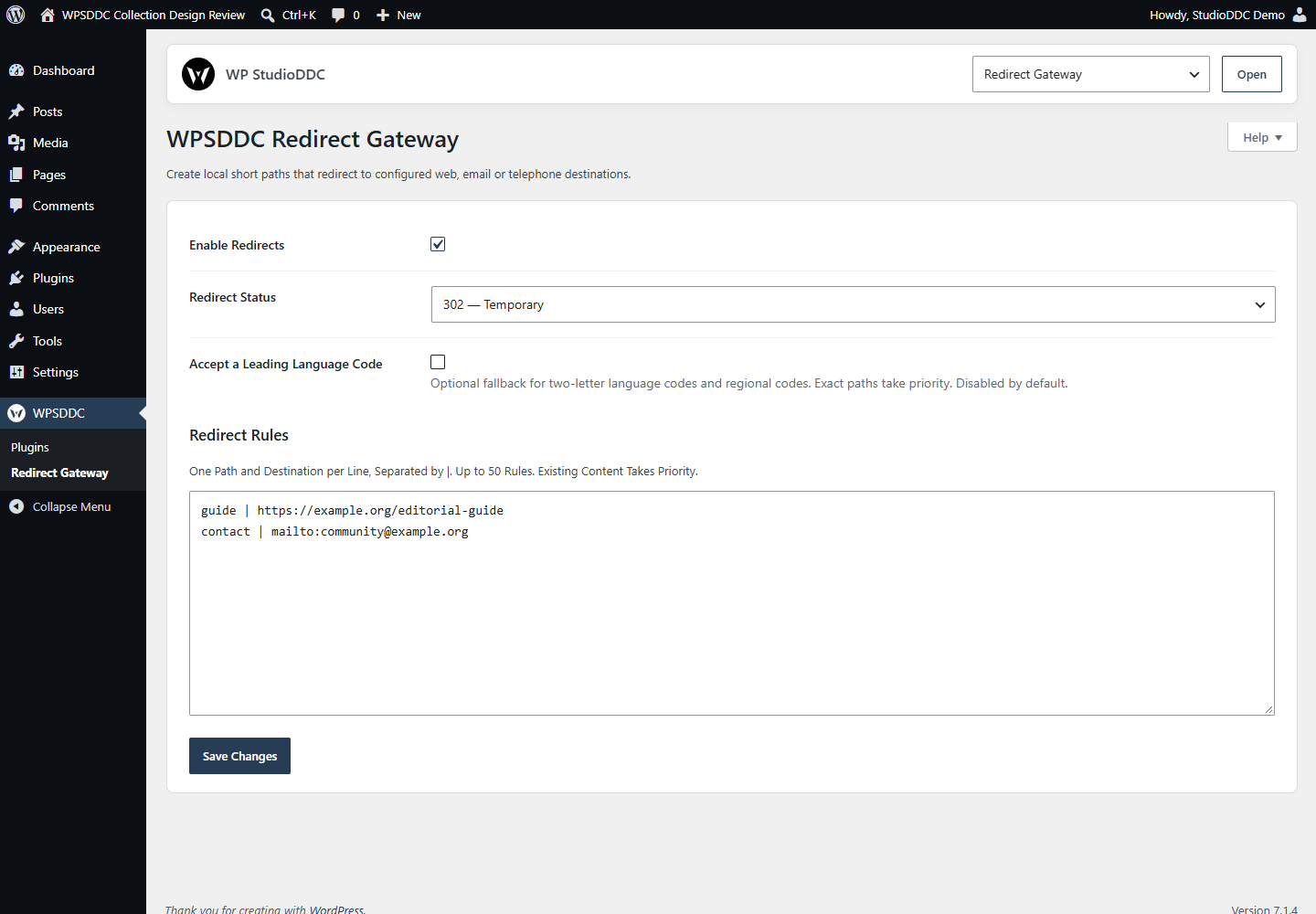
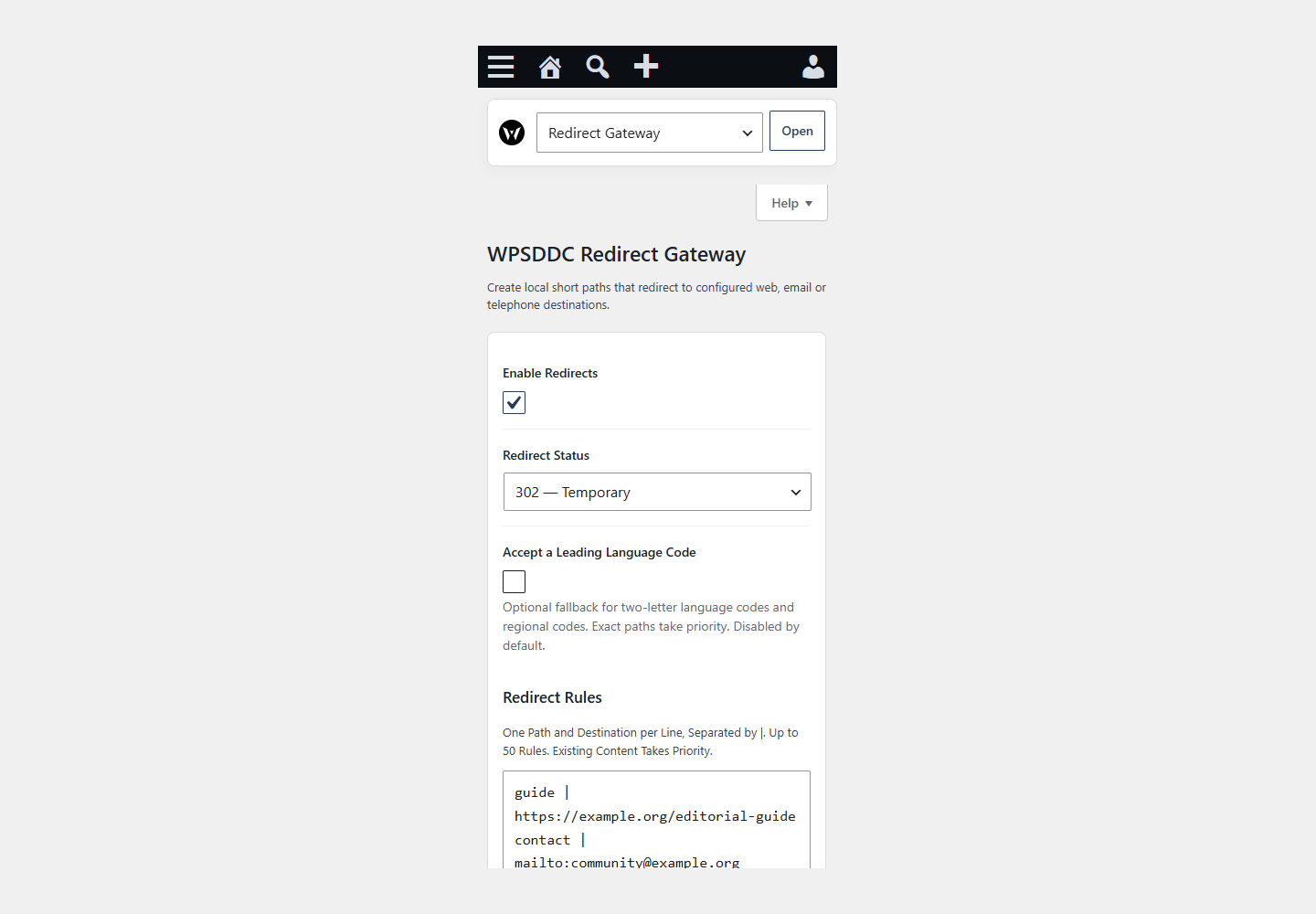
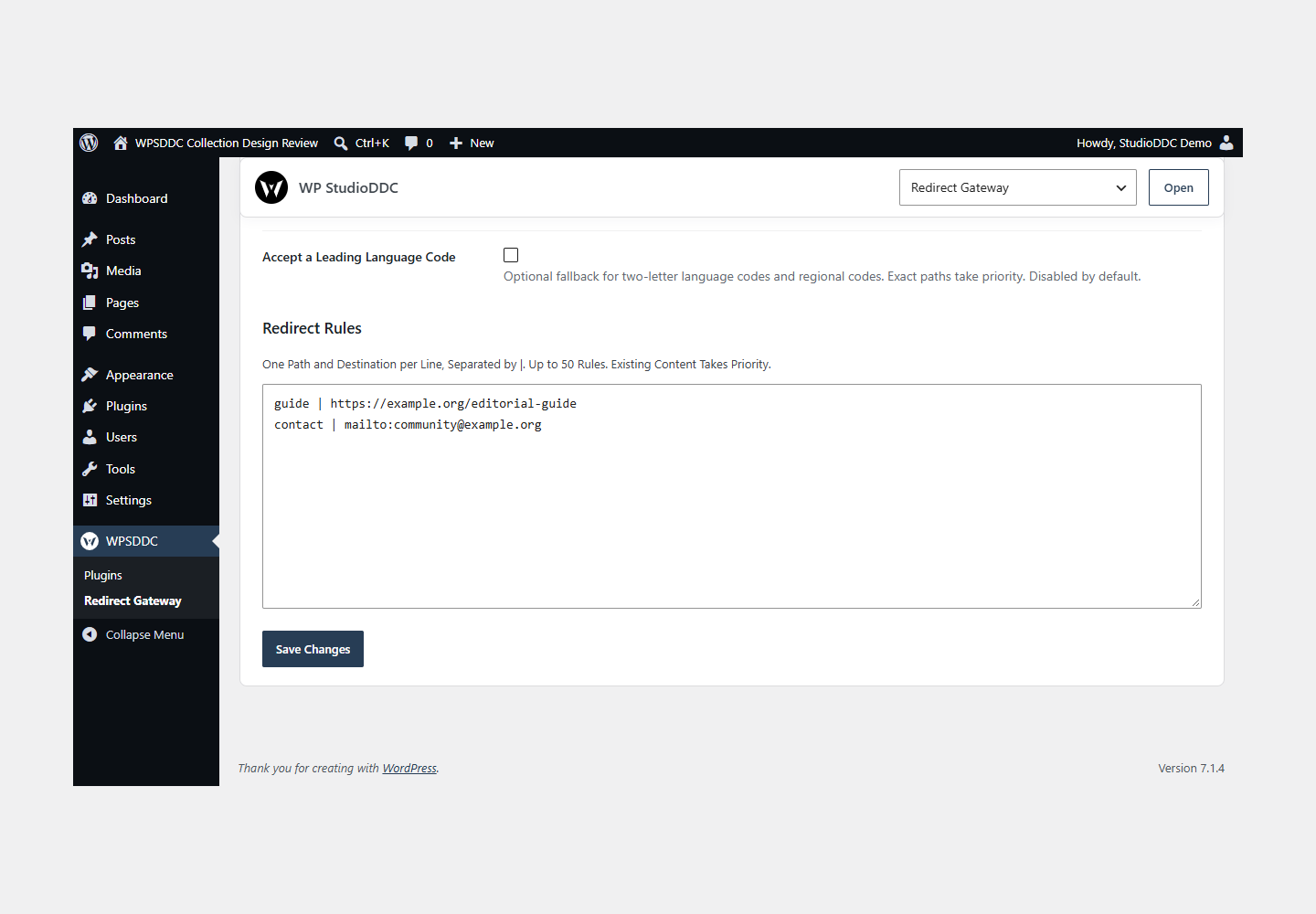
Add your source paths and destination URLs, choose supported status codes and enable only needed rules. Check destinations before saving.
Operating Limits
Up to 50 local rules are supported. Matching navigation receives an HTTP redirect; the server does not fetch the destination. Optional language prefixes depend on your configuration.
Data, Privacy and Deactivation
Up to 50 local rules are supported. Matching navigation receives an HTTP redirect; the server does not fetch the destination. Optional language prefixes depend on your configuration.
Detailed Behavior
Create local short paths that redirect to configured web, email or telephone destinations.
Configure up to 50 exact path/destination pairs, one per line. Destinations may use HTTP, HTTPS, mailto or tel. Redirects are opt-in and apply only to missing public routes requested with GET or HEAD; existing pages, posts, admin, REST, cron, AJAX and form submissions keep their normal behavior. Language-prefix fallback is disabled by default. When explicitly enabled, it accepts generic two-letter codes and regional codes; an exact stored path always takes priority over the fallback regardless of rule order. Request query parameters never supply or alter destinations. Invalid rules, reserved paths, credentials in URLs, header injection and detected local redirect cycles are rejected. No analytics, click logging, server-side fetching, rewrite flushing or runtime assets are added. Permanent redirects can be cached by browsers; use 302 while testing changes.
The plugin uses local WordPress APIs and does not send telemetry. Settings are retained after deactivation or removal.
Frequently Asked Questions
Do I Need the Whole Collection?
No. Install only the plugins you need and check any product-specific dependencies listed above.
Is It Available on WordPress.org?
Version 1.0.0 is in preparation and is not published on WordPress.org yet. The official link will be added after an approved version is published.
Support and License
Check the documented limits first. Include the plugin, WordPress and PHP versions and reproduction steps when requesting support. Do not include passwords or personal data.
GPL-2.0-or-later license. Author: StudioDDC. Native WordPress controls.
Real Screenshots
Captured in real test WordPress installations with synthetic content. Images show implemented features and do not depict client installations.