WordPress Plugin
WPSDDC Notices Control
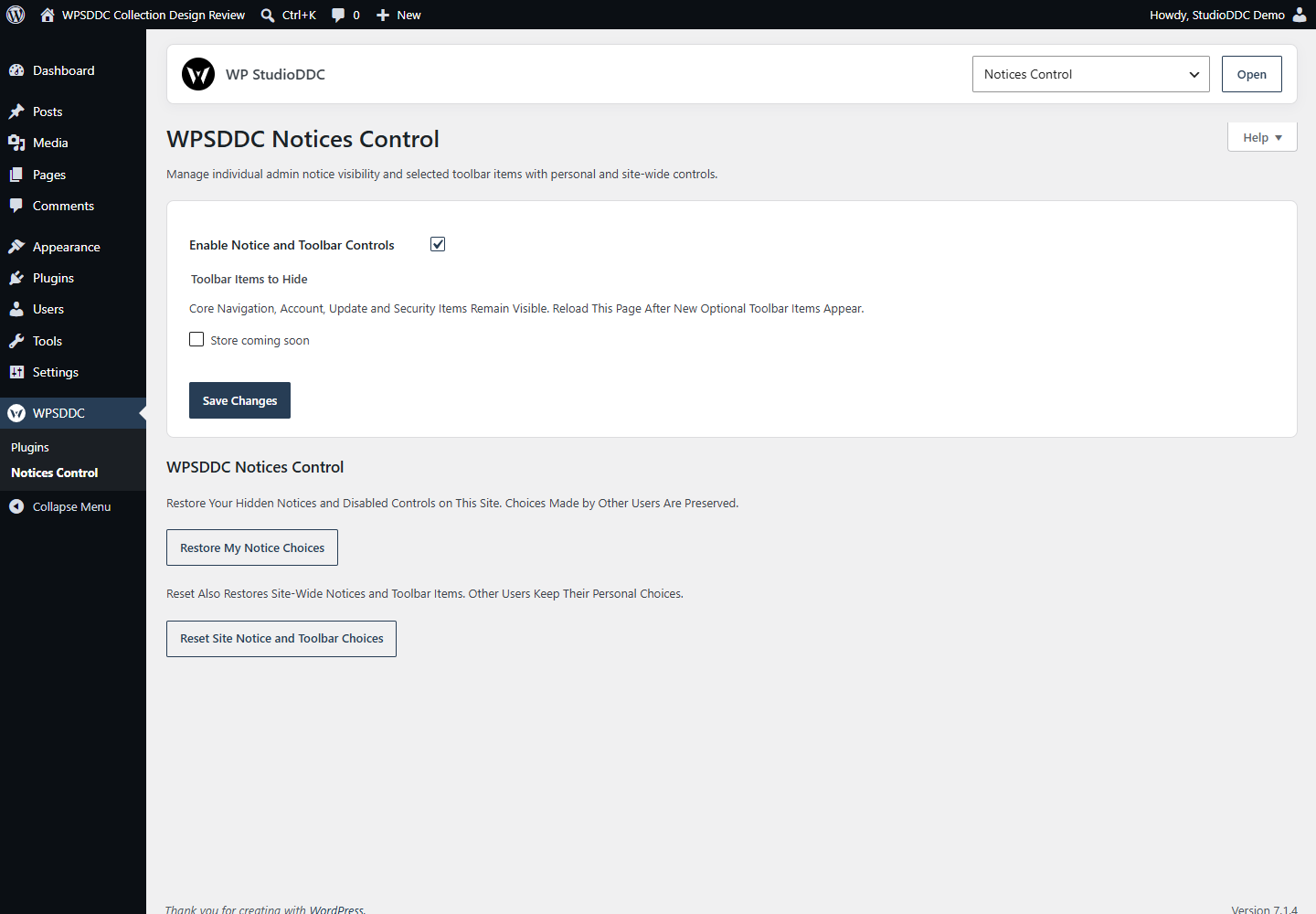
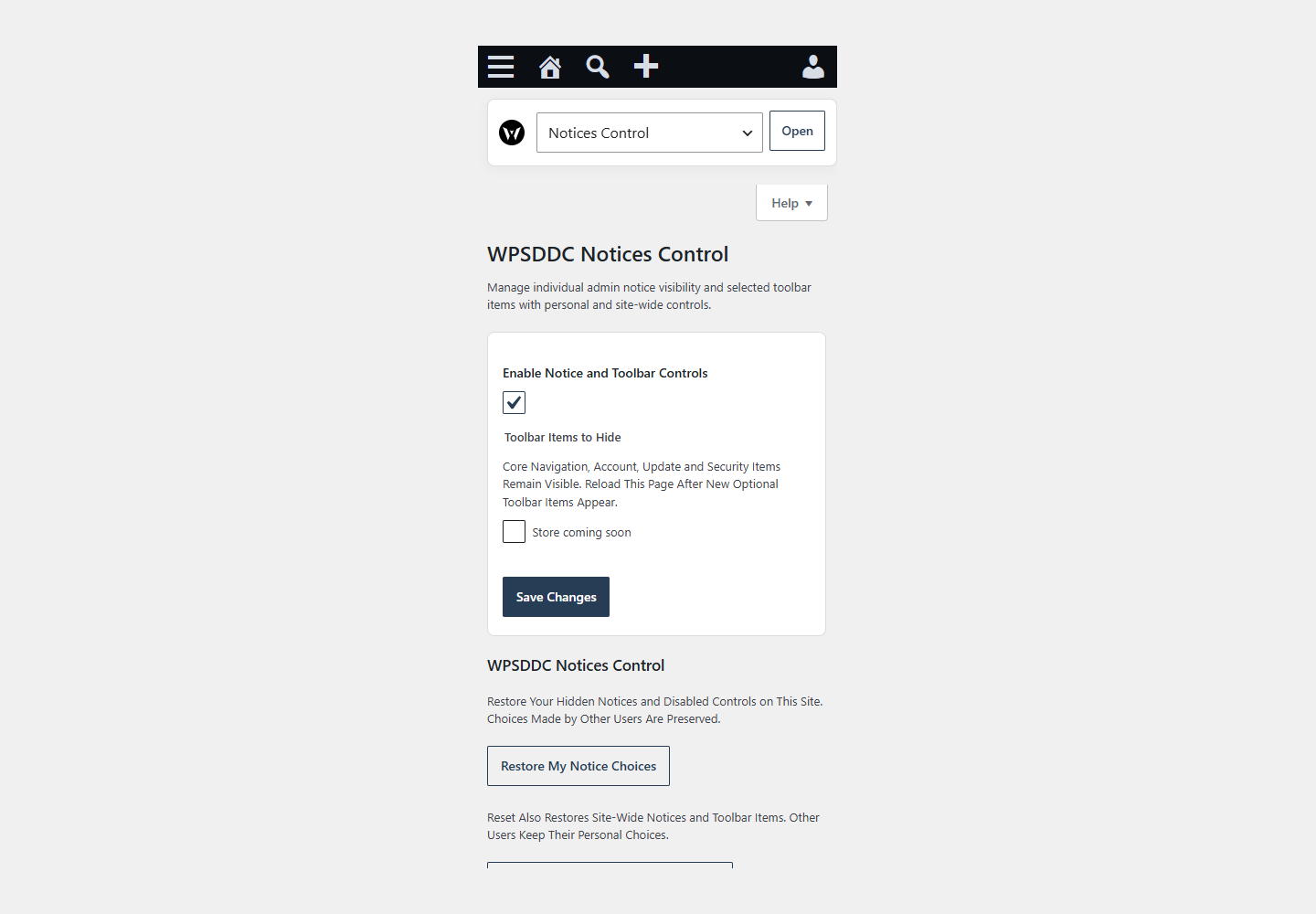
DocumentationManage individual admin notice visibility and selected toolbar items with personal and site-wide controls.
Documentation
The WPSDDC Notices Control WordPress Plugin is designed for managing selected WordPress administration notices. It helps editors adjust toolbar items and per-user notice visibility. This is useful for reducing distractions in the WordPress dashboard. Important notices should remain visible when needed.
For practical context on the WPSDDC Notices Control WordPress Plugin, read Keyboard and Contrast Checks Every Plugin Interface Needs. The official reference on WordPress Admin Notices explains related technical concepts.
Requirements and Compatibility
- WordPress 6.0 or later; PHP 8.1 or later.
- English and Spanish interface.
- Works without the general HQ plugin; active collection plugins share one WPSDDC menu.
Installation and First Steps
- Check requirements and use a test installation first.
- When the official ZIP is available to you, open Plugins → Add New → Upload Plugin, select it and activate it.
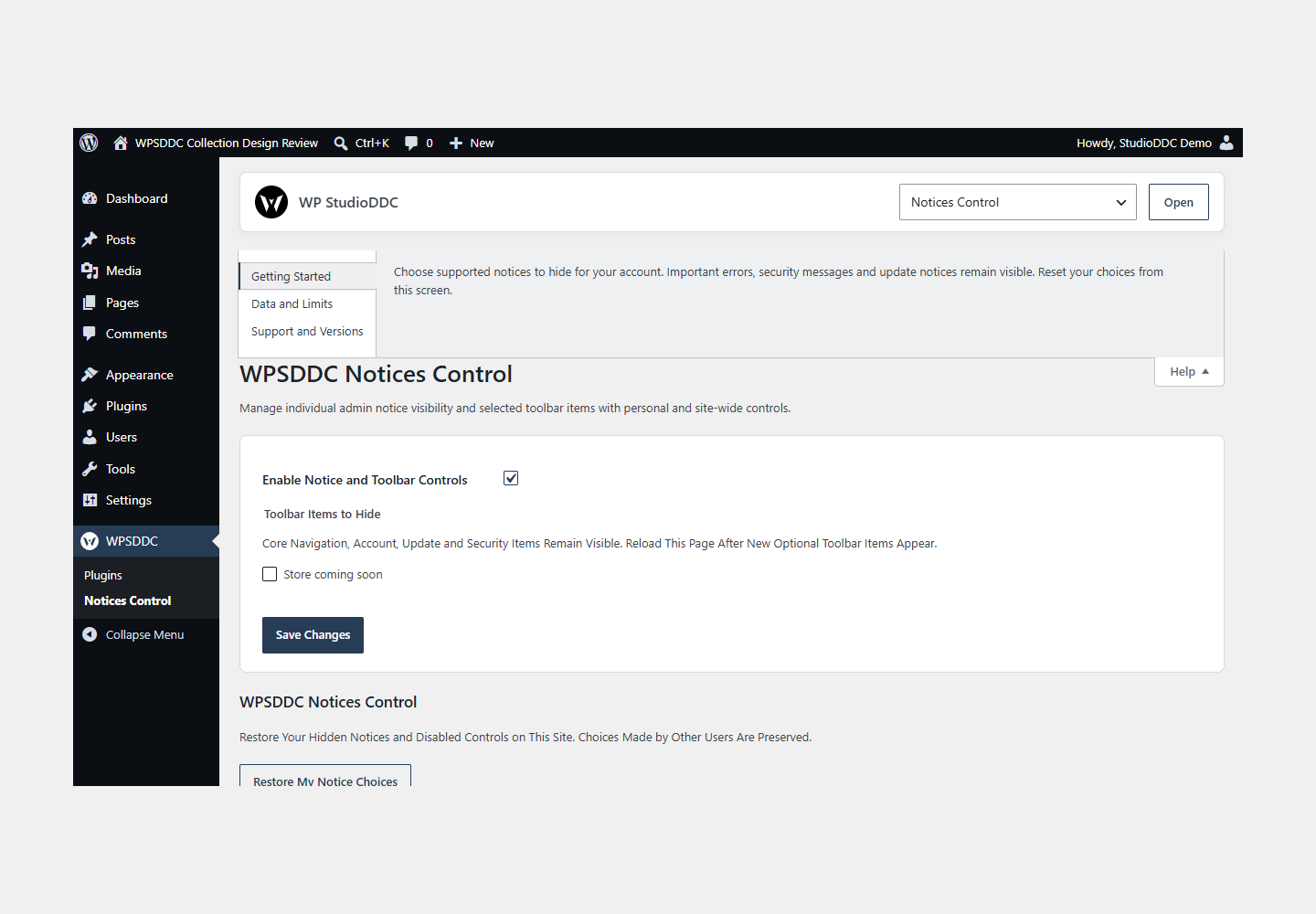
- Open WPSDDC → Notices Control. The native Help tab includes instructions and support.
Configuration and Use
Choose supported notices to hide for your account. Important errors, security messages and update notices remain visible. Reset your choices from this screen.
Operating Limits
Preferences and notice fingerprints are stored locally for your user. Notice bodies are not archived. Hiding a notice does not fix its cause or affect other users.
Data, Privacy and Deactivation
Preferences and notice fingerprints are stored locally for your user. Notice bodies are not archived. Hiding a notice does not fix its cause or affect other users.
Detailed Behavior
Manage individual admin notice visibility and selected toolbar items with personal and site-wide controls.
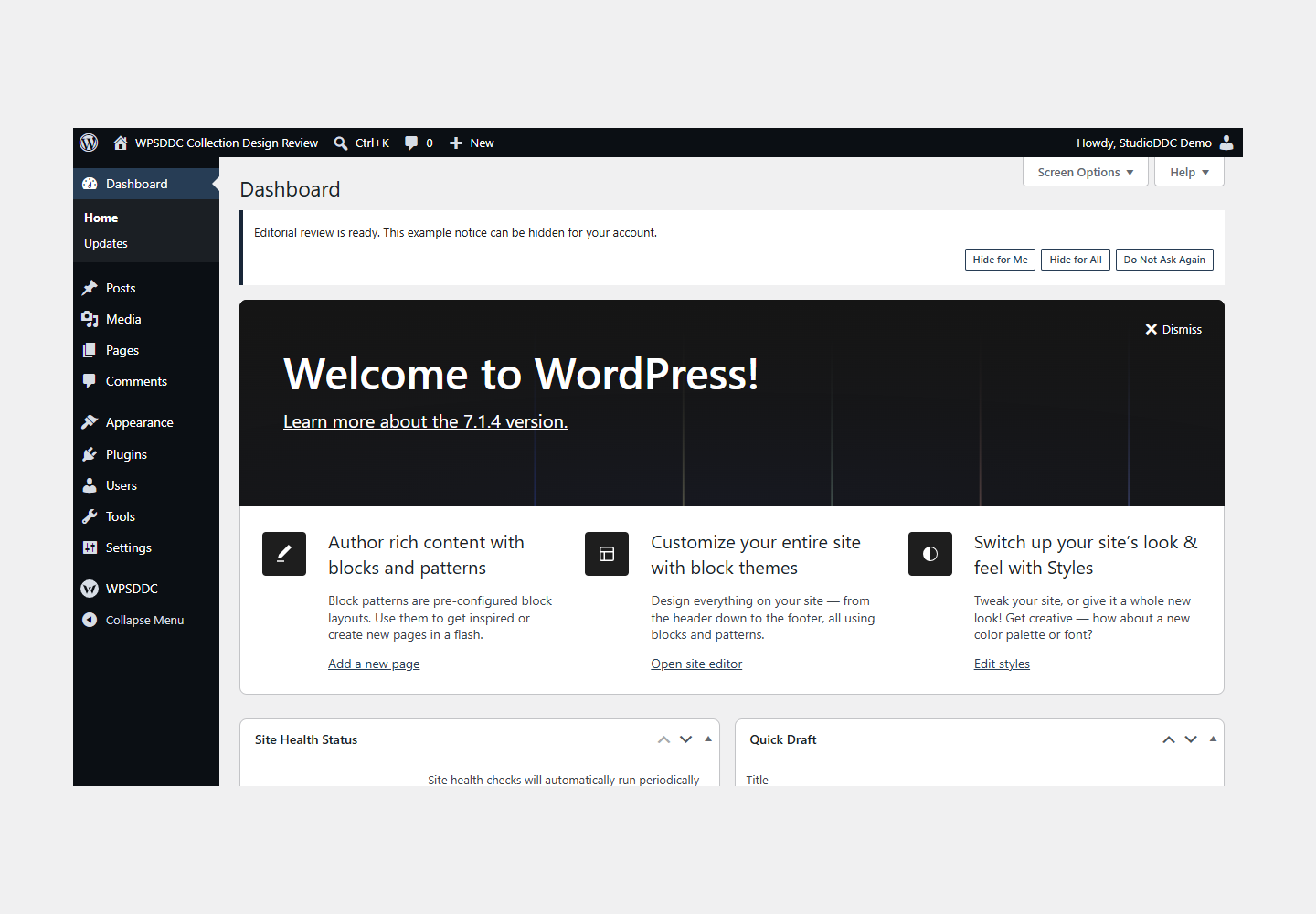
Standard admin notices gain Hide for Me, Hide for All (administrators) and Do Not Ask Again controls. Personal choices are isolated by site and account; site-wide choices require manage_options. Error, warning and marked security notices, Core update nags, inline notices, form feedback and notices inside metaboxes remain visible. Restore personal choices from your profile or reset site-wide notice and toolbar choices from the plugin settings. Core navigation, account, update and security toolbar items remain visible, including when older saved preferences request hiding them. Toolbar discovery occurs only on this settings screen and stores bounded stable labels. No notice text is stored: only local fingerprints, up to 300 per list. Changed notice text or language is treated as a new notice. The feature is enabled by default but never hides a notice without an explicit saved choice. No frontend assets, remote requests, telemetry, HQ settings migration or mandatory companion plugin are used.
The plugin uses local WordPress APIs and does not send telemetry. Settings are retained after deactivation or removal.
Frequently Asked Questions
Do I Need the Whole Collection?
No. Install only the plugins you need and check any product-specific dependencies listed above.
Is It Available on WordPress.org?
Version 1.0.0 is in preparation and is not published on WordPress.org yet. The official link will be added after an approved version is published.
Support and License
Check the documented limits first. Include the plugin, WordPress and PHP versions and reproduction steps when requesting support. Do not include passwords or personal data.
GPL-2.0-or-later license. Author: StudioDDC. Native WordPress controls.
Real Screenshots
Captured in real test WordPress installations with synthetic content. Images show implemented features and do not depict client installations.