WordPress Plugin
WPSDDC Info Vault
DocumentationOrganize shared editorial notes and checklists for your content inside WordPress.
Documentation
The WPSDDC Info Vault WordPress Plugin is designed for shared editorial notes and checklists. It helps editors save team notes beside editable WordPress content. This is useful for keeping editorial information next to each post. Notes remain separate from public SEO metadata.
For practical context on the WPSDDC Info Vault WordPress Plugin, read Document a Plugin So Future You Understands It. The official reference on WordPress Post Metadata explains related technical concepts.
Requirements and Compatibility
- WordPress 6.0 or later; PHP 8.1 or later.
- English and Spanish interface.
- Works without the general HQ plugin; active collection plugins share one WPSDDC menu.
Installation and First Steps
- Check requirements and use a test installation first.
- When the official ZIP is available to you, open Plugins → Add New → Upload Plugin, select it and activate it.
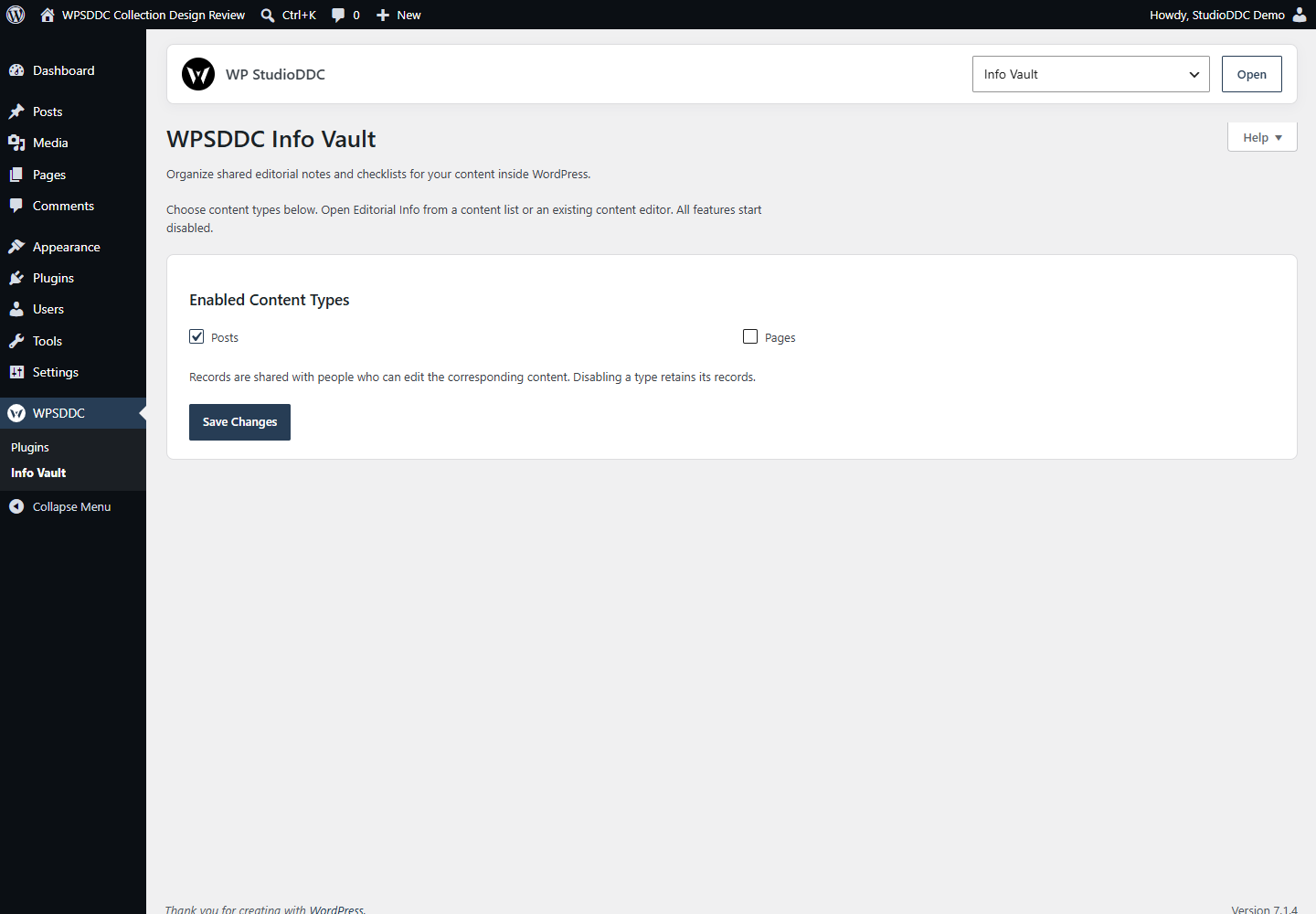
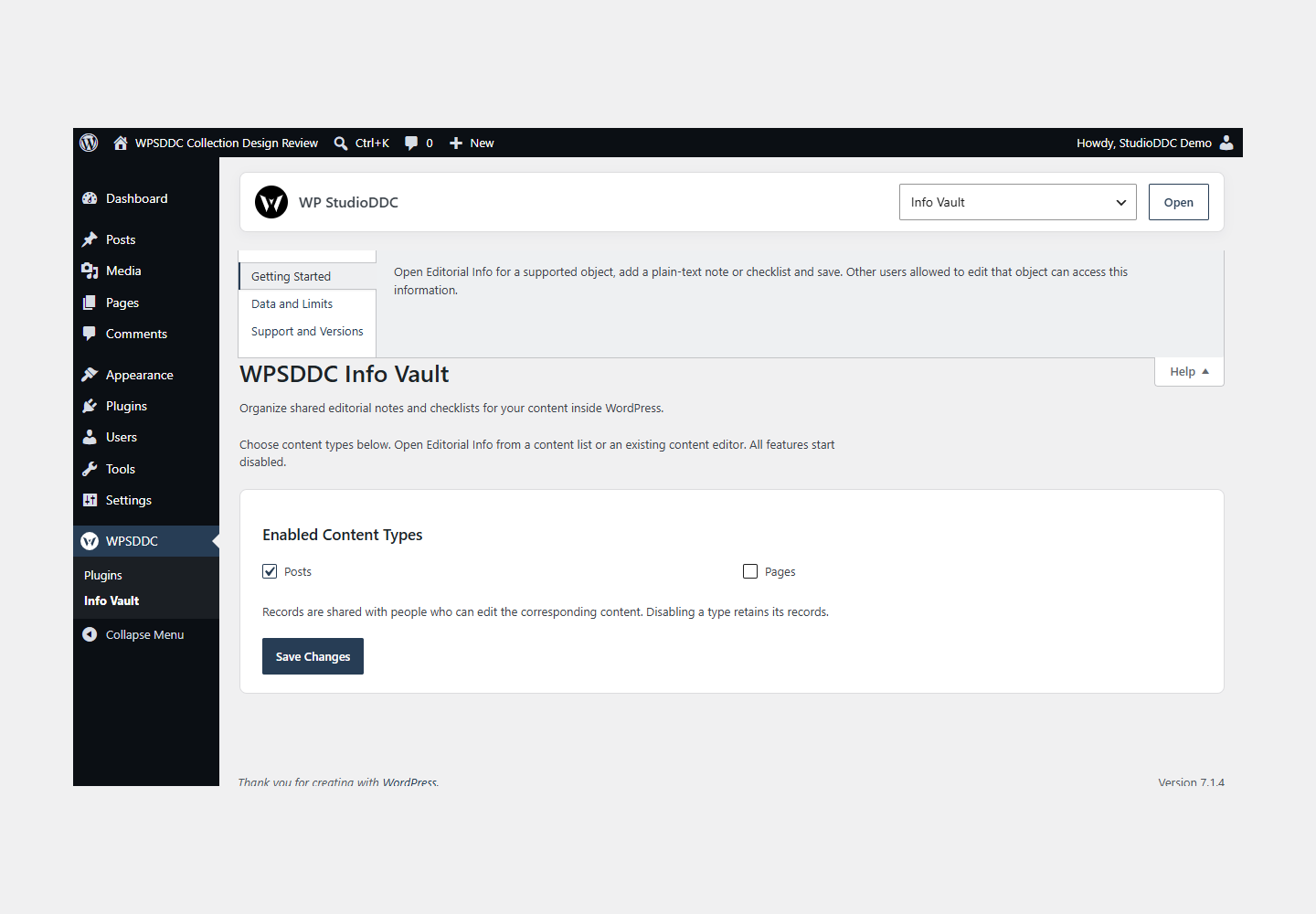
- Open WPSDDC → Info Vault. The native Help tab includes instructions and support.
Configuration and Use
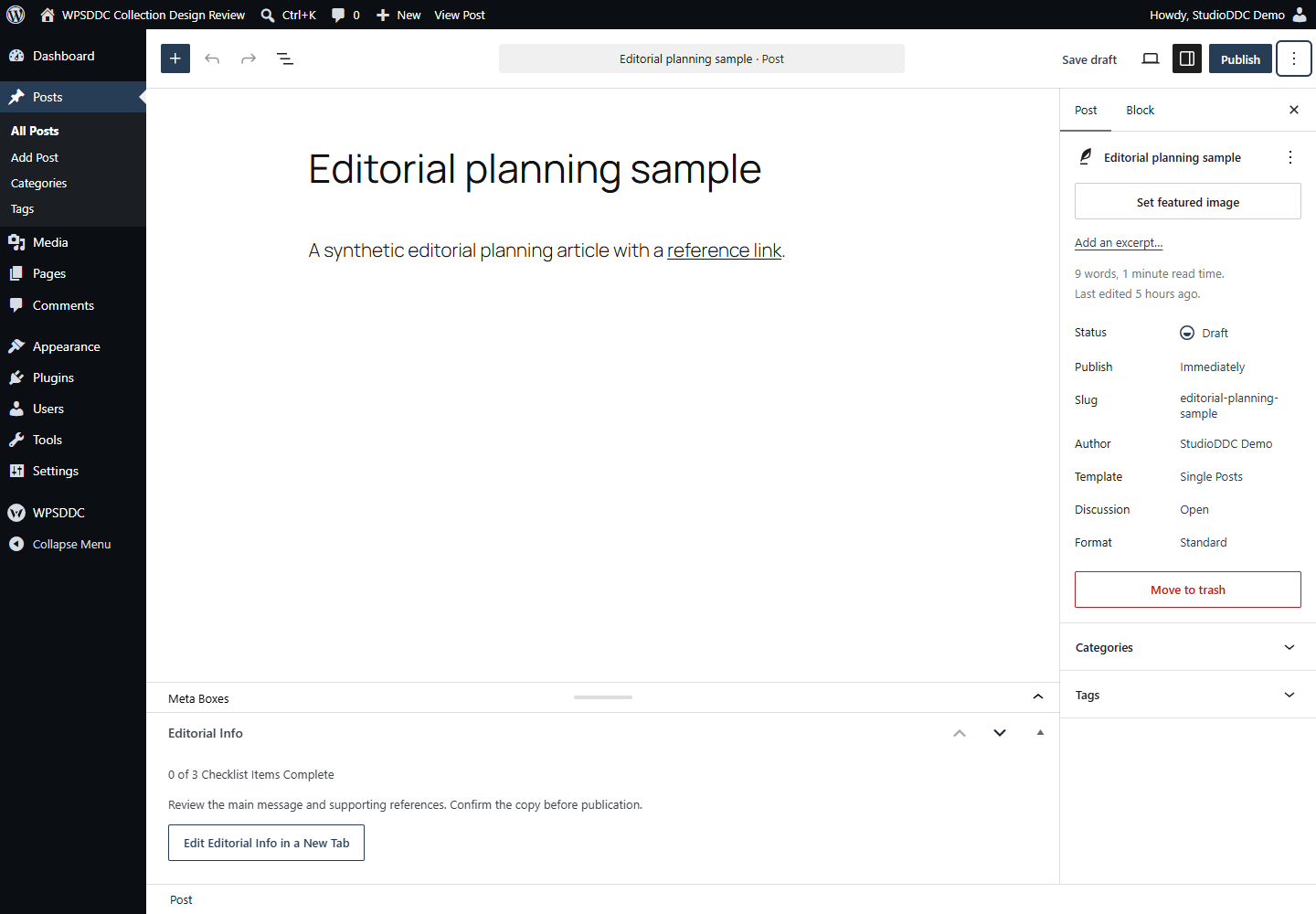
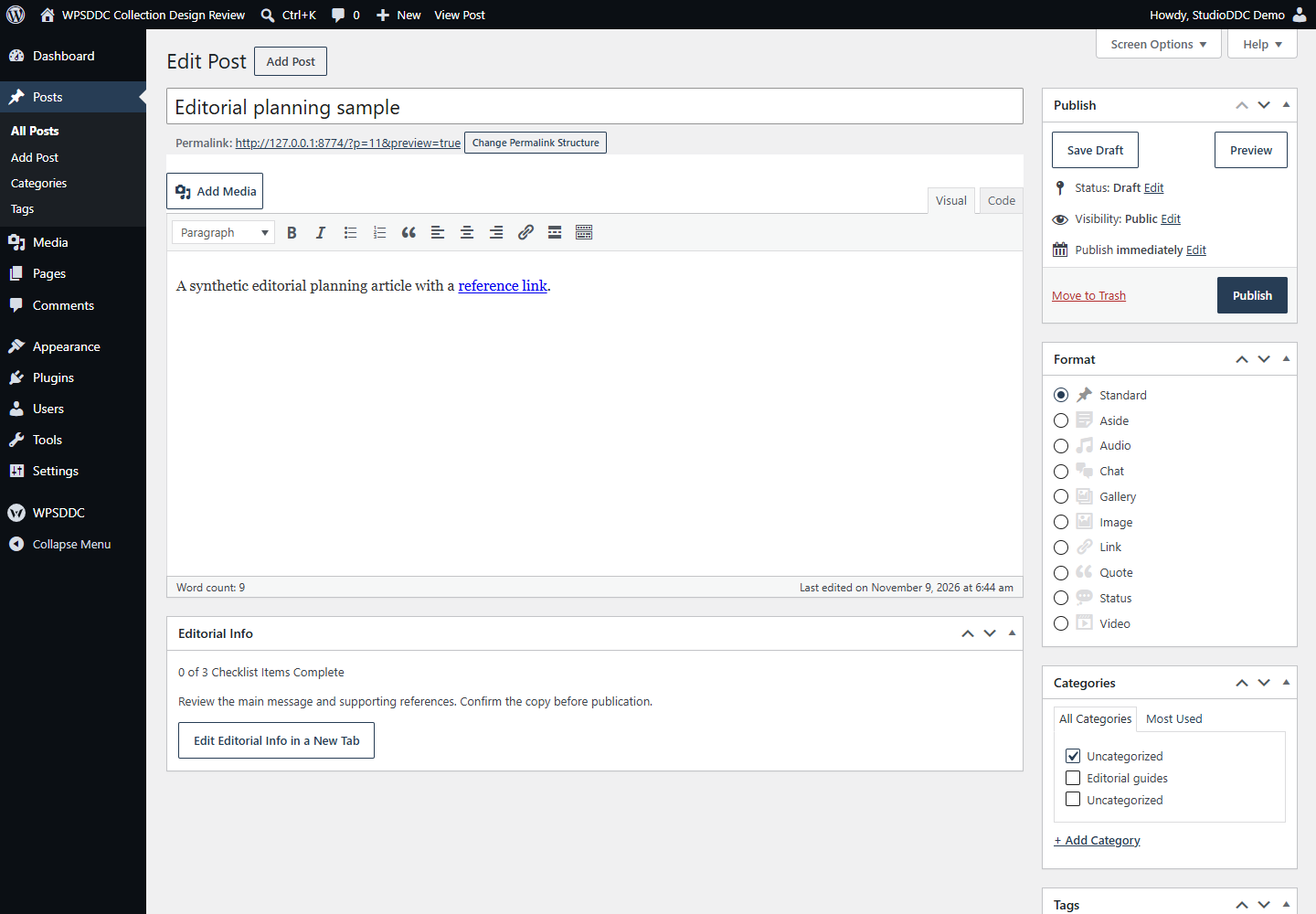
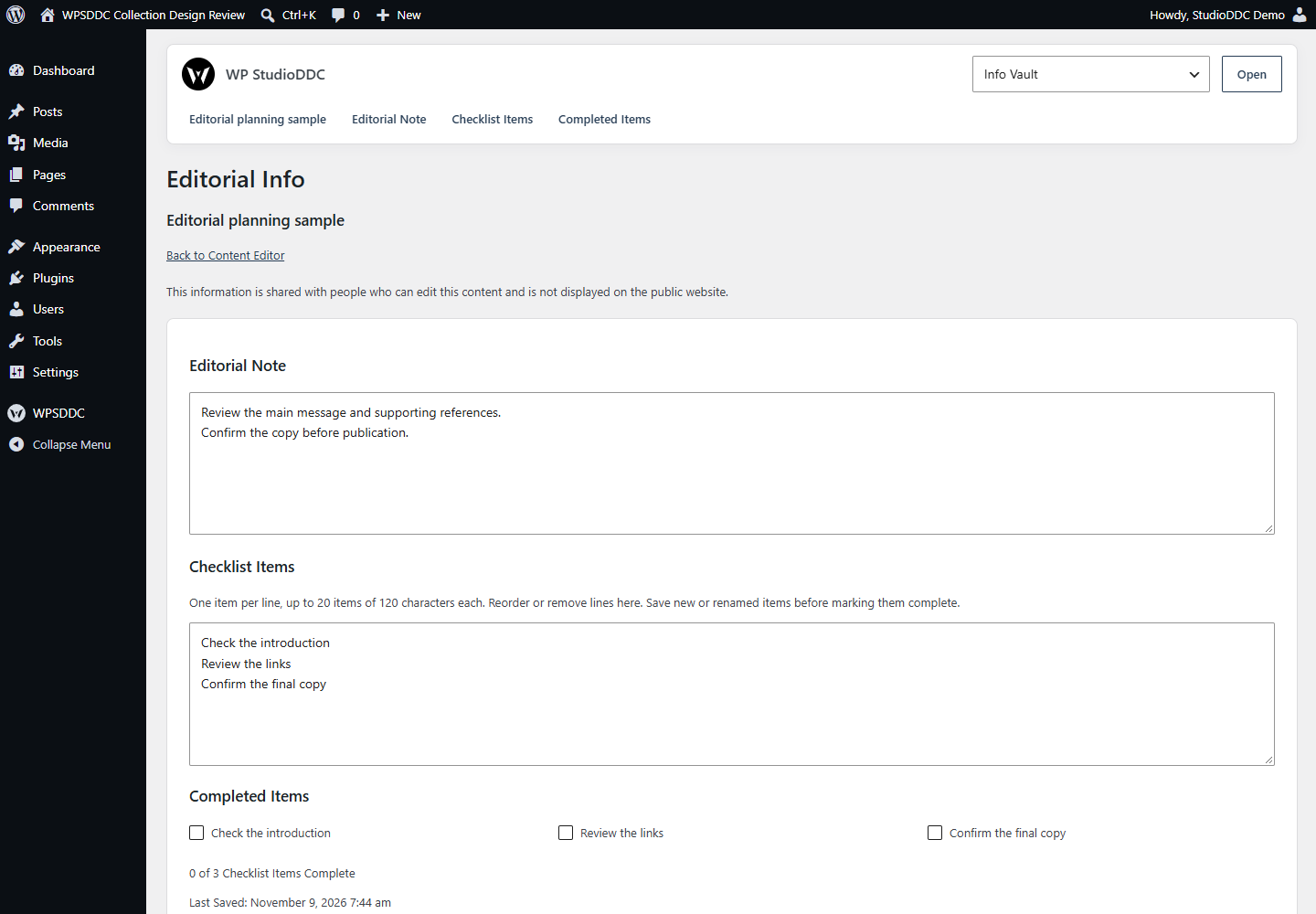
Open Editorial Info for a supported object, add a plain-text note or checklist and save. Other users allowed to edit that object can access this information.
Operating Limits
Data uses a local non-autoloaded option with conflict checks. It survives deactivation and can remain after related content is deleted. Clear unwanted text explicitly. Storage is not encrypted.
Data, Privacy and Deactivation
Data uses a local non-autoloaded option with conflict checks. It survives deactivation and can remain after related content is deleted. Clear unwanted text explicitly. Storage is not encrypted.
Detailed Behavior
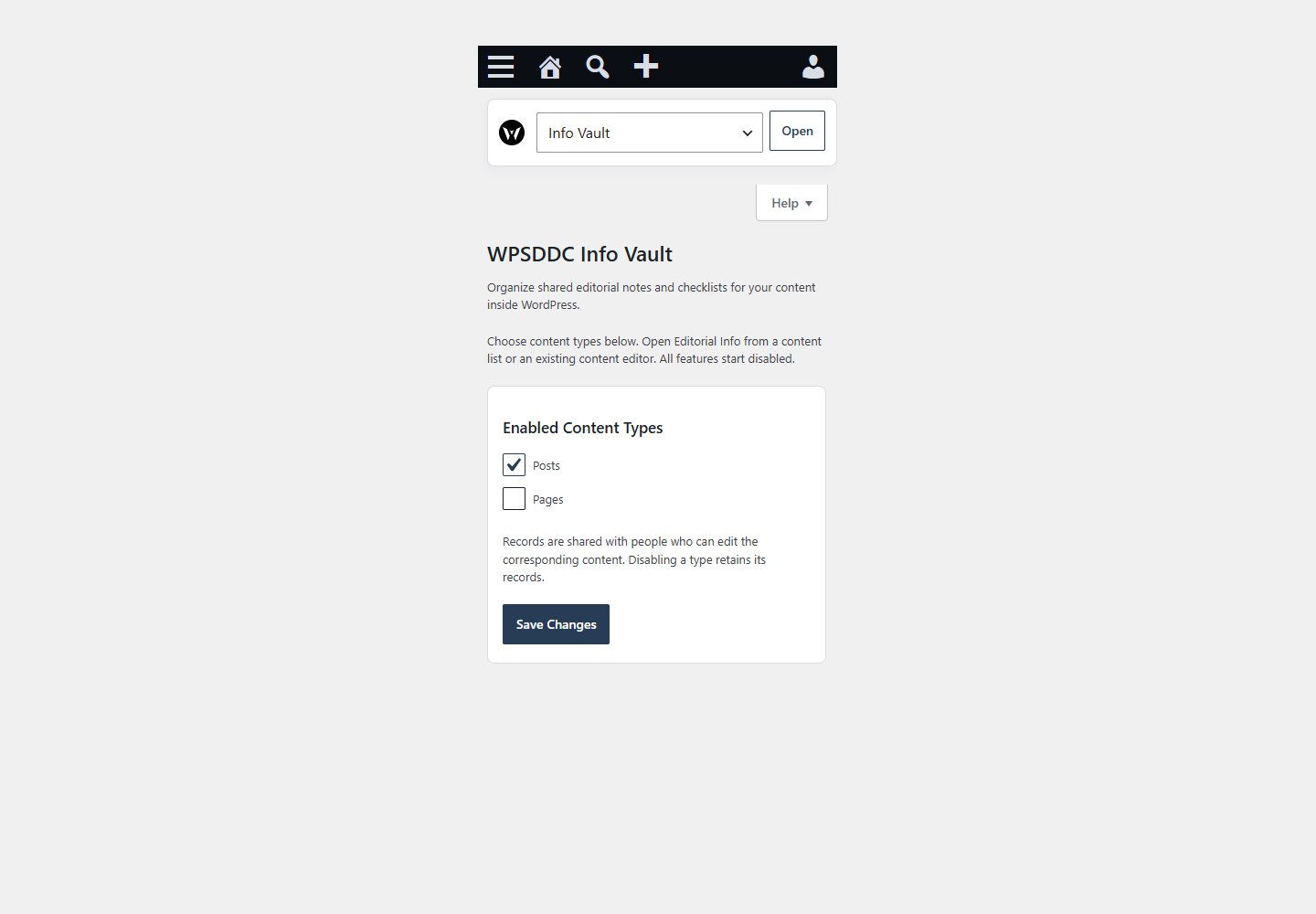
Keep a shared editorial note and a small checklist next to each piece of content. Choose which public content types use Editorial Info; all types start disabled.
- Write a plain-text note of up to 10,000 characters.
- Create up to 20 checklist items, mark them complete, and reorder or remove them.
- See completion and saved-note summaries in native content lists.
- Open the record from a native panel in the Classic or Block Editor.
- Share each record with the people who can edit that content.
- Save editorial information independently from content updates and autosaves.
The interface uses native WordPress controls and follows your admin color scheme. No custom scripts, styles, external services, telemetry or frontend output are added. No other WPSDDC plugin is required. Active collection plugins share one WPSDDC administration menu.
Frequently Asked Questions
Do I Need the Whole Collection?
No. Install only the plugins you need and check any product-specific dependencies listed above.
Is It Available on WordPress.org?
Version 1.0.0 is in preparation and is not published on WordPress.org yet. The official link will be added after an approved version is published.
Support and License
Check the documented limits first. Include the plugin, WordPress and PHP versions and reproduction steps when requesting support. Do not include passwords or personal data.
GPL-2.0-or-later license. Author: StudioDDC. Native WordPress controls.
Real Screenshots
Captured in real test WordPress installations with synthetic content. Images show implemented features and do not depict client installations.