WordPress Plugin
WPSDDC Functions Plus
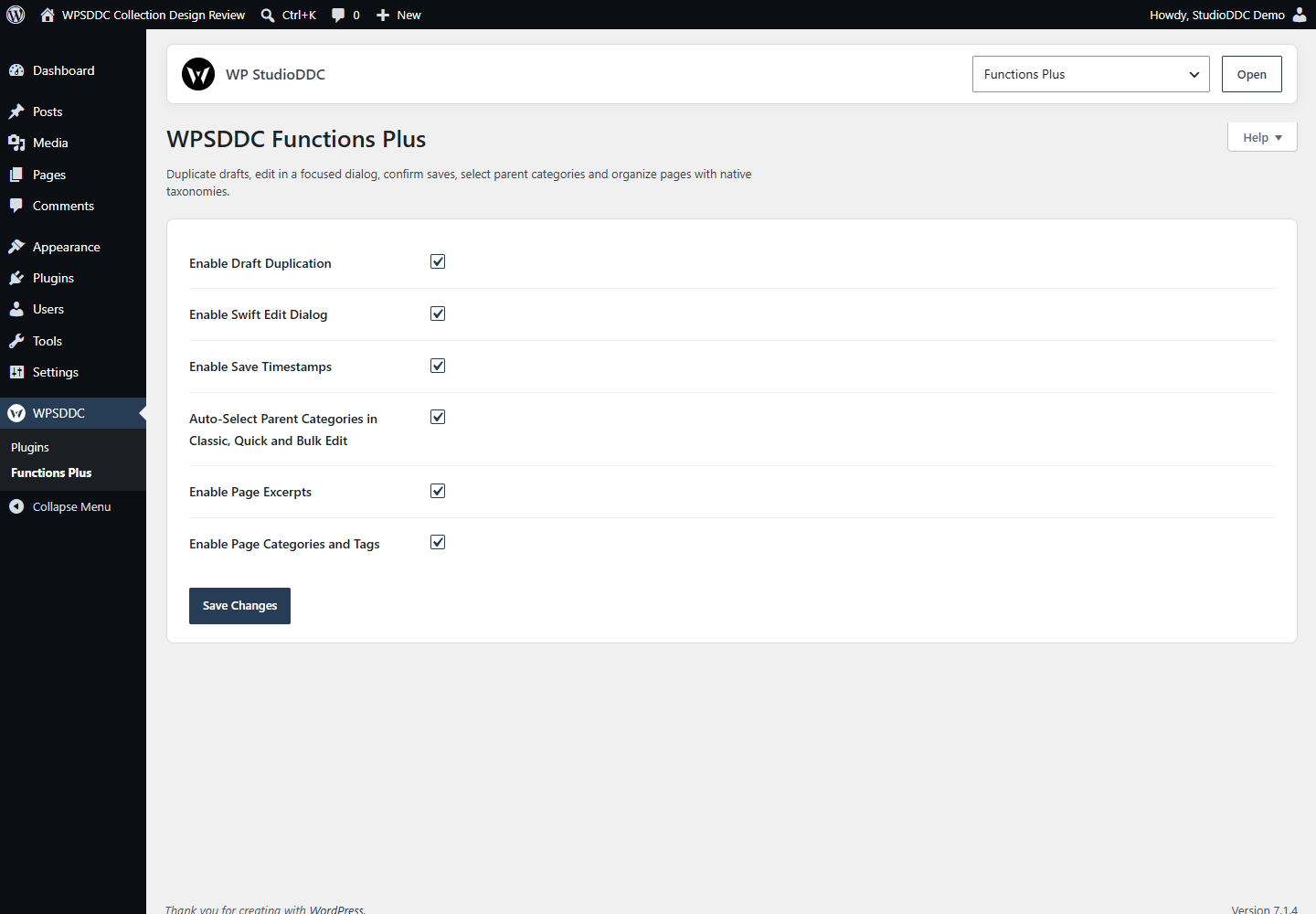
DocumentationDuplicate drafts, edit in a focused dialog, confirm saves, select parent categories and organize pages with native taxonomies.
Documentation
The WPSDDC Functions Plus WordPress Plugin is designed for optional tools for everyday WordPress editing. It helps editors duplicate drafts and streamline selected content or taxonomy actions. This is useful for faster editorial tasks with familiar native controls. Individual functions are optional and retain WordPress permissions.
For practical context on the WPSDDC Functions Plus WordPress Plugin, read Why Native WordPress APIs Beat Extra Dependencies. The official reference on Native WordPress Post Editing explains related technical concepts.
Requirements and Compatibility
- WordPress 6.0 or later; PHP 8.1 or later.
- English and Spanish interface.
- Works without the general HQ plugin; active collection plugins share one WPSDDC menu.
Installation and First Steps
- Check requirements and use a test installation first.
- When the official ZIP is available to you, open Plugins → Add New → Upload Plugin, select it and activate it.
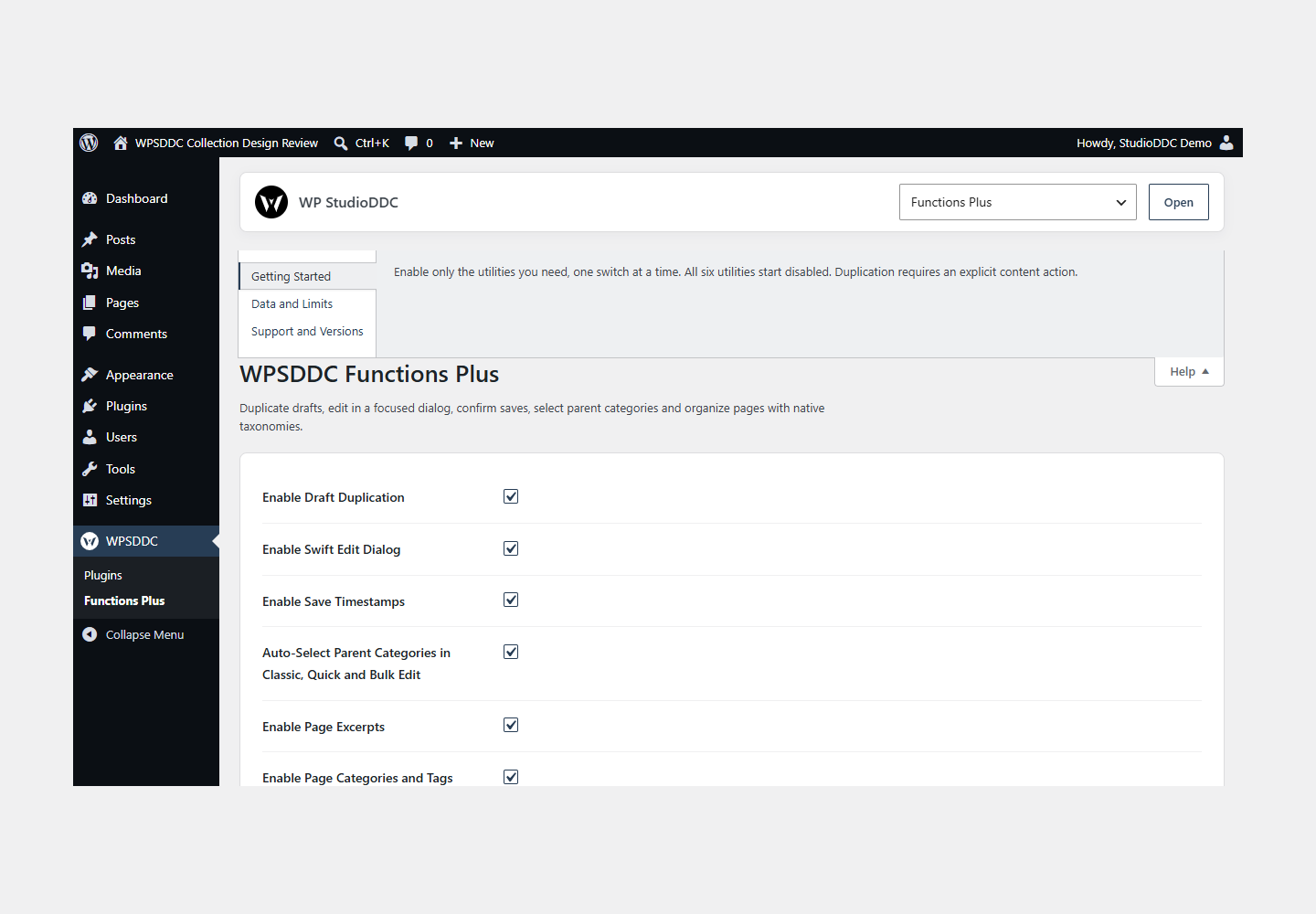
- Open WPSDDC → Functions Plus. The native Help tab includes instructions and support.
Configuration and Use
Enable only the utilities you need, one switch at a time. All six utilities start disabled. Duplication requires an explicit content action.
Operating Limits
Settings and explicitly duplicated content stay in WordPress. Taxonomies start empty. Screen Options use native controls. Disabling the plugin preserves created content.
Data, Privacy and Deactivation
Settings and explicitly duplicated content stay in WordPress. Taxonomies start empty. Screen Options use native controls. Disabling the plugin preserves created content.
Detailed Behavior
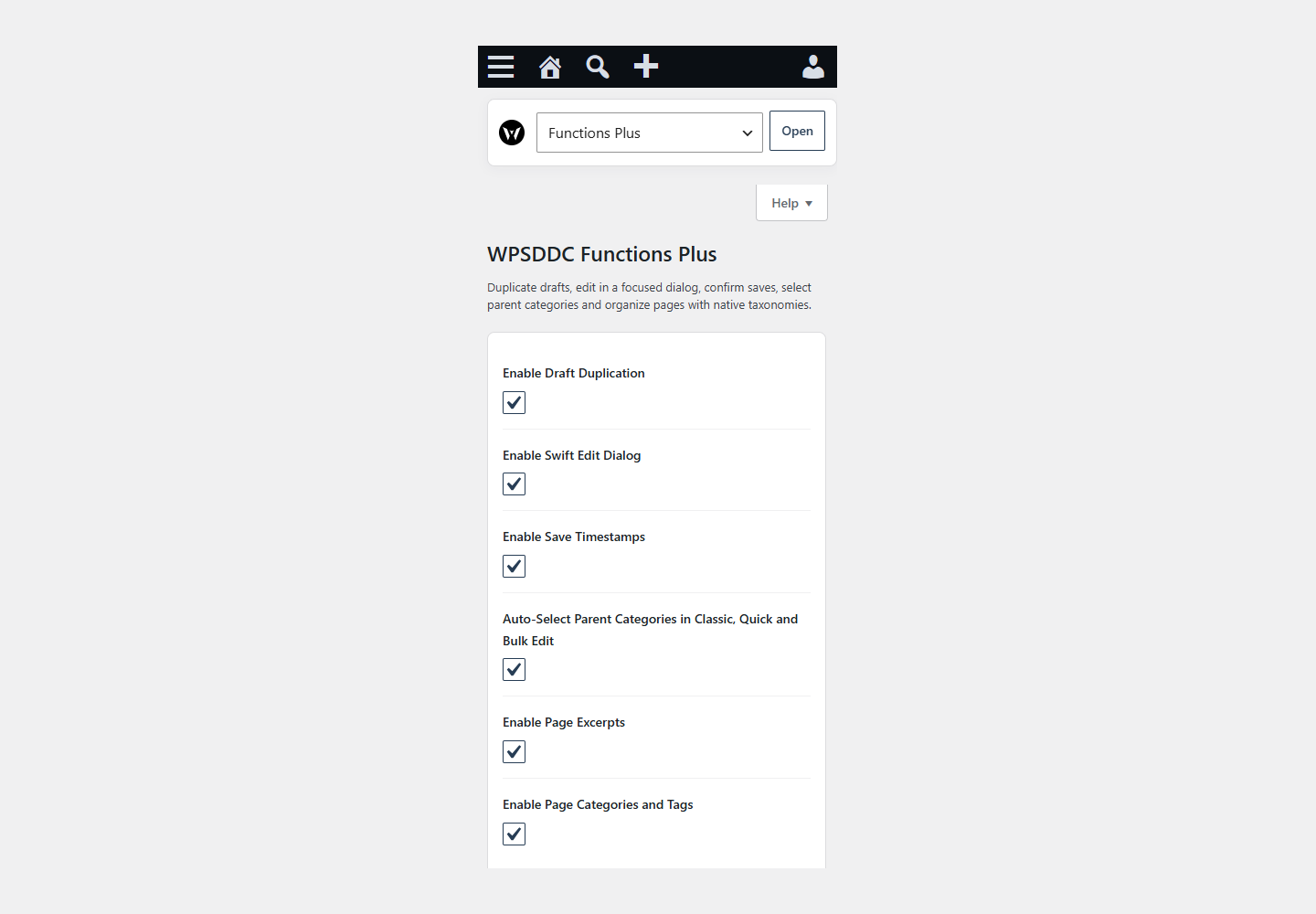
Six independent tools, all off by default, support everyday editing:
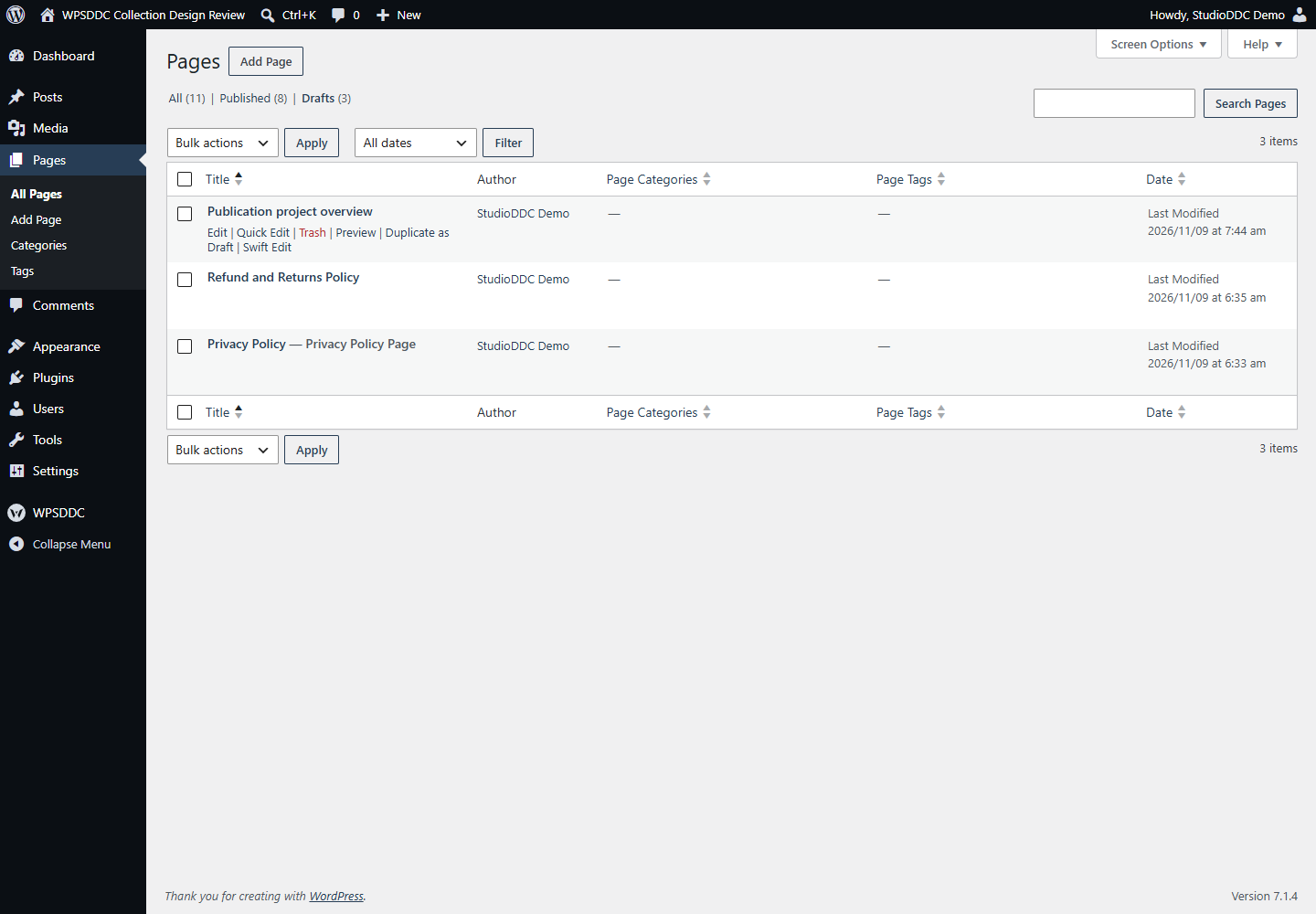
- Draft Duplication: confirm a new draft while preserving the original, authorized plain metadata and assigned terms. WooCommerce products use its native duplicator when available.
- Swift Edit: open the real Core editor in a native dialog, with a normal edit-link fallback and an unsaved-work guard.
- Save Timestamps: add localized confirmation times to Classic and Block Editor feedback while preserving Core links.
- Parent Categories: select ancestors in native Classic, Quick and Bulk Edit checklists.
- Page Excerpts: enable Core excerpt support independently.
- Page Categories and Tags: organize pages using your own terms, with native editor, REST, columns, filters, Quick/Bulk Edit, term-name search/sorting and optional public archives.
The plugin is for editors and site administrators who want selected small utilities. It does not supply prebuilt categories, assign default terms, replace Screen Options, add icon catalogs or require another WPSDDC plugin. Existing terms/content remain intact. Legacy grouped settings do not silently enable the new switches.
Data: site-local settings, explicitly created draft copies and user-created page taxonomy terms/relationships. Core stores this content locally. Deactivation/removal retains it. There is no HQ import, remote service, telemetry or shared private option.
Frontend: no CSS or JavaScript. Editing utility files and admin search/sort hooks do not load on visitor requests. Only explicitly enabled page excerpts/taxonomies register their Core support and public archive routes. The admin interface inherits the user’s color scheme; the dialog inherits the page’s colors.
Frequently Asked Questions
Do I Need the Whole Collection?
No. Install only the plugins you need and check any product-specific dependencies listed above.
Is It Available on WordPress.org?
Version 1.0.0 is in preparation and is not published on WordPress.org yet. The official link will be added after an approved version is published.
Support and License
Check the documented limits first. Include the plugin, WordPress and PHP versions and reproduction steps when requesting support. Do not include passwords or personal data.
GPL-2.0-or-later license. Author: StudioDDC. Native WordPress controls.
Real Screenshots
Captured in real test WordPress installations with synthetic content. Images show implemented features and do not depict client installations.