WordPress Plugin
WPSDDC Folders Atlas
DocumentationOrganize content and media in virtual folders with native WordPress controls, list filters and permission-aware bulk assignment.
Documentation
The WPSDDC Folders Atlas WordPress Plugin is designed for organizing WordPress content in virtual folders. It helps editors classify media and posts without moving original files or URLs. This is useful for managing a media library with virtual folder hierarchies. Virtual folders do not change physical file storage.
For practical context on the WPSDDC Folders Atlas WordPress Plugin, read Why Native WordPress APIs Beat Extra Dependencies. The official reference on WordPress Taxonomy Registration explains related technical concepts.
Requirements and Compatibility
- WordPress 6.0 or later; PHP 8.1 or later.
- English and Spanish interface.
- Works without the general HQ plugin; active collection plugins share one WPSDDC menu.
Installation and First Steps
- Check requirements and use a test installation first.
- When the official ZIP is available to you, open Plugins → Add New → Upload Plugin, select it and activate it.
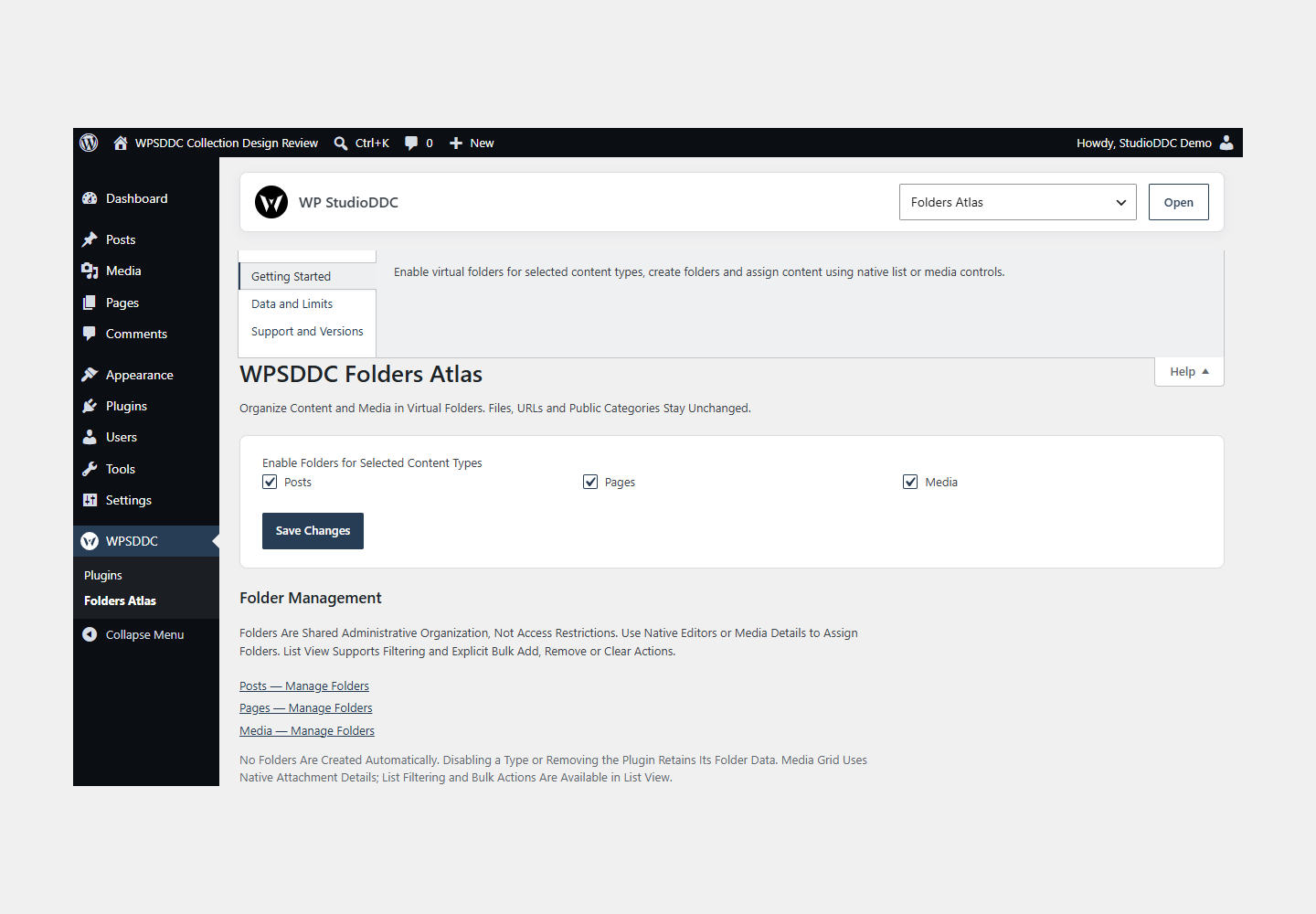
- Open WPSDDC → Folders Atlas. The native Help tab includes instructions and support.
Configuration and Use
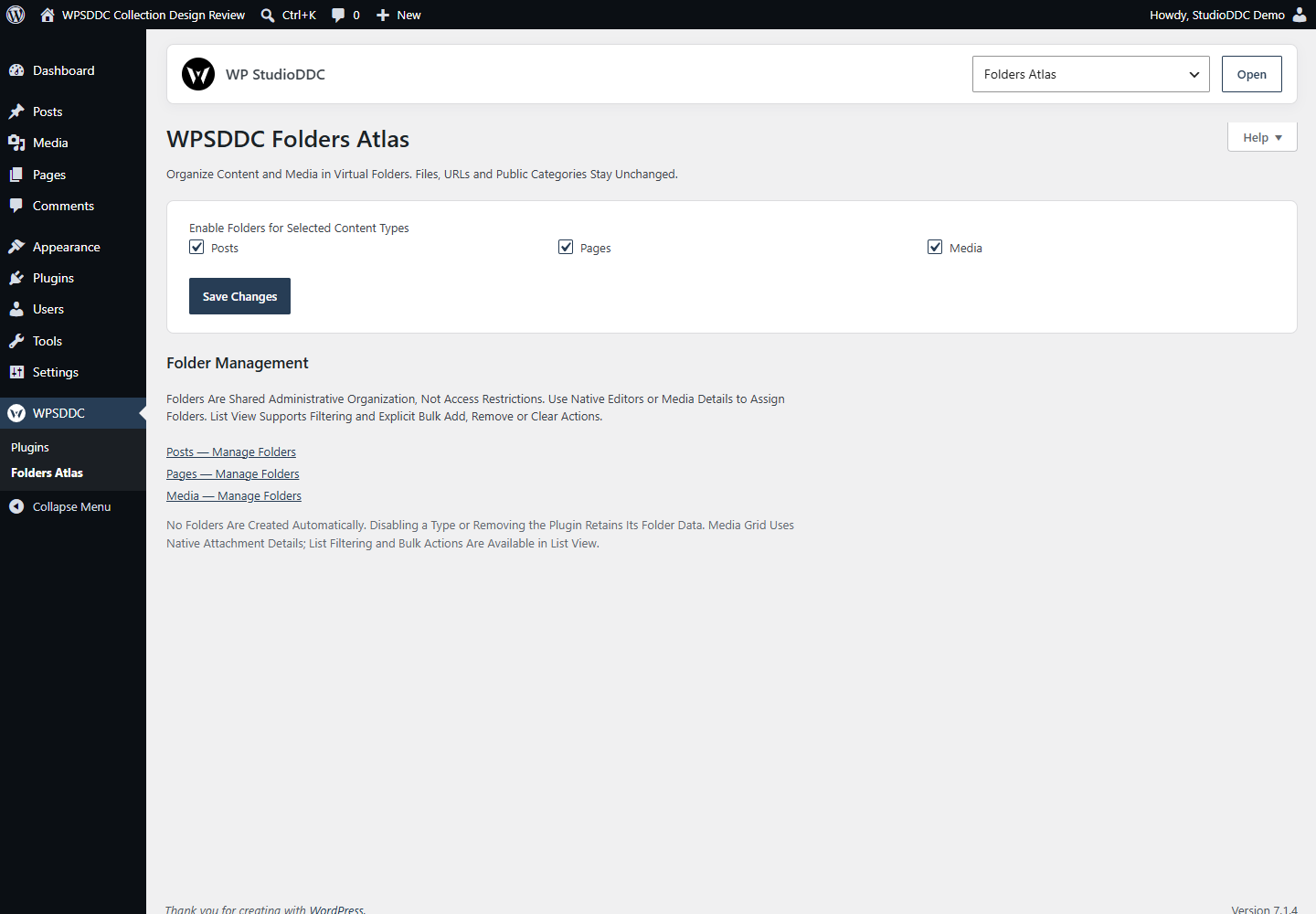
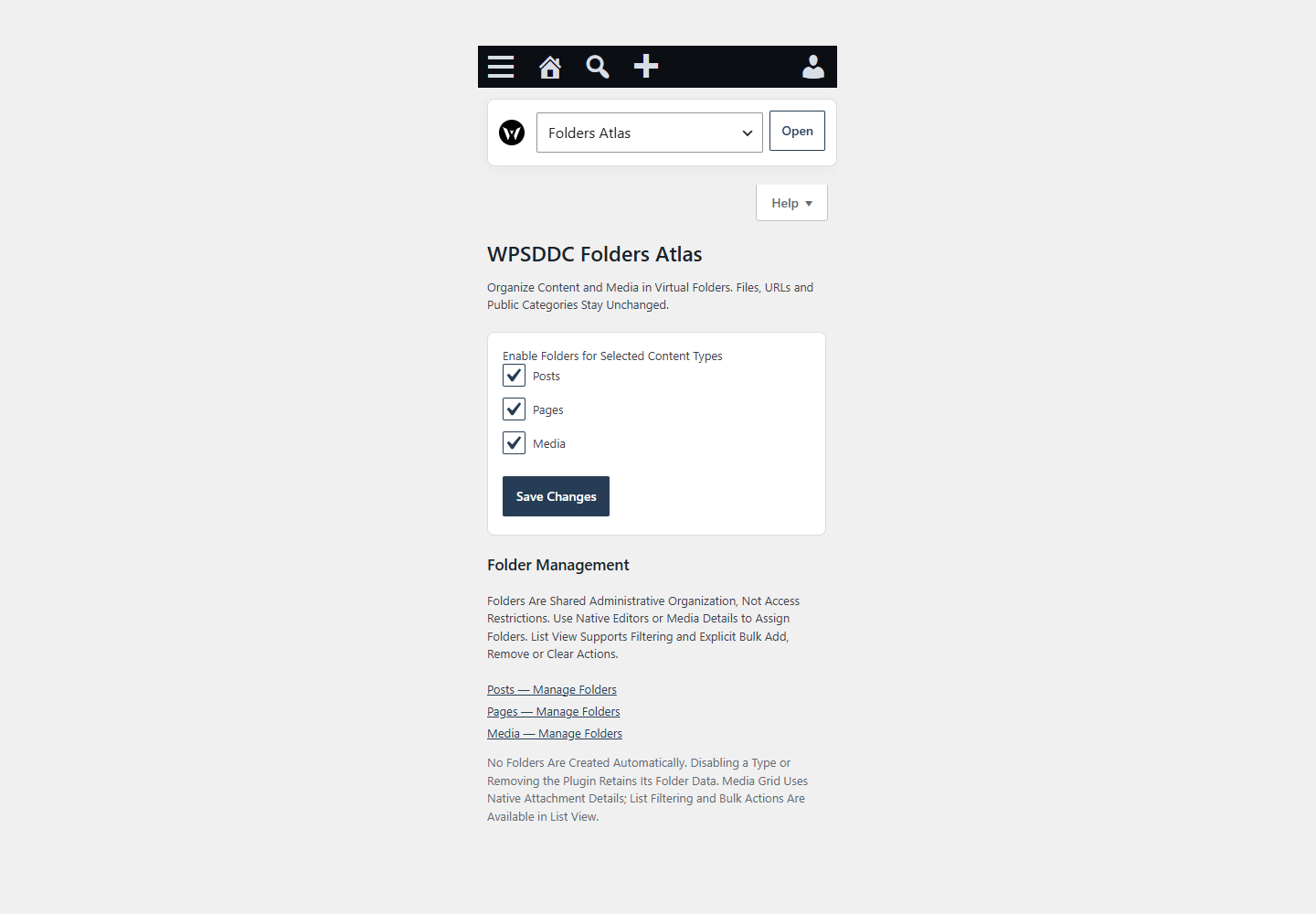
Enable virtual folders for selected content types, create folders and assign content using native list or media controls.
Operating Limits
Folders are private taxonomy terms and relationships. They do not move files, change URLs or create samples. Content and files stay in place when disabled.
Data, Privacy and Deactivation
Folders are private taxonomy terms and relationships. They do not move files, change URLs or create samples. Content and files stay in place when disabled.
Detailed Behavior
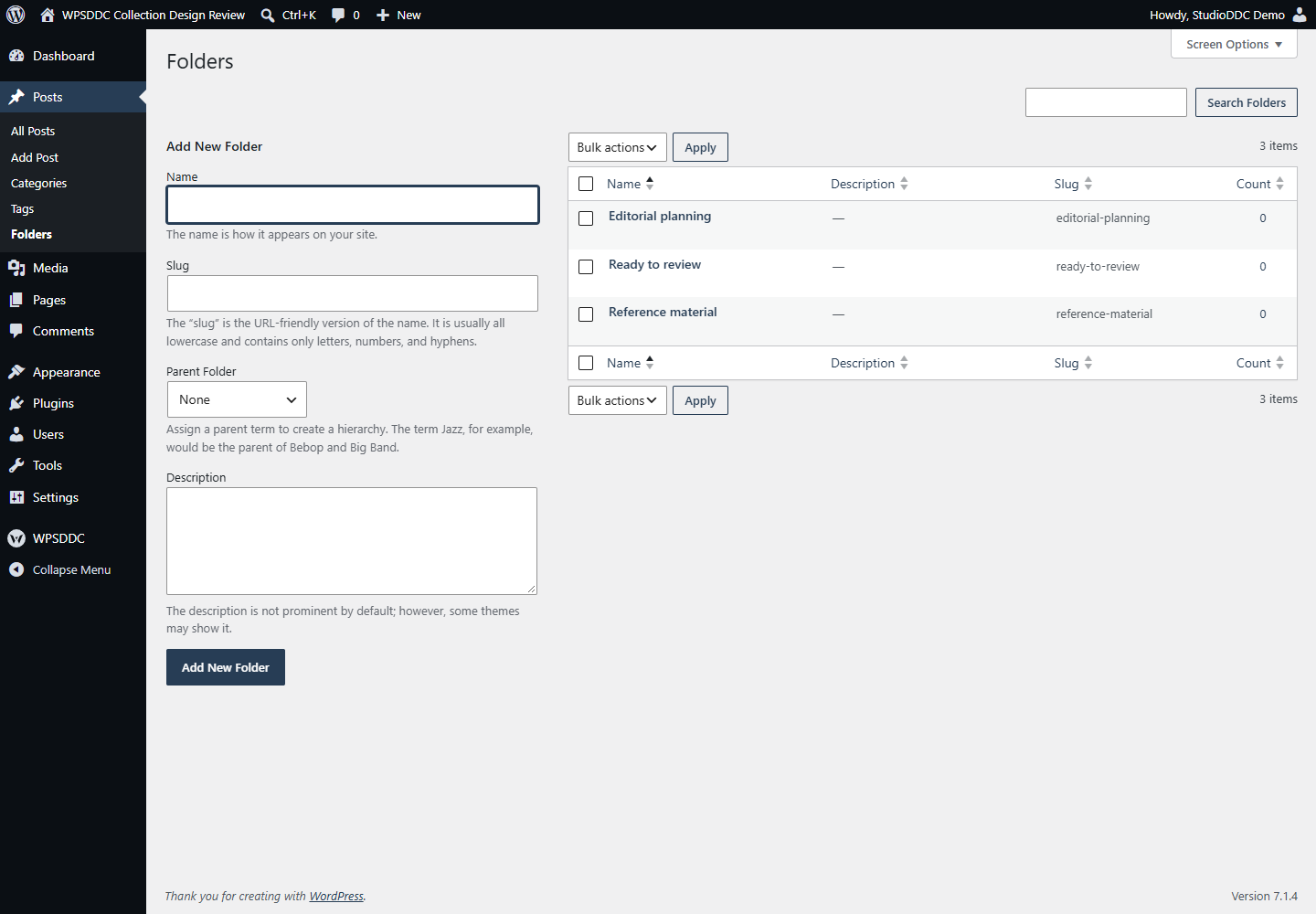
Choose public content types or Media under WPSDDC → Folders Atlas. Every type is off by default and has its own private folder hierarchy when enabled. Create and nest your own folders in Core’s management screens. No folder structure is created automatically and no public category or tag is changed.
Use native content-editor taxonomy controls or the Media attachment details checkboxes to assign folders. Multiple folders per item are supported. Native list view adds a folder/Unfiled filter and explicit bulk Add, Remove or Remove All Folder Assignments actions, handling up to 100 items. Parent filters include descendants and preserve other taxonomy filters. Media-grid details support assignment; switch to list view for filtering and bulk actions.
Folders are shared administrative organization, not access restrictions. Editors of other people’s content can manage shared folders for that type; administrators manage Media folders. Assignments require the type capability plus permission for each selected item. Folder API reads require assignment rights; public post/media API responses omit folder IDs. Native editing remains authenticated through Core.
Virtual folders never move files or change content, block markup, attachment URLs or public categories. Data uses Core’s site-local taxonomy tables and a prefixed settings option. It is retained on deactivation, disabling a type and removal. No HQ data migration, telemetry, external service, custom stylesheet or custom script is included.
Custom list/media selectors show up to 500 folders plus current Media assignments. Native editor/term-management behavior follows Core. Bulk validation happens before the first change; Core operation failures can leave earlier updates, as this is not a database transaction. No custom drag sidebar, reordering, aggregate count scan or upload folder inference is added.
Frequently Asked Questions
Do I Need the Whole Collection?
No. Install only the plugins you need and check any product-specific dependencies listed above.
Is It Available on WordPress.org?
Version 1.0.0 is in preparation and is not published on WordPress.org yet. The official link will be added after an approved version is published.
Support and License
Check the documented limits first. Include the plugin, WordPress and PHP versions and reproduction steps when requesting support. Do not include passwords or personal data.
GPL-2.0-or-later license. Author: StudioDDC. Native WordPress controls.
Real Screenshots
Captured in real test WordPress installations with synthetic content. Images show implemented features and do not depict client installations.