WordPress Plugin
WPSDDC Color Shades
DocumentationBuild color shades and tints, compare contrast and copy a reusable palette without changing WordPress appearance.
Documentation
The WPSDDC Color Shades WordPress Plugin is designed for creating color shades and checking contrast. It helps editors compare colors and copy reusable CSS palette variables. This is useful for consistent color palettes for WordPress designs. The tool does not change your site's colors automatically.
For practical context on the WPSDDC Color Shades WordPress Plugin, read Keyboard and Contrast Checks Every Plugin Interface Needs. The official reference on W3C Color Contrast Guidance explains related technical concepts.
Requirements and Compatibility
- WordPress 6.0 or later; PHP 8.1 or later.
- English and Spanish interface.
- Works without the general HQ plugin; active collection plugins share one WPSDDC menu.
Installation and First Steps
- Check requirements and use a test installation first.
- When the official ZIP is available to you, open Plugins → Add New → Upload Plugin, select it and activate it.
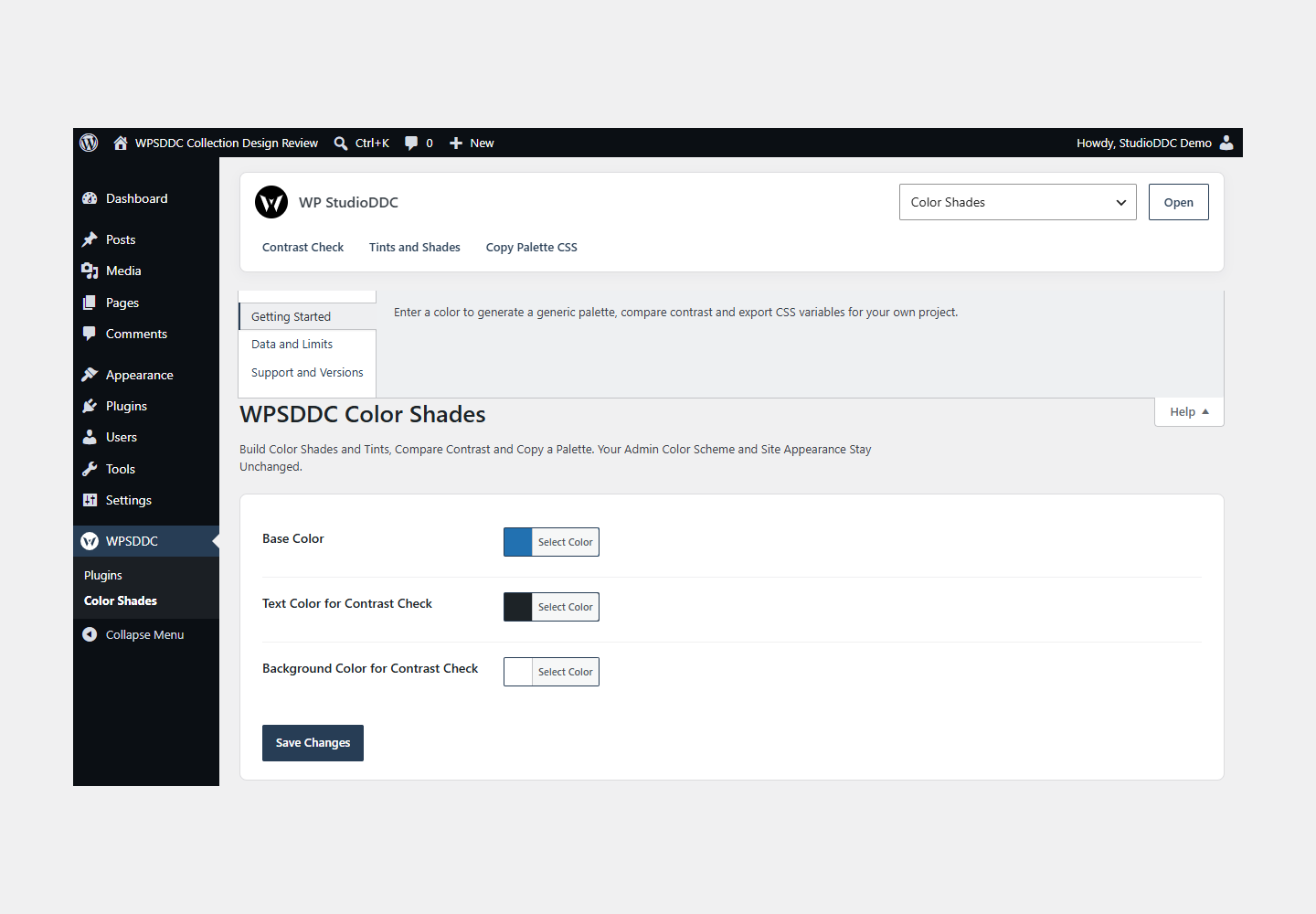
- Open WPSDDC → Color Shades. The native Help tab includes instructions and support.
Configuration and Use
Enter a color to generate a generic palette, compare contrast and export CSS variables for your own project.
Operating Limits
Calculations and settings stay local. The utility does not change the administration color scheme or contact a remote service. A contrast result alone does not certify an interface as accessible.
Data, Privacy and Deactivation
Calculations and settings stay local. The utility does not change the administration color scheme or contact a remote service. A contrast result alone does not certify an interface as accessible.
Detailed Behavior
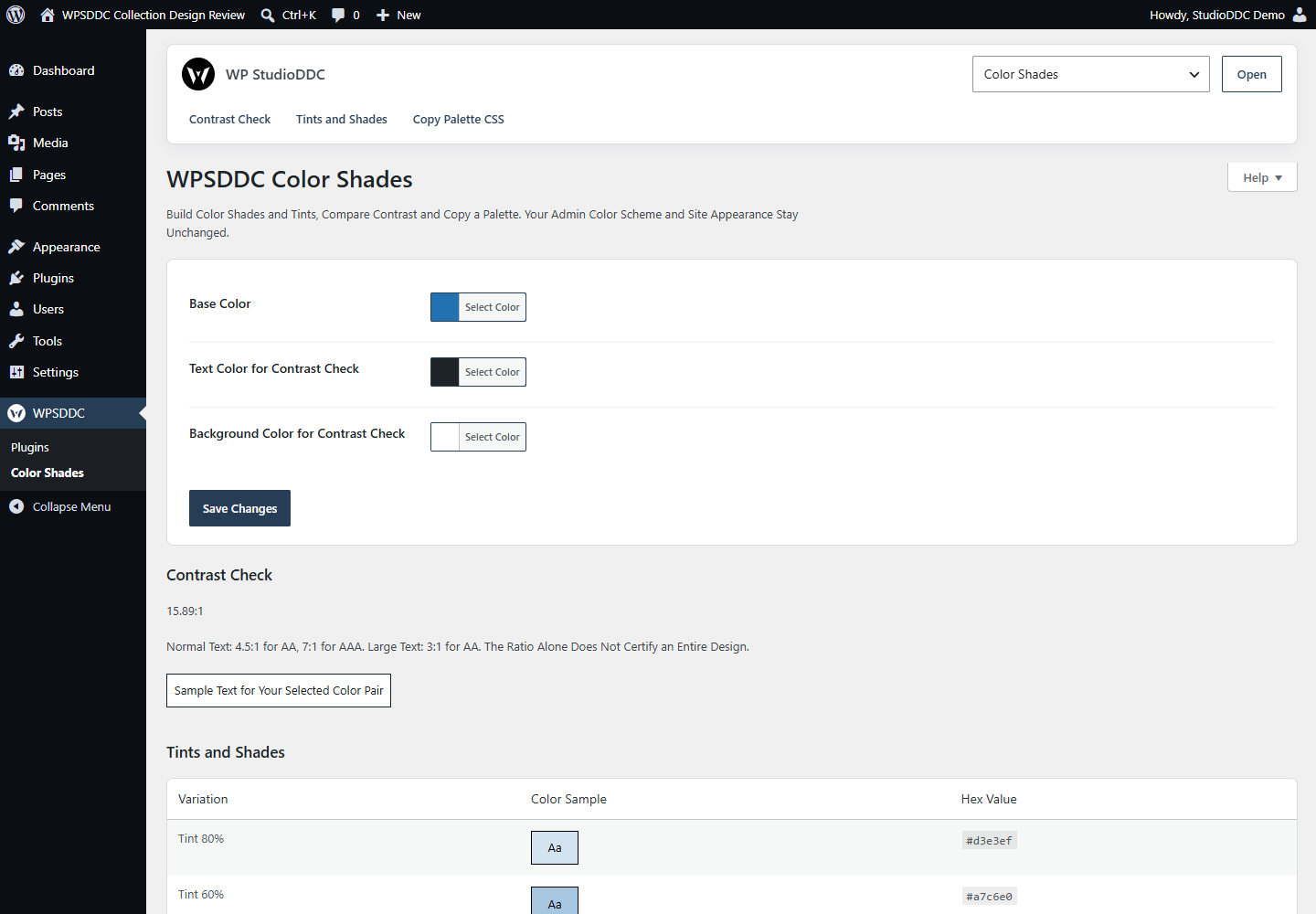
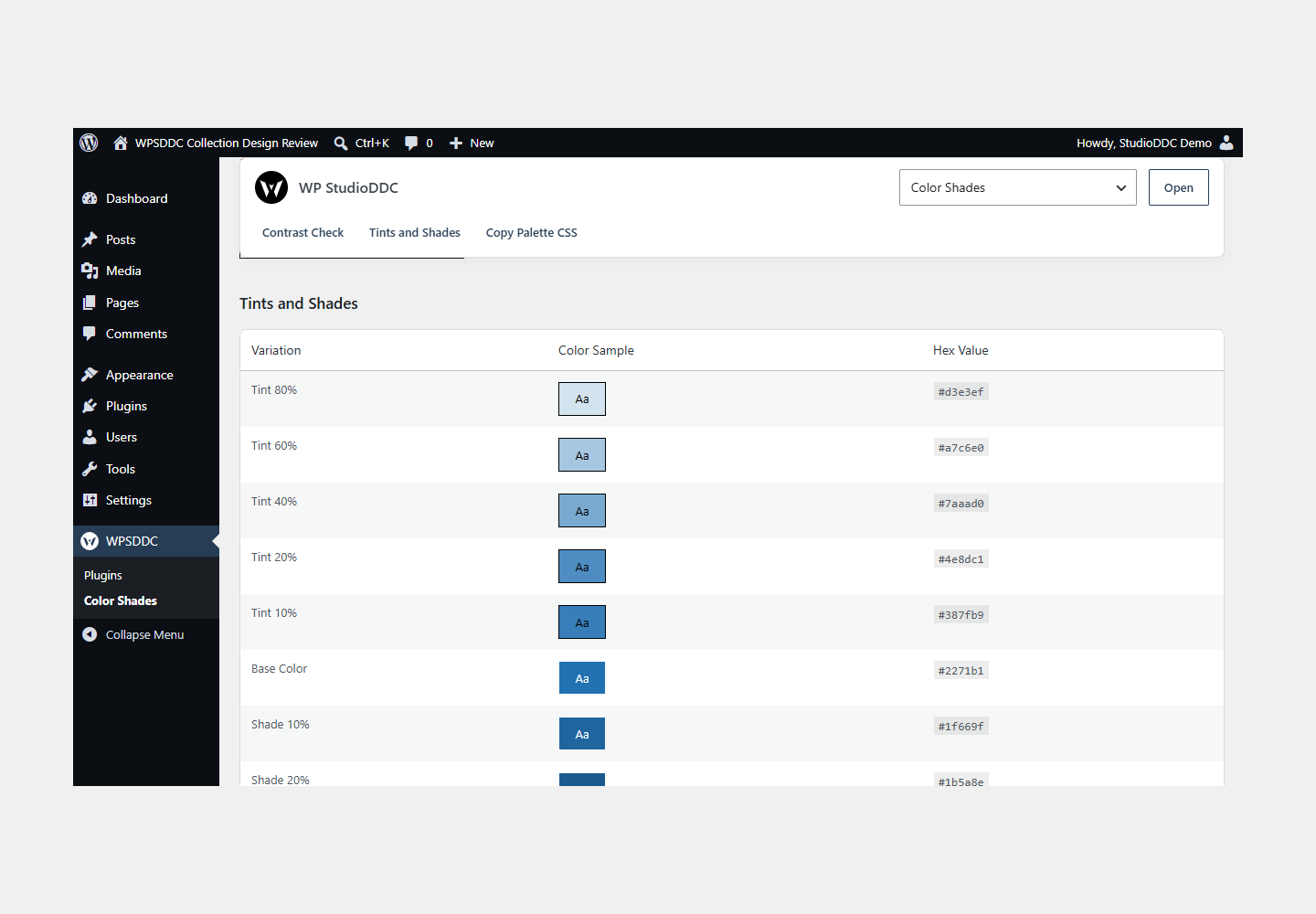
For site creators who need a local color reference, Color Shades generates eleven variations from a base hex color, compares a foreground/background pair and provides selectable CSS variables. Native Core color pickers update the preview locally; Save Changes explicitly stores the three input colors for this site. Exported CSS is plain text for the user to copy into their own design.
The plugin never registers or applies an admin color scheme. It does not recolor the editor, login, toolbar, theme or visitor content, and does not add a theme logo or presets. Admin controls inherit the current user’s Core scheme. No frontend CSS, JavaScript or automatic HTTP requests are added.
Data: only the three validated hex inputs are stored in the site-local wpsddc_color_shades_settings option. No user profile color is changed. Existing settings are retained on deactivation/removal; excluded legacy theming keys are ignored and are dropped on the next explicit settings save. No HQ import, telemetry or remote dependency is included.
Frequently Asked Questions
Do I Need the Whole Collection?
No. Install only the plugins you need and check any product-specific dependencies listed above.
Is It Available on WordPress.org?
Version 1.0.0 is in preparation and is not published on WordPress.org yet. The official link will be added after an approved version is published.
Support and License
Check the documented limits first. Include the plugin, WordPress and PHP versions and reproduction steps when requesting support. Do not include passwords or personal data.
GPL-2.0-or-later license. Author: StudioDDC. Native WordPress controls.
Real Screenshots
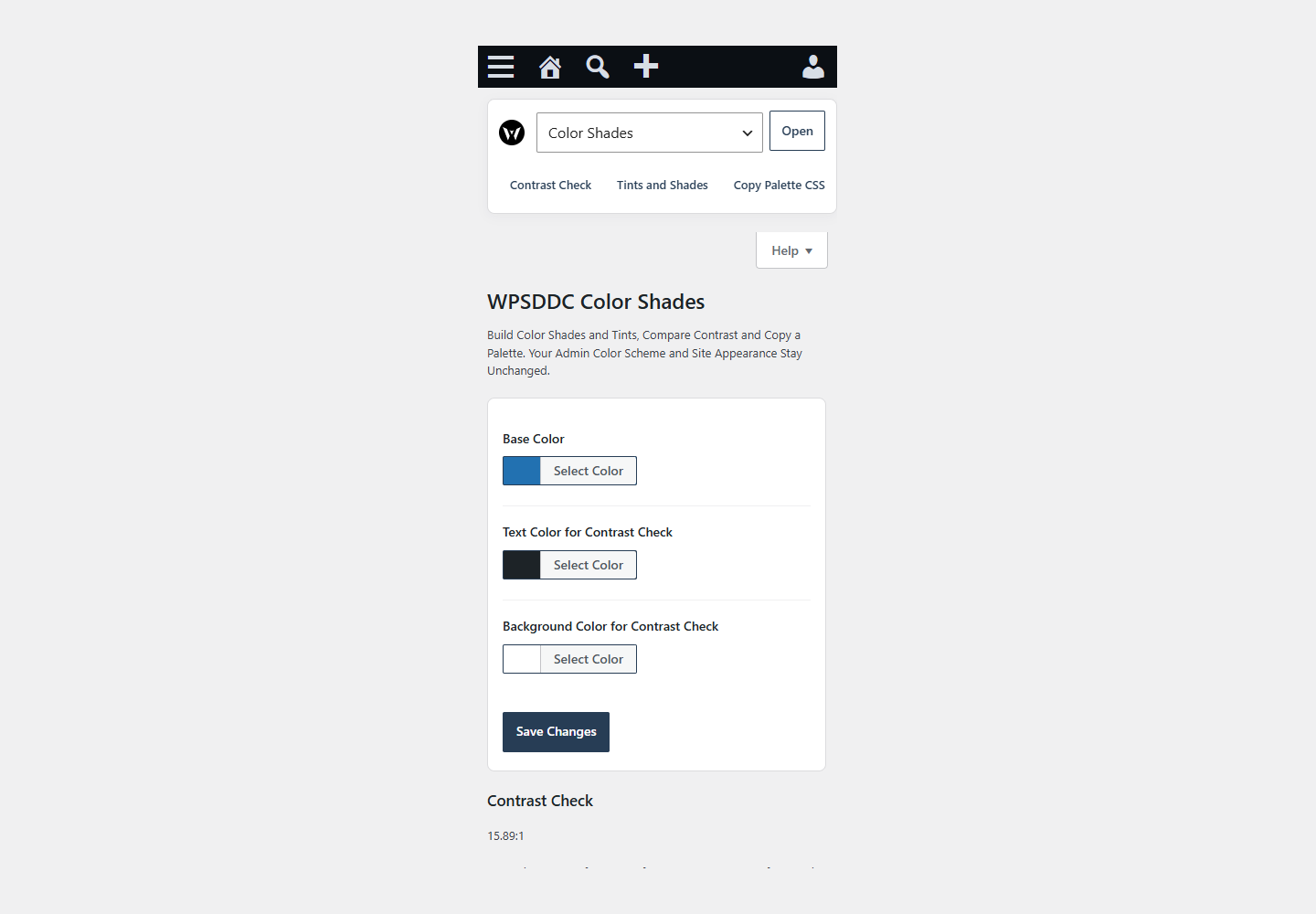
Captured in real test WordPress installations with synthetic content. Images show implemented features and do not depict client installations.