WordPress Plugin
WPSDDC Advanced Media
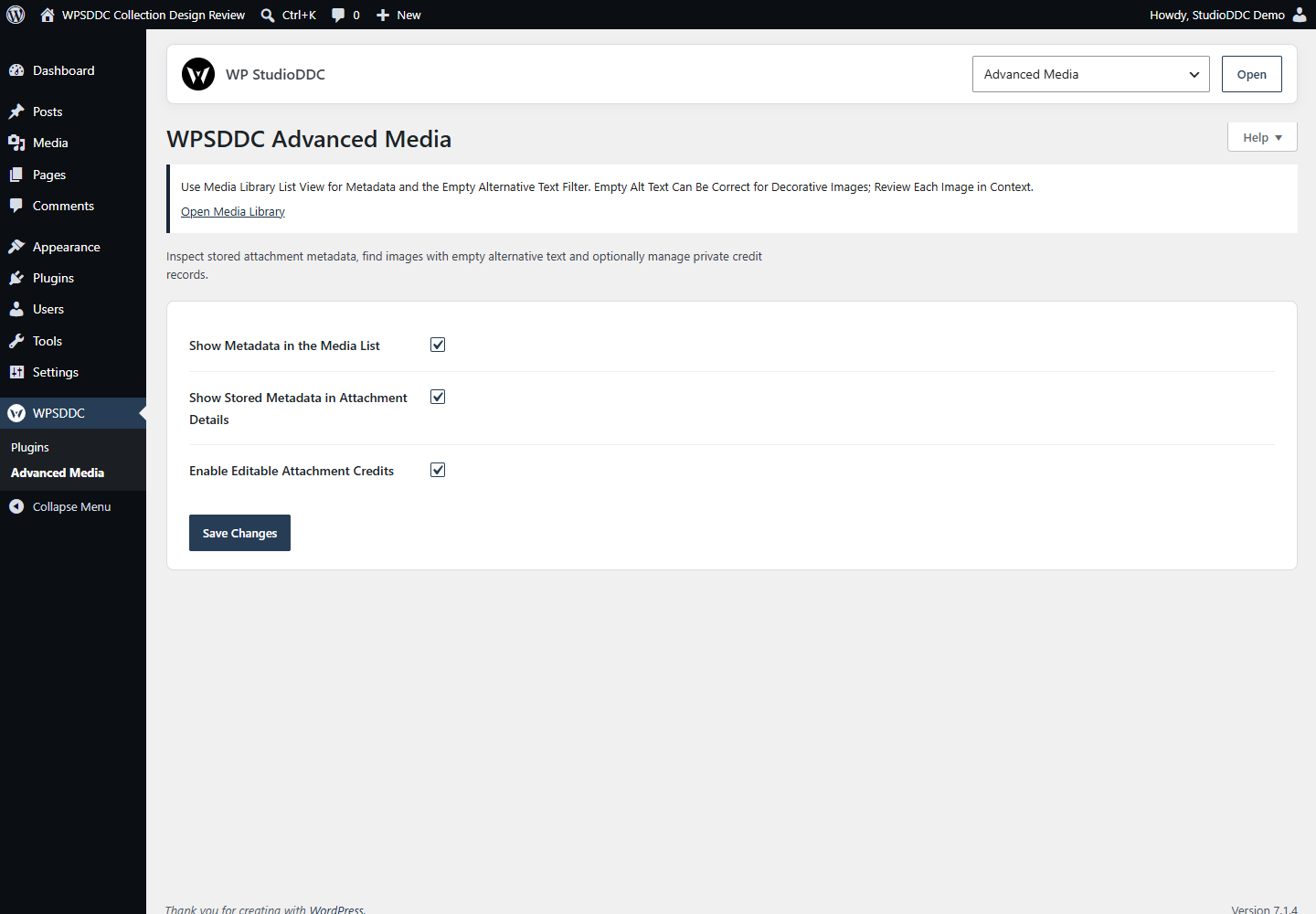
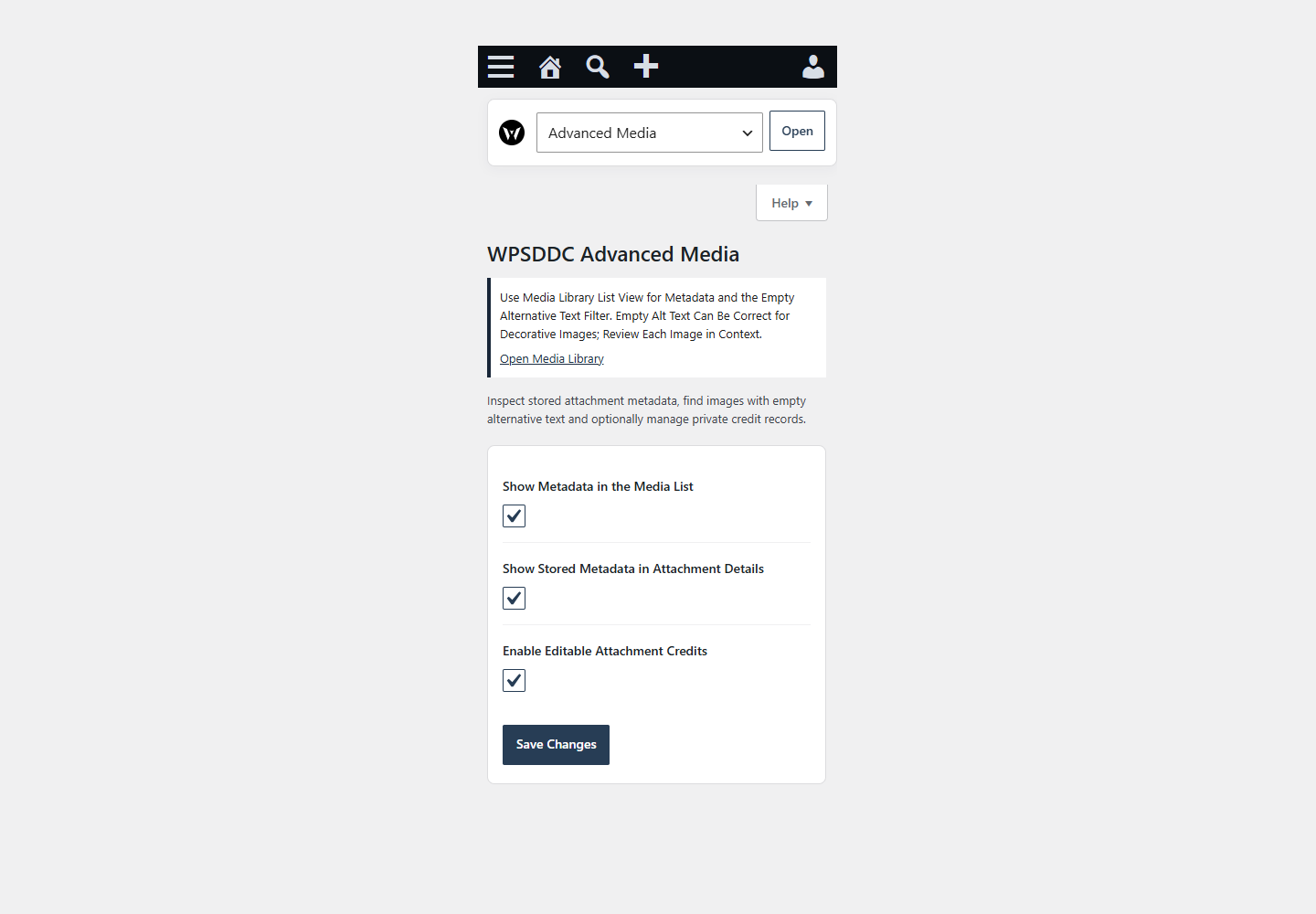
DocumentationInspect stored attachment metadata, find images with empty alternative text and optionally manage private credit records.
Documentation
The WPSDDC Advanced Media WordPress Plugin is designed for checking attachment metadata and missing image ALT text. It helps editors inspect saved media fields and record optional private image credits. This is useful for a focused WordPress media library audit. Original image files remain unchanged.
For practical context on the WPSDDC Advanced Media WordPress Plugin, read The Weight You Don’t See: Fonts, Images and Hidden Requests. The official reference on WordPress Attachment Metadata explains related technical concepts.
Requirements and Compatibility
- WordPress 6.0 or later; PHP 8.1 or later.
- English and Spanish interface.
- Works without the general HQ plugin; active collection plugins share one WPSDDC menu.
Installation and First Steps
- Check requirements and use a test installation first.
- When the official ZIP is available to you, open Plugins → Add New → Upload Plugin, select it and activate it.
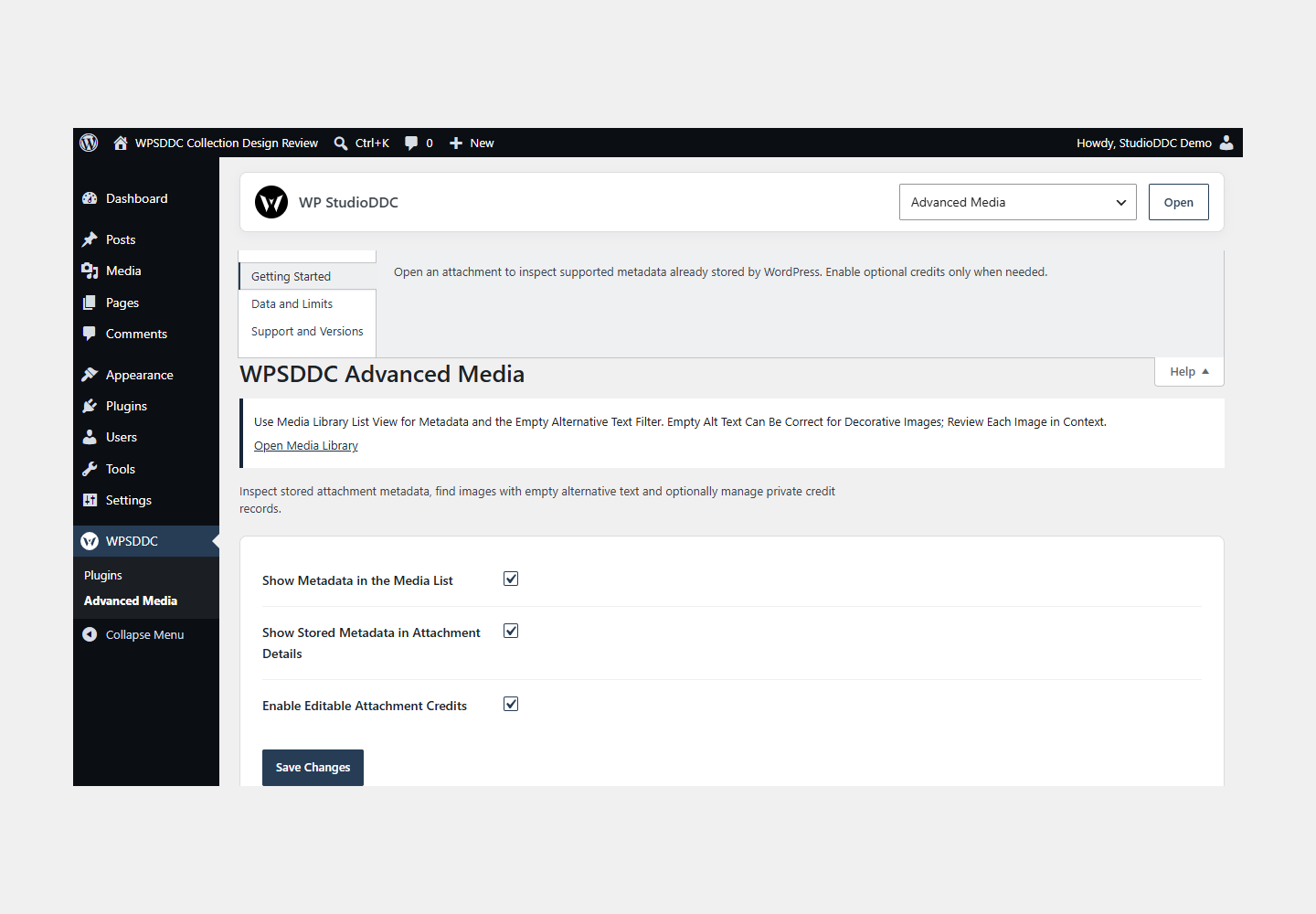
- Open WPSDDC → Advanced Media. The native Help tab includes instructions and support.
Configuration and Use
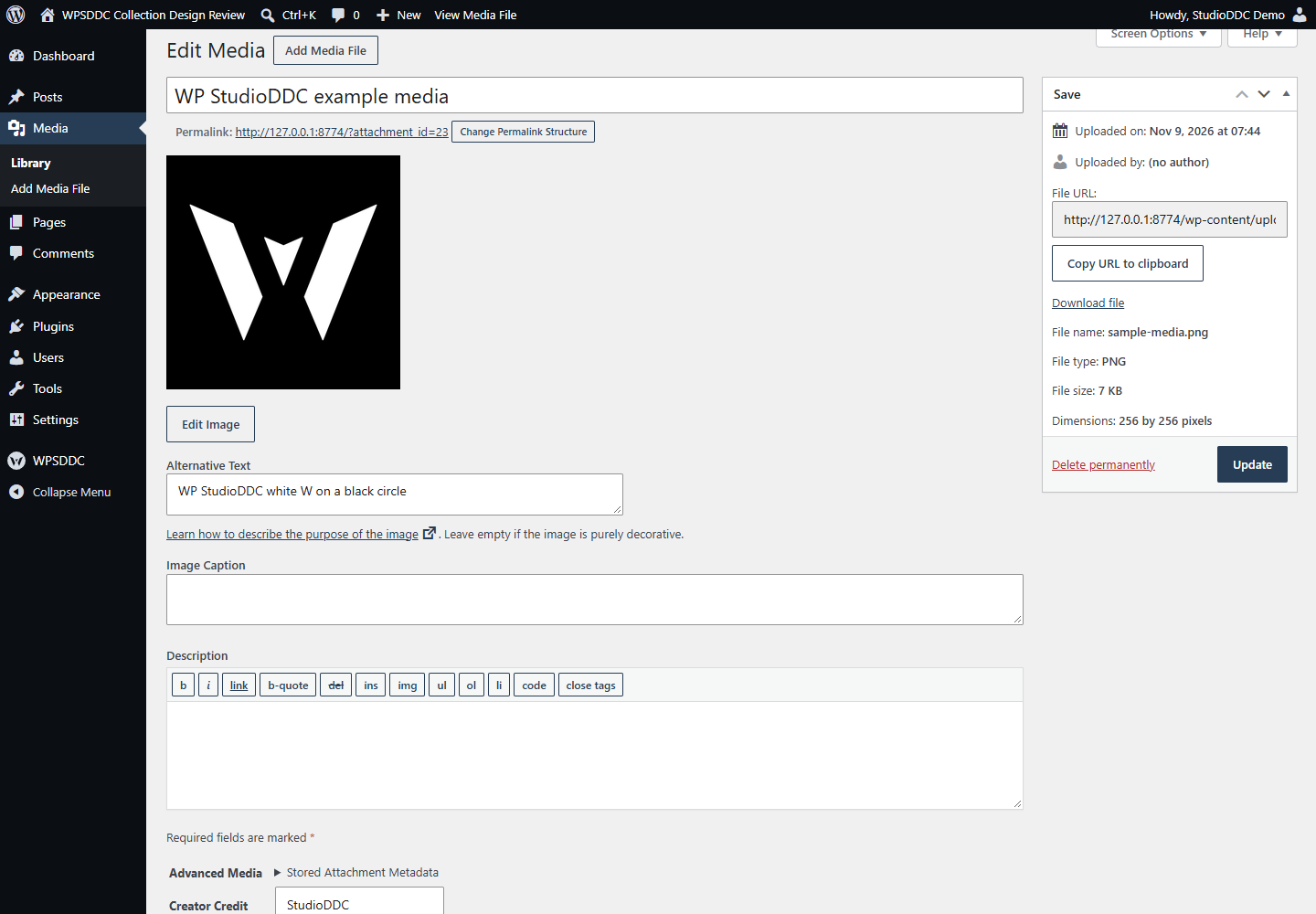
Open an attachment to inspect supported metadata already stored by WordPress. Enable optional credits only when needed.
Operating Limits
The plugin reads an allowlist of stored Core metadata and saves entered credits. It does not scan raw files for extra EXIF, XMP or GPS data or infer missing information.
Data, Privacy and Deactivation
The plugin reads an allowlist of stored Core metadata and saves entered credits. It does not scan raw files for extra EXIF, XMP or GPS data or infer missing information.
Detailed Behavior
Advanced Media adds practical information to the native Media Library without changing how your files are stored. Enable the optional Media Details list column to see the attachment ID, stored image dimensions and recorded file size. In list view, the alternative-text filter finds images whose Core alt field is absent or exactly empty. Empty alt text can be correct for decorative images; inspect each image in the context where it is used. The plugin does not generate alt text or award SEO/accessibility scores.
A native expandable section in attachment details displays whitelisted metadata already stored by WordPress: file name, MIME type, dimensions, recorded size, alternative text and available camera/credit fields. It never scans original files. Missing or older Core metadata may omit fields such as file size. No complete EXIF/XMP/IPTC parser, GPS display, rescan, regeneration, physical metadata editing or automatic import is provided. Other plugins may filter Core’s metadata API.
Administrators can optionally enable three internal credit fields: creator credit, rights notice and source URL. Media users must have upload permission and permission to edit that specific attachment. Native WordPress save handling is supplemented by a per-attachment nonce, bounded text validation and HTTP/HTTPS-only source URLs. Invalid submissions leave the previous record intact. These fields do not grant a license, verify ownership, alter embedded file metadata or add frontend attribution. They are administrative records, not encryption against database administrators or protection from third-party code that reads post metadata.
Credit data is stored only under _wpsddc_advanced_media_credit in attachment post meta; settings use wpsddc_advanced_media_settings. Deactivation/removal preserves these records. Deleting the attachment removes its metadata through WordPress Core. Existing Core titles, captions, descriptions, alt text, file paths and binary files are not rewritten by this plugin. There is no bulk operation or HQ migration.
No custom CSS, JavaScript, overlay framework, folder taxonomy, avatar behavior, keyword synchronization, language assignment, cron, external request or telemetry is added. Ordinary frontend requests return from the main entry file before runtime/settings hooks load. Native administration screens and forms inherit the user’s WordPress color scheme. Each site in Multisite has its own settings and attachment records.
Frequently Asked Questions
Do I Need the Whole Collection?
No. Install only the plugins you need and check any product-specific dependencies listed above.
Is It Available on WordPress.org?
Version 1.0.0 is in preparation and is not published on WordPress.org yet. The official link will be added after an approved version is published.
Support and License
Check the documented limits first. Include the plugin, WordPress and PHP versions and reproduction steps when requesting support. Do not include passwords or personal data.
GPL-2.0-or-later license. Author: StudioDDC. Native WordPress controls.
Real Screenshots
Captured in real test WordPress installations with synthetic content. Images show implemented features and do not depict client installations.