WordPress Plugin
WPSDDC Broken Scanner
DocumentationManually check links in saved WordPress content with native editing permissions.
Documentation
The WPSDDC Broken Scanner WordPress Plugin is designed for manual checks for broken links in saved content. It helps editors review URLs from the editor with permission-aware tools. This is useful for detecting broken links on WordPress pages. Checks start manually rather than through a site-wide scheduled crawl.
For practical context on the WPSDDC Broken Scanner WordPress Plugin, read Sanitize, Validate and Escape: Plugin Security Basics. The official reference on WordPress HTTP Requests explains related technical concepts.
Requirements and Compatibility
- WordPress 6.0 or later; PHP 8.1 or later.
- English and Spanish interface.
- Works without the general HQ plugin; active collection plugins share one WPSDDC menu.
Installation and First Steps
- Check requirements and use a test installation first.
- When the official ZIP is available to you, open Plugins → Add New → Upload Plugin, select it and activate it.
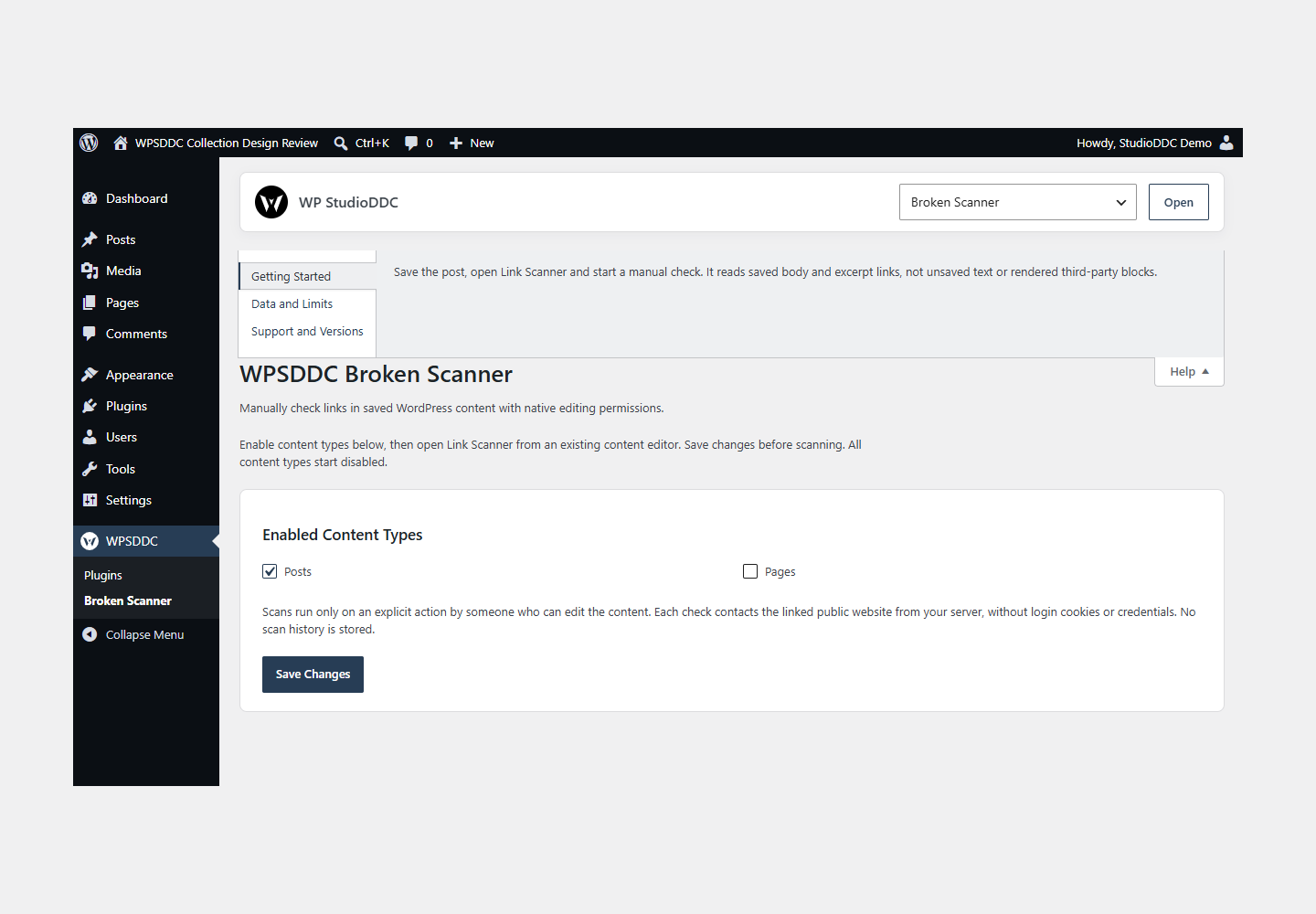
- Open WPSDDC → Broken Scanner. The native Help tab includes instructions and support.
Configuration and Use
Save the post, open Link Scanner and start a manual check. It reads saved body and excerpt links, not unsaved text or rendered third-party blocks.
Operating Limits
Manual checks send bounded HTTP requests to permitted public destinations. Private and unsafe targets are rejected. Results are not stored and no scheduled scan runs. A timeout does not prove a link is permanently broken.
Data, Privacy and Deactivation
Manual checks send bounded HTTP requests to permitted public destinations. Private and unsafe targets are rejected. Results are not stored and no scheduled scan runs. A timeout does not prove a link is permanently broken.
Detailed Behavior
Manually check links in saved WordPress content with native editing permissions.
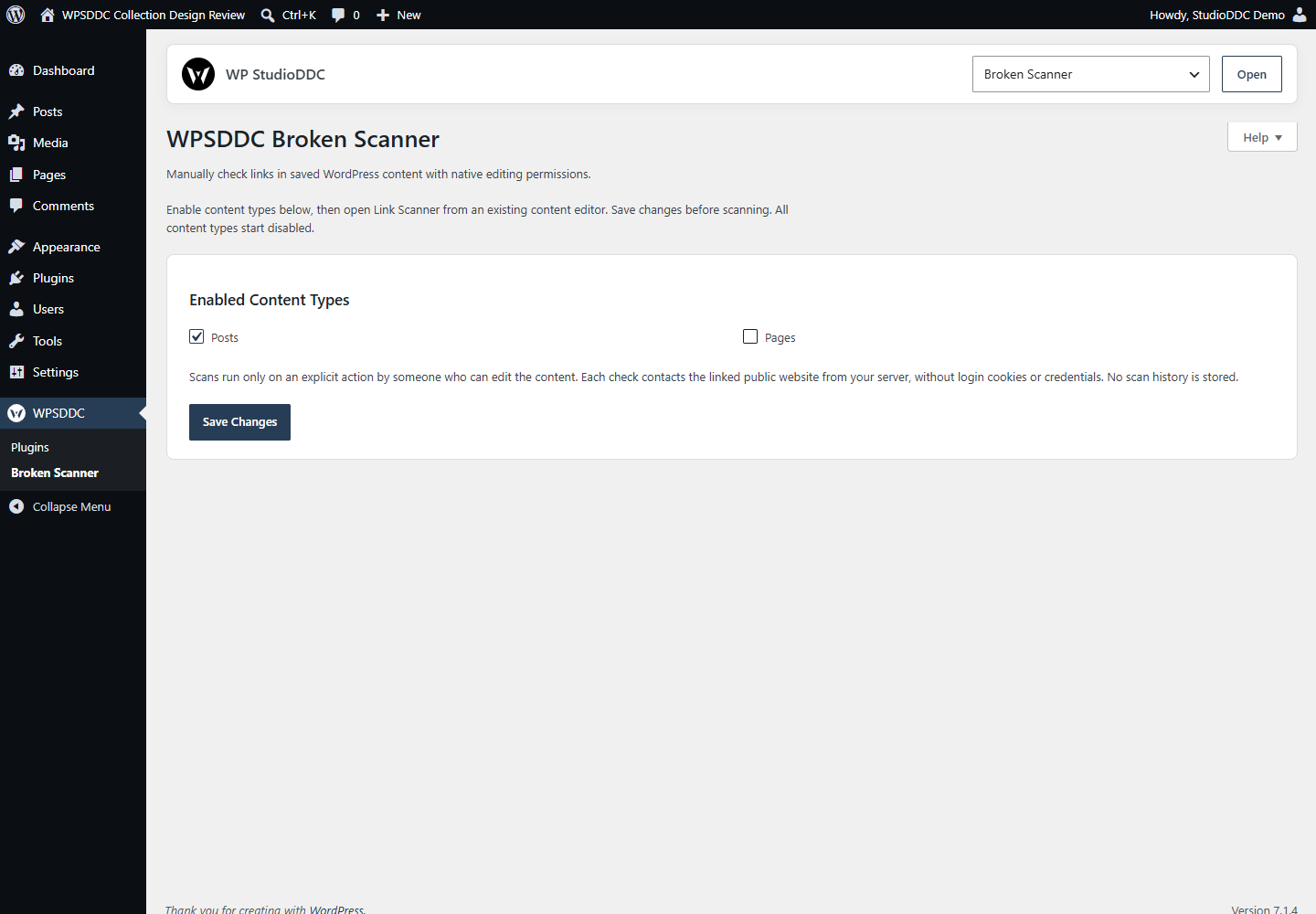
Enable content types under WPSDDC -> Broken Scanner, then open Link Scanner from a saved content editor. All content types start disabled. The native panel works in Classic and Block Editor. Save editor changes before opening the scanner.
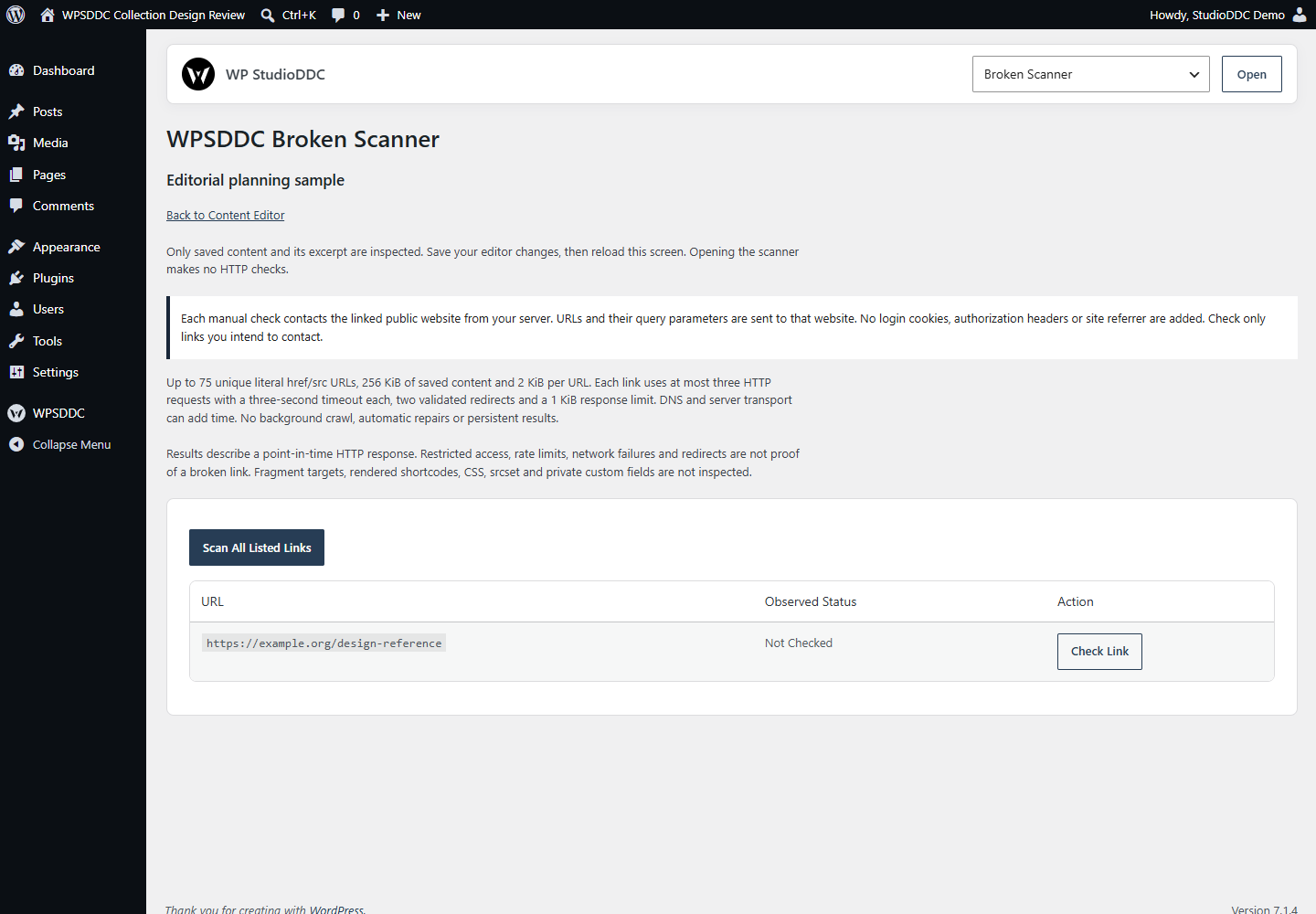
Inspect up to 75 unique literal href/src URLs in saved content and excerpt (maximum 256 KiB). Relative links use the object permalink. Check one link with a native form, or use optional JavaScript for sequential progress and stopping. There are no automatic checks, background crawls, repairs or scan history. Disabling/removing the plugin retains its settings only.
Each link uses at most three bounded HTTP requests, starting with HEAD and falling back to a 1 KiB GET only on HTTP 405/501. A three-second timeout applies per request, with at most two validated redirects; DNS/hosting can add time. Private/reserved/loopback destinations and credentials are rejected, including the same site when hosted on a private network. Only HTTP/HTTPS on standard ports 80/443. Failed or restricted checks are not automatically labeled broken. No soft-404, content, fragment or authenticated-link validity is claimed.
Only saved literal HTML attributes are inspected. Unsaved edits, rendered shortcodes/dynamic blocks, CSS, srcset and custom/private fields are outside scope. No frontend output, visitor cookies/tracking or external library. Native admin controls respect the user’s Core color scheme. Results remain only in the current page and disappear on reload.
No third-party scanning service is used. Opening/activating the plugin makes no HTTP checks. On an explicit Check Link or Scan All action, your server contacts the linked public website, sending its URL and query parameters; that destination receives your server IP and applies its own terms/privacy. No site login cookies, authorization header or referrer is added, and the user agent contains no site URL. Check only URLs you intend to contact, especially if query parameters contain tokens. No response bodies, credentials or scan history are stored. Stop prevents queued requests; a server check already started may still finish.
Frequently Asked Questions
Do I Need the Whole Collection?
No. Install only the plugins you need and check any product-specific dependencies listed above.
Is It Available on WordPress.org?
Version 1.0.0 is in preparation and is not published on WordPress.org yet. The official link will be added after an approved version is published.
Support and License
Check the documented limits first. Include the plugin, WordPress and PHP versions and reproduction steps when requesting support. Do not include passwords or personal data.
GPL-2.0-or-later license. Author: StudioDDC. Native WordPress controls.
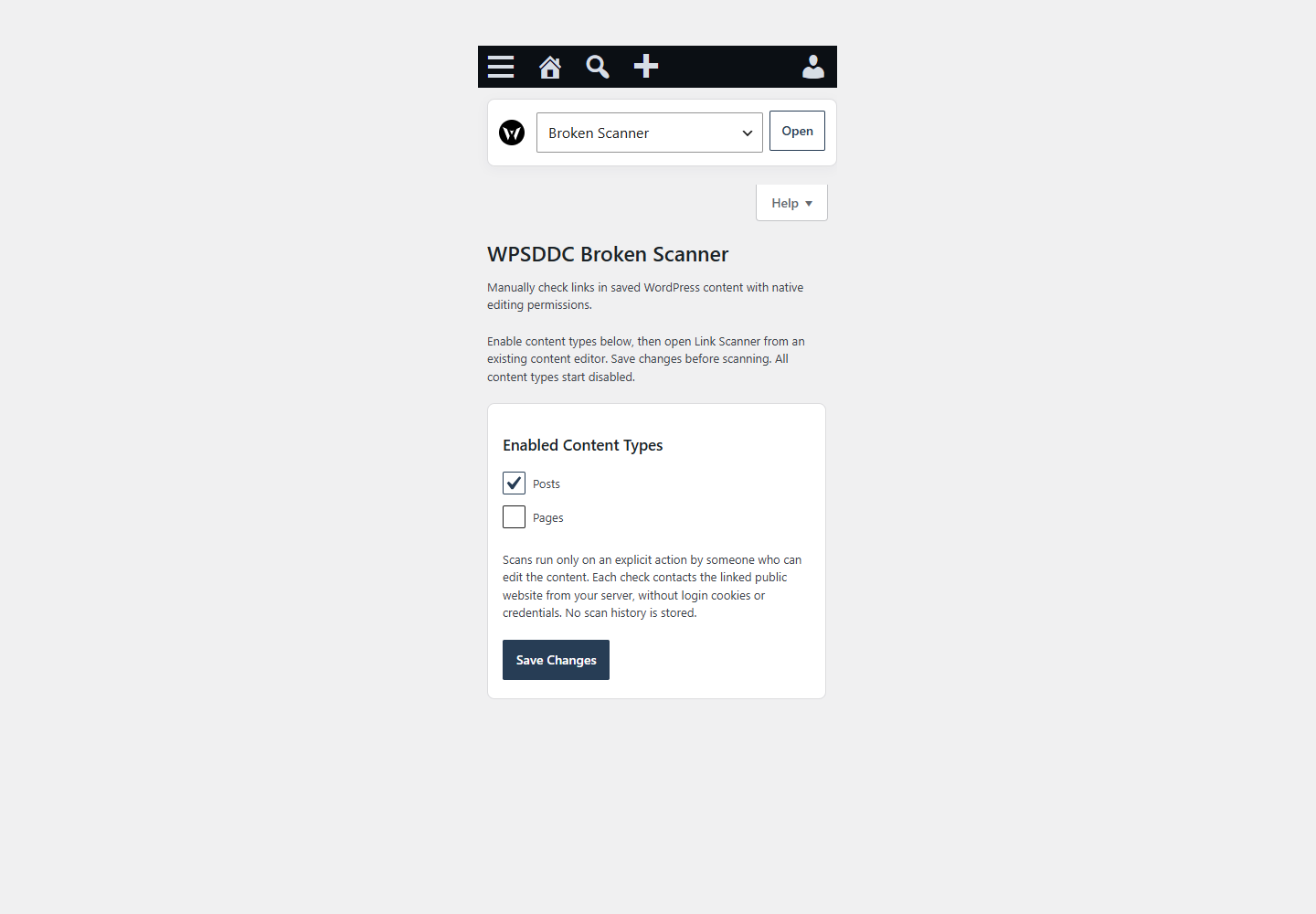
Real Screenshots
Captured in real test WordPress installations with synthetic content. Images show implemented features and do not depict client installations.