WordPress Plugin
WPSDDC Sharing Engage
DocumentationAdd lightweight sharing options and native comment links to selected public content.
Documentation
The WPSDDC Sharing Engage WordPress Plugin is designed for lightweight sharing actions and comment links. It helps editors add sharing options without loading external social SDKs. This is useful for connecting WordPress readers with comments and sharing. Some actions depend on the visitor's browser capabilities.
For practical context on the WPSDDC Sharing Engage WordPress Plugin, read Keyboard and Contrast Checks Every Plugin Interface Needs. The official reference on Browser Sharing API explains related technical concepts.
Requirements and Compatibility
- WordPress 6.0 or later; PHP 8.1 or later.
- English and Spanish interface.
- Works without the general HQ plugin; active collection plugins share one WPSDDC menu.
Installation and First Steps
- Check requirements and use a test installation first.
- When the official ZIP is available to you, open Plugins → Add New → Upload Plugin, select it and activate it.
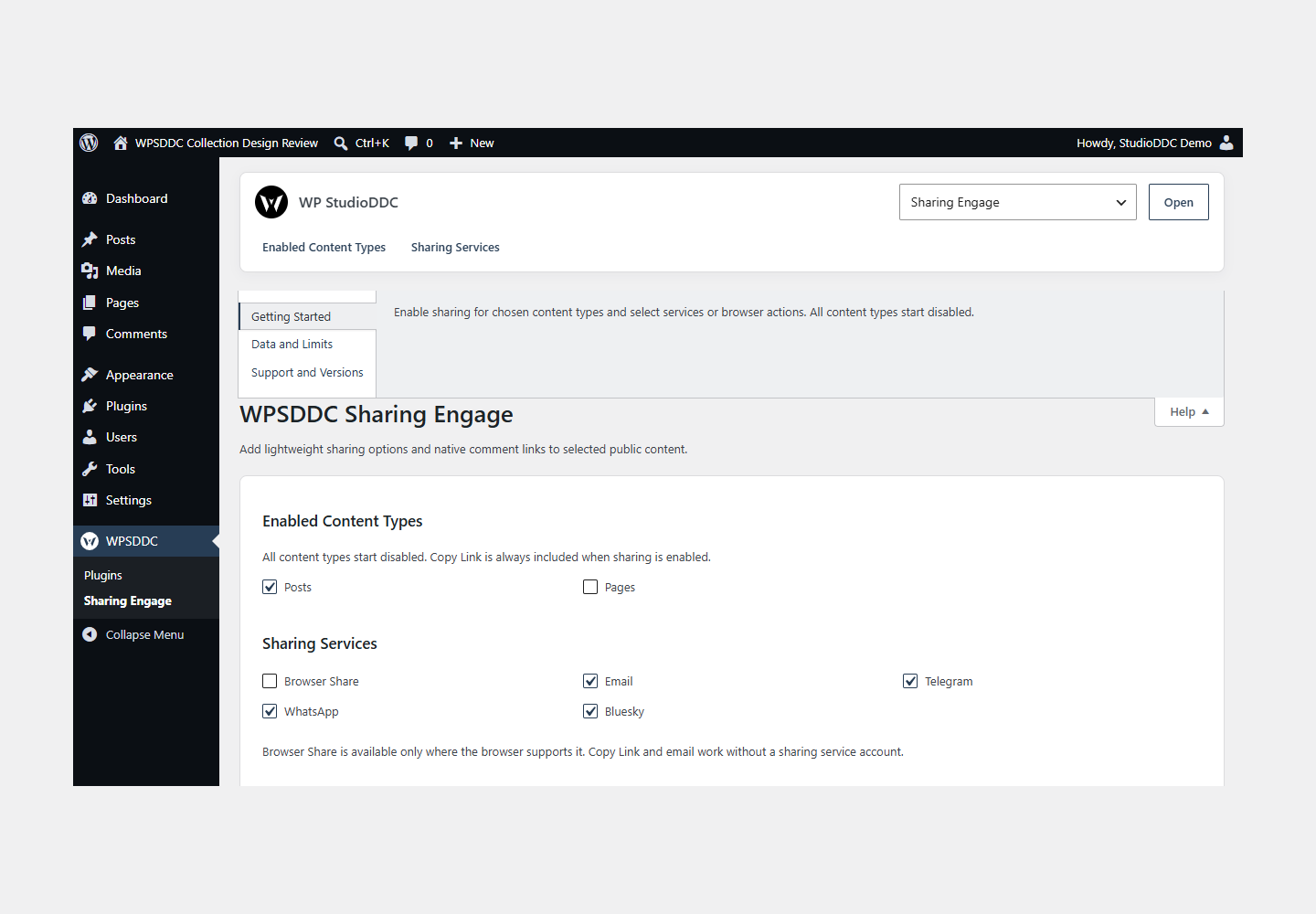
- Open WPSDDC → Sharing Engage. The native Help tab includes instructions and support.
Configuration and Use
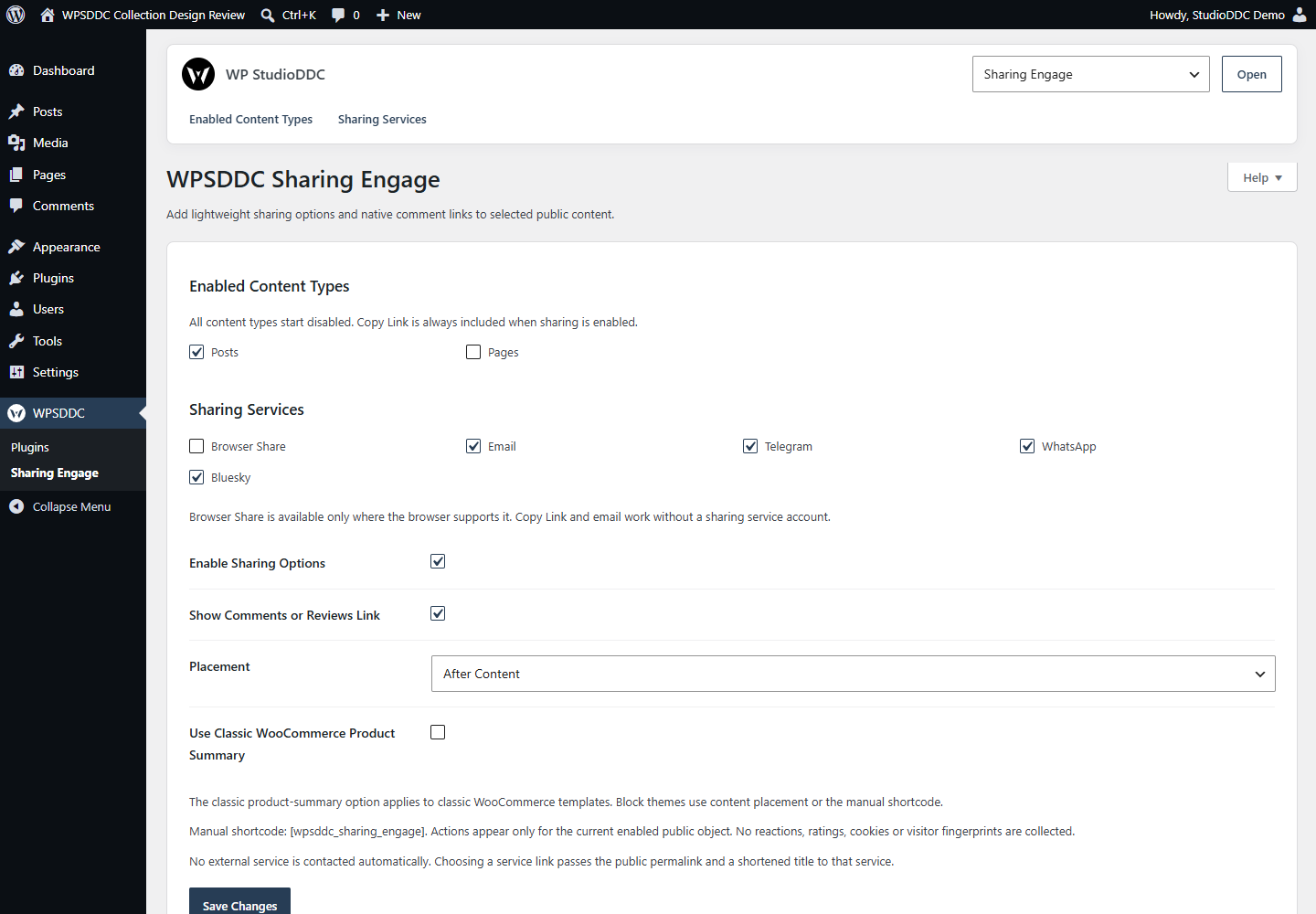
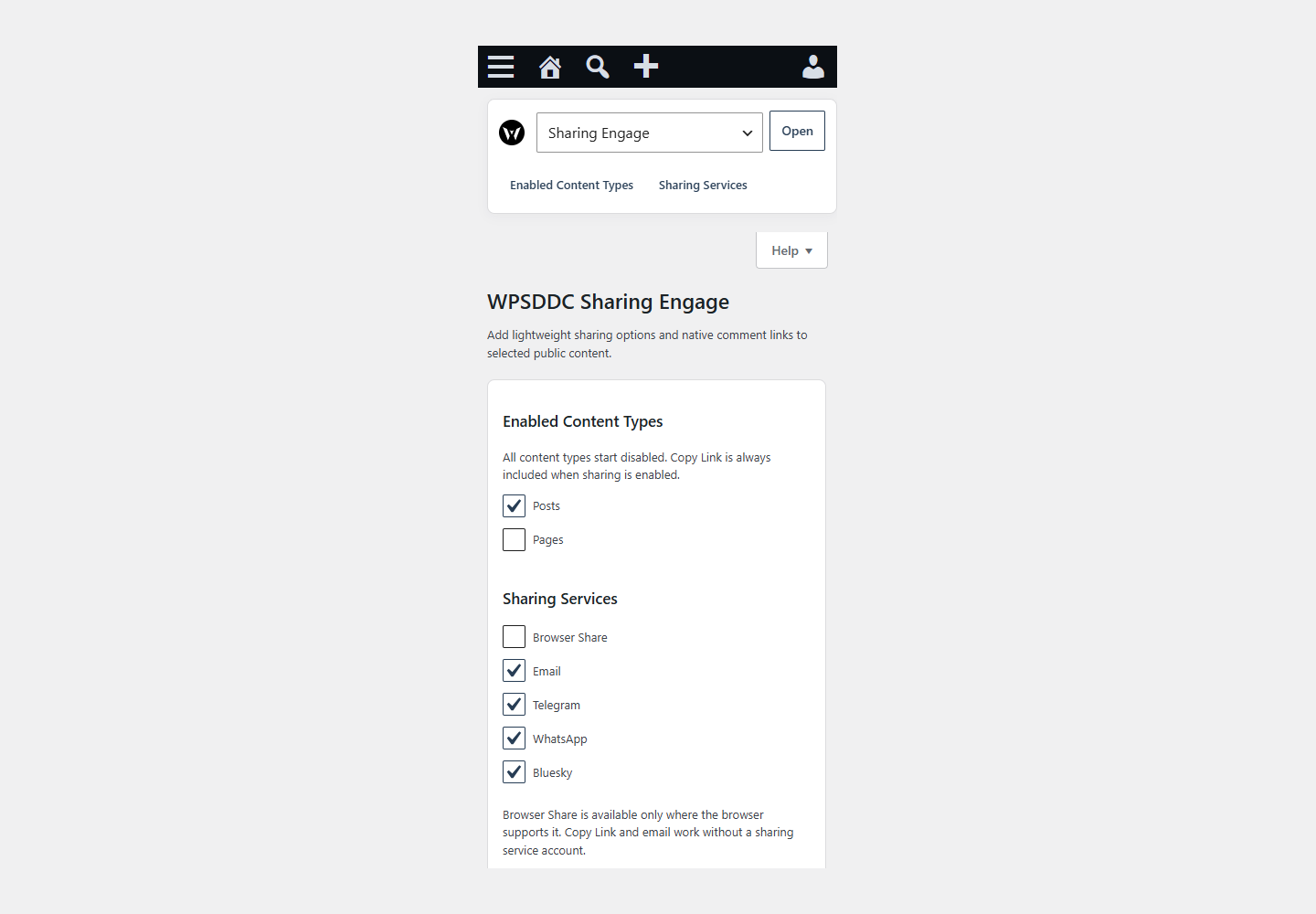
Enable sharing for chosen content types and select services or browser actions. All content types start disabled.
Operating Limits
Settings stay local. Copy and native sharing use browser APIs after a user action. An external service opens only when clicked. No remote counters, tracking scripts or invented share statistics are included.
Data, Privacy and Deactivation
Settings stay local. Copy and native sharing use browser APIs after a user action. An external service opens only when clicked. No remote counters, tracking scripts or invented share statistics are included.
Detailed Behavior
Add lightweight sharing options and native comment links to selected public content.
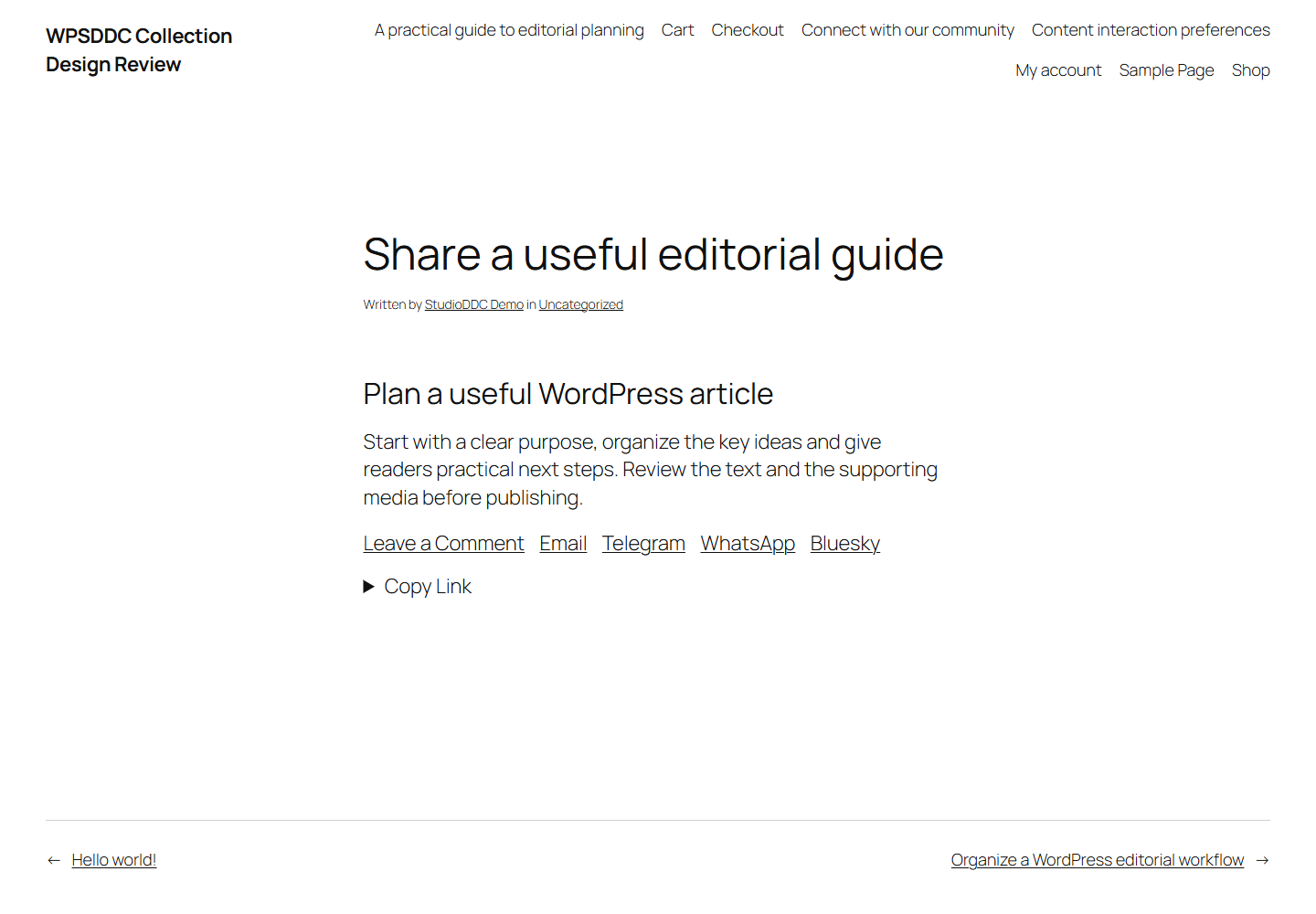
Select the public content types and sharing services under WPSDDC -> Sharing Engage. All content types start disabled. Copy Link always includes a selectable URL and works without JavaScript. Modern secure browsers can offer native sharing and clipboard buttons. Email, Telegram, WhatsApp and Bluesky use compose links. No visitor accounts or API keys are required by this plugin.
Choose before/after main content, or place [wpsddc_sharing_engage] on the current enabled content. Optional comment/review links use existing WordPress/WooCommerce counts. The classic WooCommerce summary option requires classic product templates; block themes use content placement or the shortcode. Controls inherit the active theme and appear once per object.
No reactions, ratings, SEO schema, cookies, fingerprints, telemetry, stored visitor data, public voting endpoint or automatic external request. Only site-local settings are stored, and they remain after deactivation or removal. No admin scheme is replaced.
No service is contacted when this plugin constructs links. On the visitor’s explicit click, Telegram (https://telegram.org/privacy), WhatsApp (https://www.whatsapp.com/legal/privacy-policy) or Bluesky (https://bsky.social/about/support/privacy-policy) receives the public permalink and a plain shortened title; that service’s terms/privacy apply. Native Share opens the browser/OS sharing picker only on click. Email opens the configured mail application. Manual copying keeps the URL local. No SDK, background HTTP request, tracking script or service account is included.
Frequently Asked Questions
Do I Need the Whole Collection?
No. Install only the plugins you need and check any product-specific dependencies listed above.
Is It Available on WordPress.org?
Version 1.0.0 is in preparation and is not published on WordPress.org yet. The official link will be added after an approved version is published.
Support and License
Check the documented limits first. Include the plugin, WordPress and PHP versions and reproduction steps when requesting support. Do not include passwords or personal data.
GPL-2.0-or-later license. Author: StudioDDC. Native WordPress controls.
Real Screenshots
Captured in real test WordPress installations with synthetic content. Images show implemented features and do not depict client installations.