WordPress Plugin
WPSDDC Copy Shield
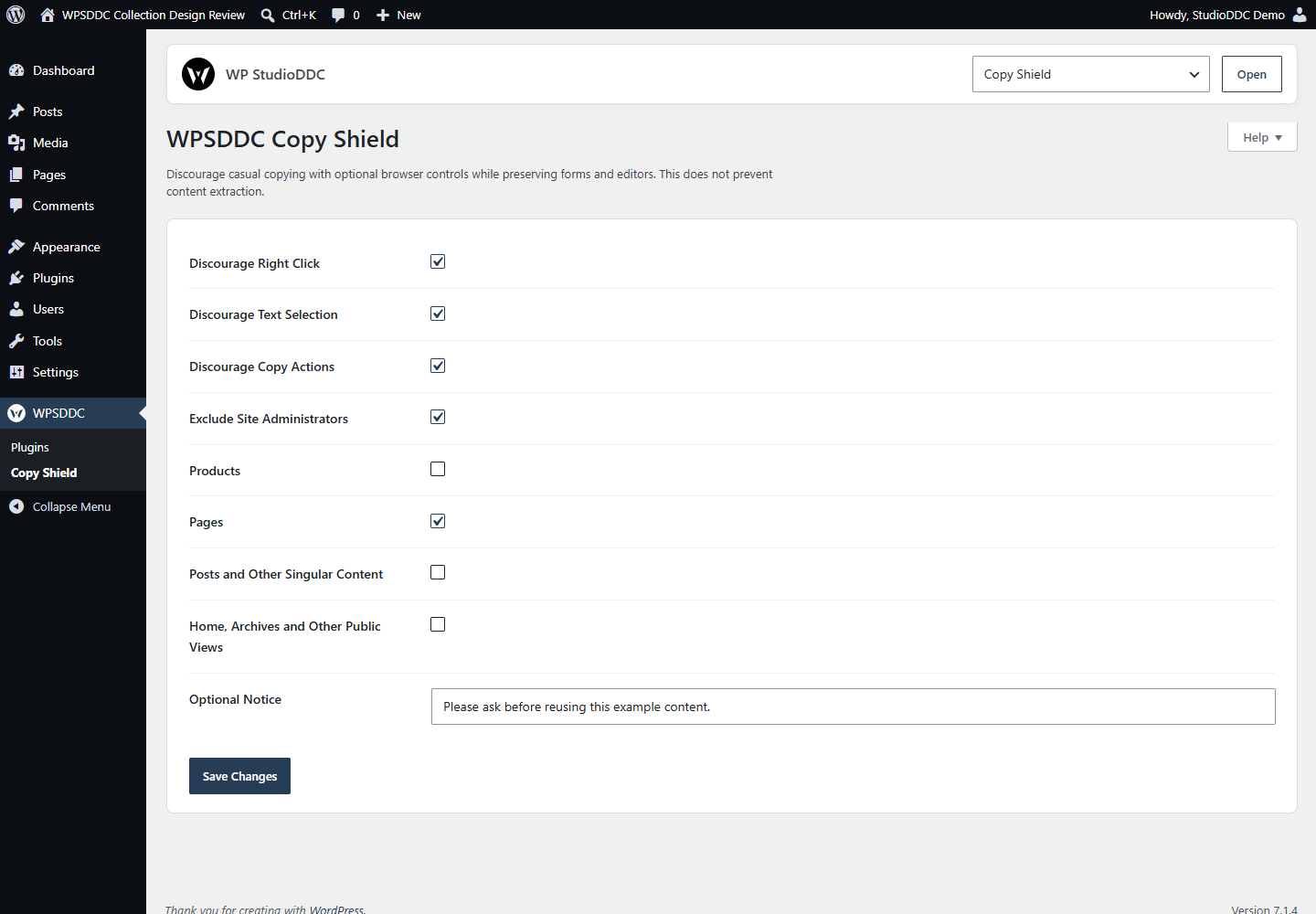
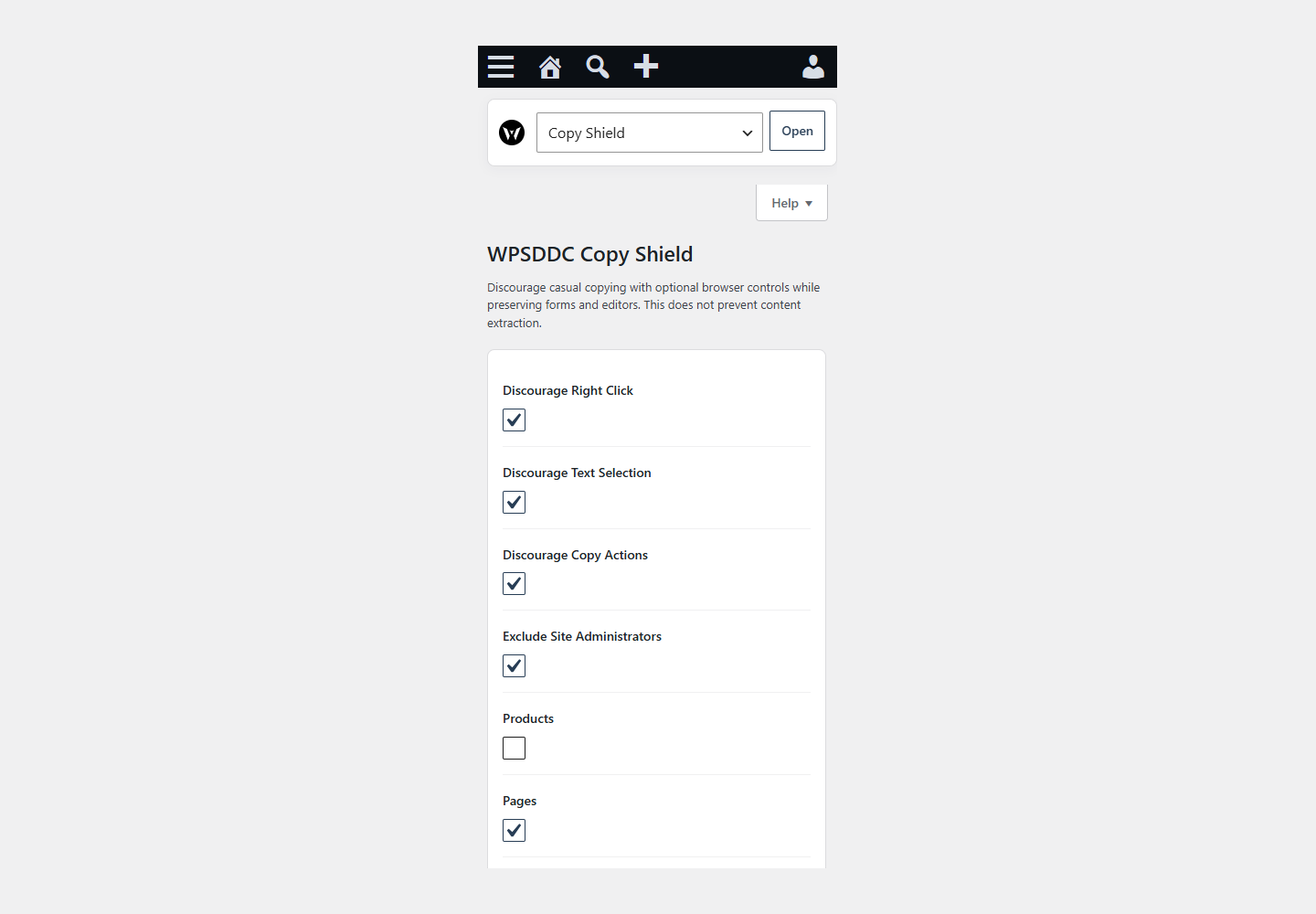
DocumentationDiscourage casual copying with optional browser controls while preserving forms and editors. This does not prevent content extraction.
Documentation
The WPSDDC Copy Shield WordPress Plugin is designed for discouraging casual copying on public pages. It helps editors enable optional browser controls without interrupting editors or forms. This is useful for reducing casual content copying in WordPress. Browser restrictions cannot prevent every kind of content extraction.
For practical context on the WPSDDC Copy Shield WordPress Plugin, read Sanitize, Validate and Escape: Plugin Security Basics. The official reference on Browser Context Menu Behavior explains related technical concepts.
Requirements and Compatibility
- WordPress 6.0 or later; PHP 8.1 or later.
- English and Spanish interface.
- Works without the general HQ plugin; active collection plugins share one WPSDDC menu.
Installation and First Steps
- Check requirements and use a test installation first.
- When the official ZIP is available to you, open Plugins → Add New → Upload Plugin, select it and activate it.
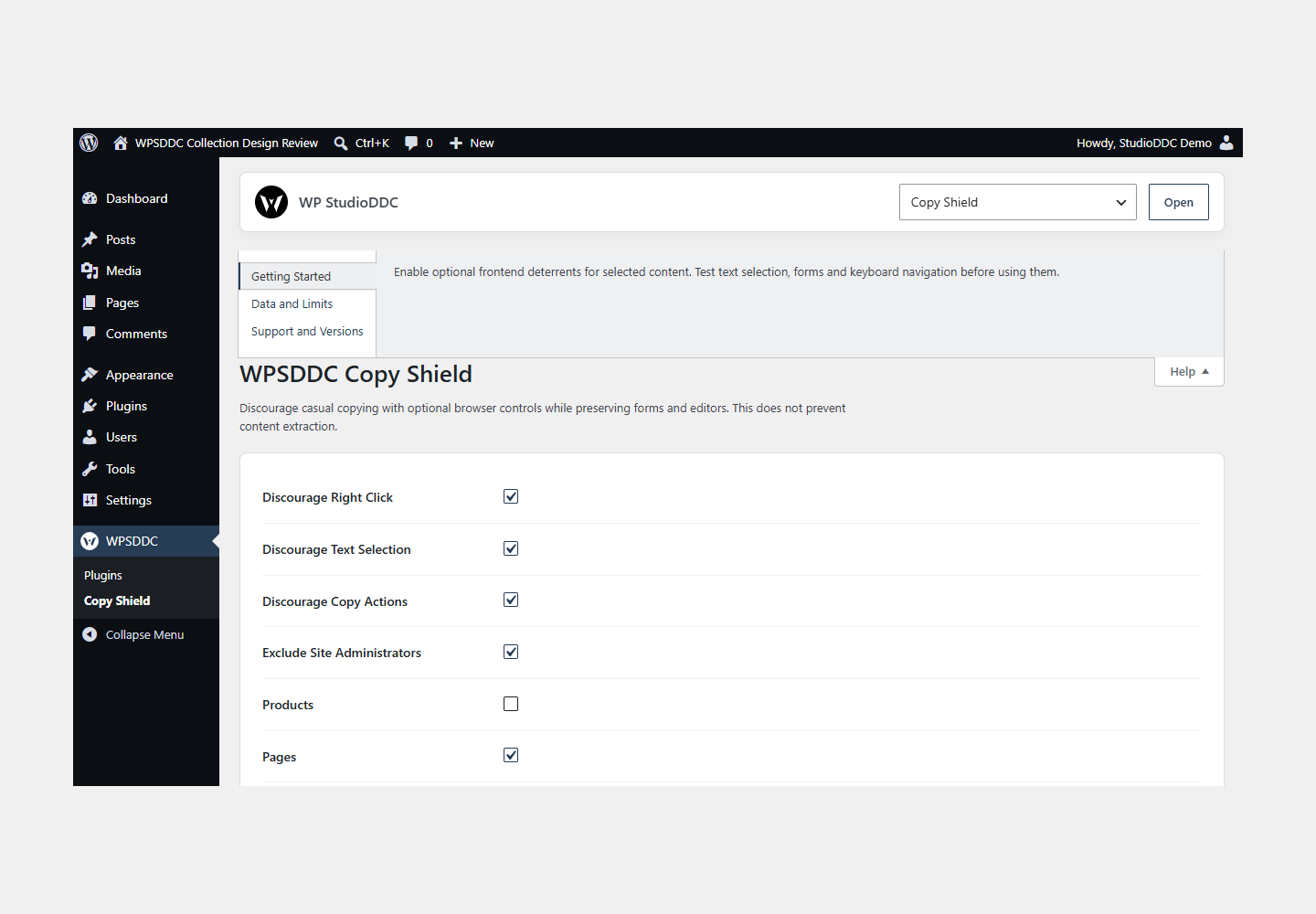
- Open WPSDDC → Copy Shield. The native Help tab includes instructions and support.
Configuration and Use
Enable optional frontend deterrents for selected content. Test text selection, forms and keyboard navigation before using them.
Operating Limits
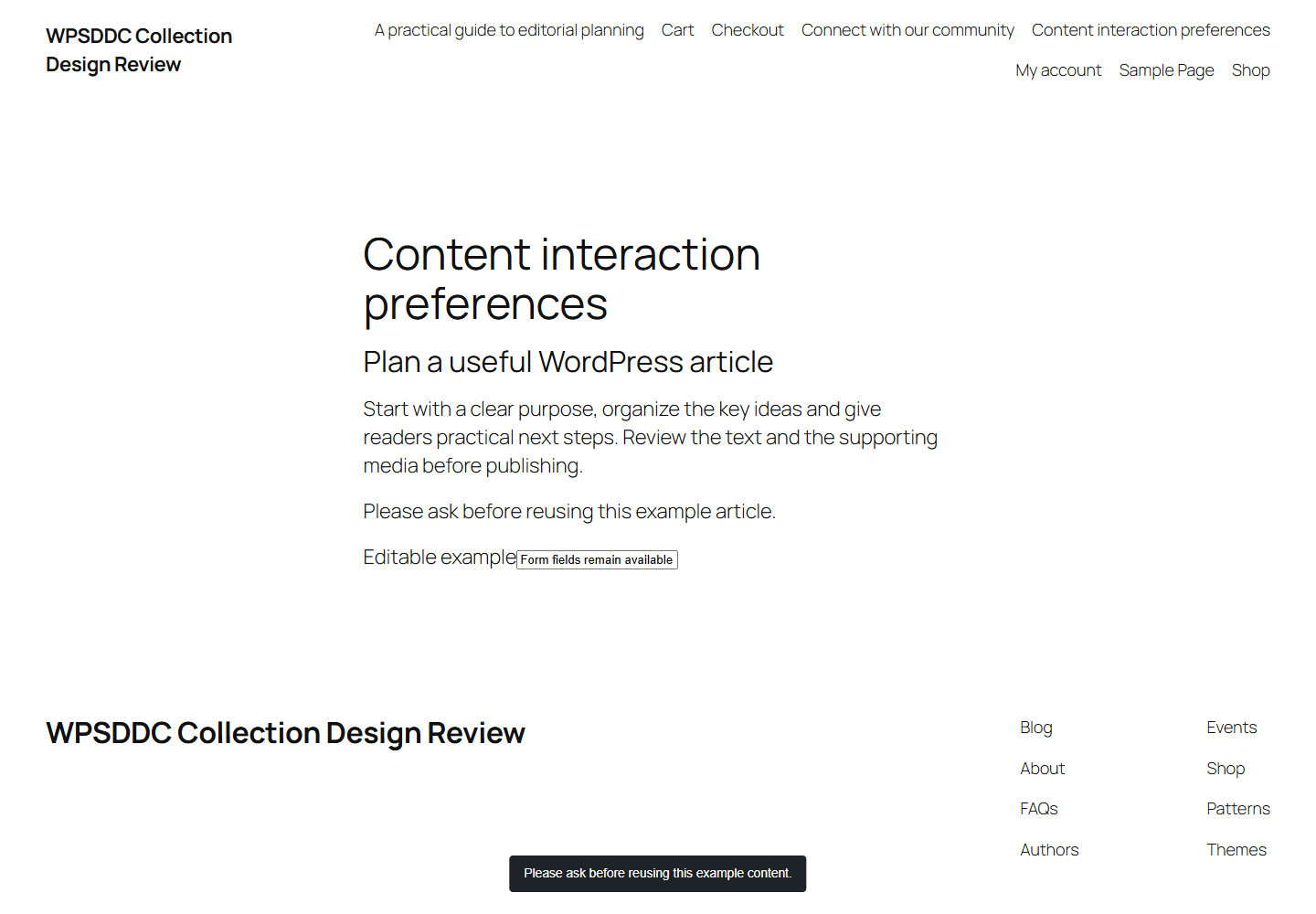
Only local preferences are stored. Controls discourage casual copying and cannot secure public content. Editable fields remain usable. No keyboard shortcuts are blocked and no tracking or DRM is provided.
Data, Privacy and Deactivation
Only local preferences are stored. Controls discourage casual copying and cannot secure public content. Editable fields remain usable. No keyboard shortcuts are blocked and no tracking or DRM is provided.
Detailed Behavior
Discourage casual copying with optional browser controls while preserving forms and editors. This does not prevent content extraction.
Context-menu, text-selection and copy-event deterrents are independently opt-in. Scope includes products, pages, other singular content and remaining public views; feeds are excluded. Administrators are excluded by default. Form controls, contenteditable regions, common code editors and elements marked data-wpsddc-copy-shield-ignore retain normal behavior. No keyboard events are intercepted: print, save, zoom, search, select-all, source and developer-tool shortcuts remain available. Selected exempt text remains copyable even when the browser targets its copy event at the page body. For site owners who choose a light deterrent, all controls default off and should be enabled only where appropriate. Public content remains retrievable; these controls do not provide access control or DRM. Only site-local settings and optional plain-text notice content are stored. No copied text, browsing history, telemetry or external requests are recorded. There is no admin CSS/JS; frontend resources load only for opted-in controls and selected content scopes.
The plugin uses local WordPress APIs and does not send telemetry. Settings are retained after deactivation or removal.
Frequently Asked Questions
Do I Need the Whole Collection?
No. Install only the plugins you need and check any product-specific dependencies listed above.
Is It Available on WordPress.org?
Version 1.0.0 is in preparation and is not published on WordPress.org yet. The official link will be added after an approved version is published.
Support and License
Check the documented limits first. Include the plugin, WordPress and PHP versions and reproduction steps when requesting support. Do not include passwords or personal data.
GPL-2.0-or-later license. Author: StudioDDC. Native WordPress controls.
Real Screenshots
Captured in real test WordPress installations with synthetic content. Images show implemented features and do not depict client installations.