WordPress Plugin
WPSDDC User Identity
DocumentationAdd local Media Library avatars and author-controlled public profile links using native WordPress APIs.
Documentation
The WPSDDC User Identity WordPress Plugin is designed for local author avatars and optional public profile links. It helps editors select Media Library images for user identities. This is useful for maintaining consistent author profiles in WordPress. Authors control which permitted public profile links are visible.
For practical context on the WPSDDC User Identity WordPress Plugin, read About. The official reference on WordPress User Avatars explains related technical concepts.
Requirements and Compatibility
- WordPress 6.0 or later; PHP 8.1 or later.
- English and Spanish interface.
- Works without the general HQ plugin; active collection plugins share one WPSDDC menu.
Installation and First Steps
- Check requirements and use a test installation first.
- When the official ZIP is available to you, open Plugins → Add New → Upload Plugin, select it and activate it.
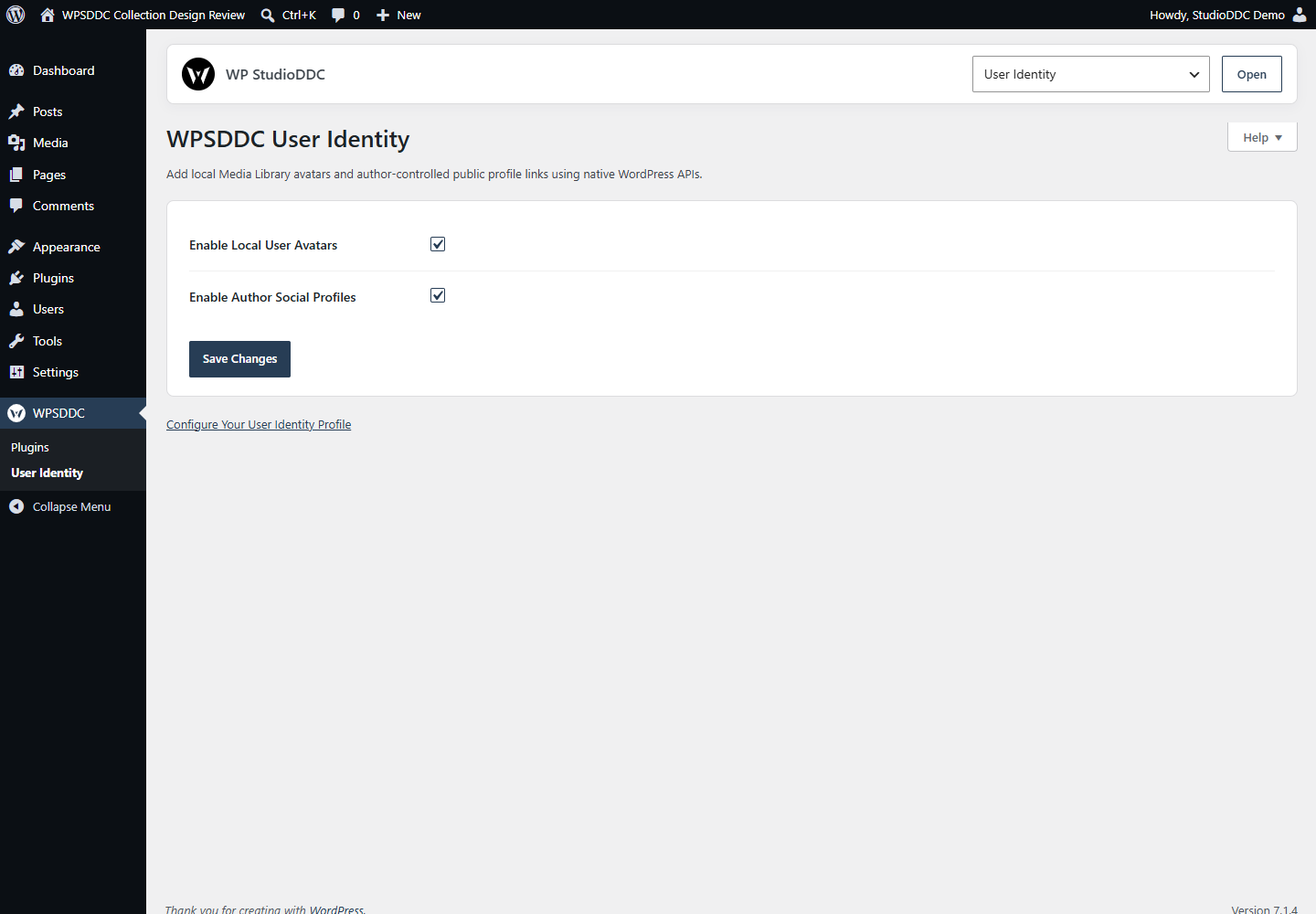
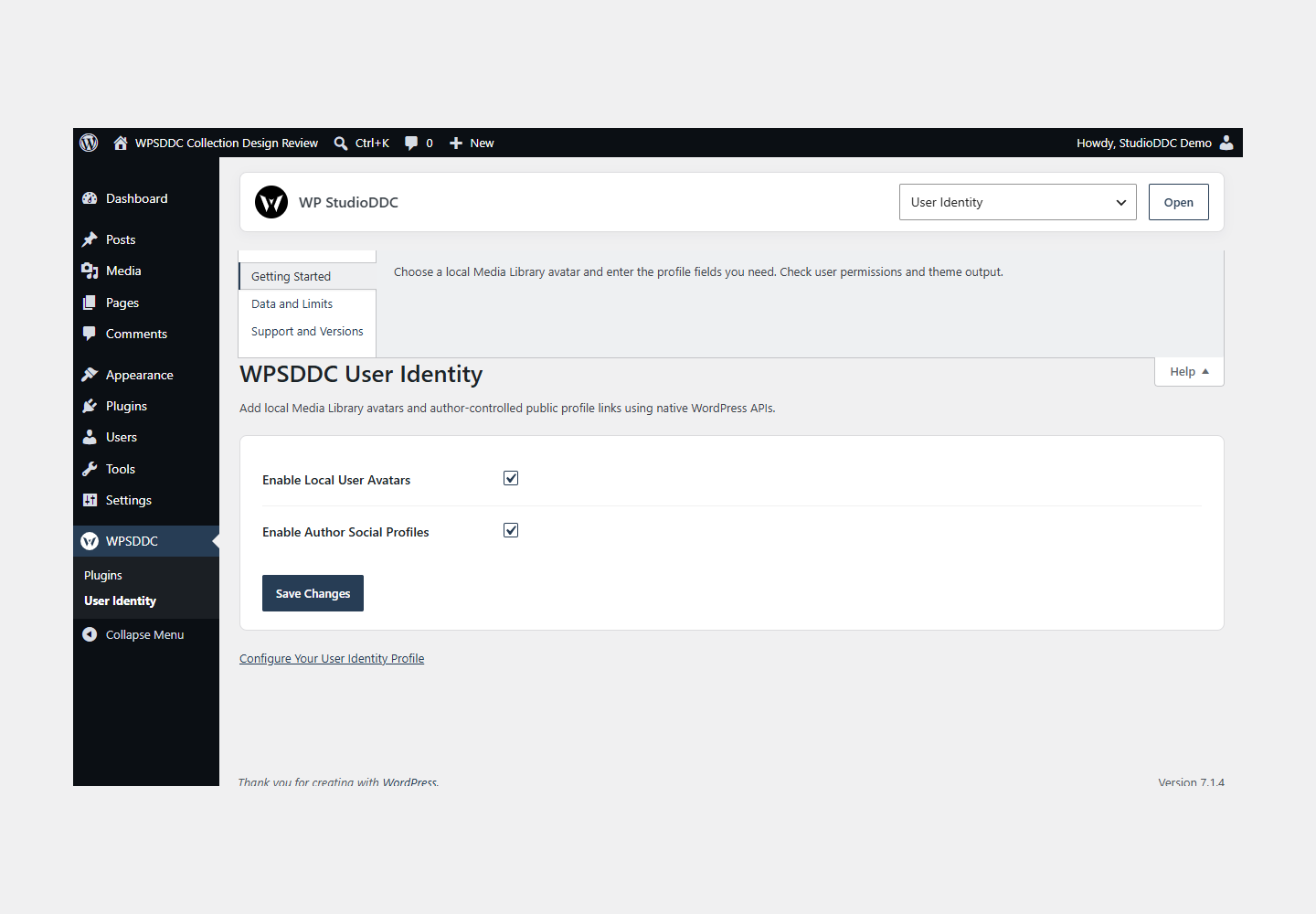
- Open WPSDDC → User Identity. The native Help tab includes instructions and support.
Configuration and Use
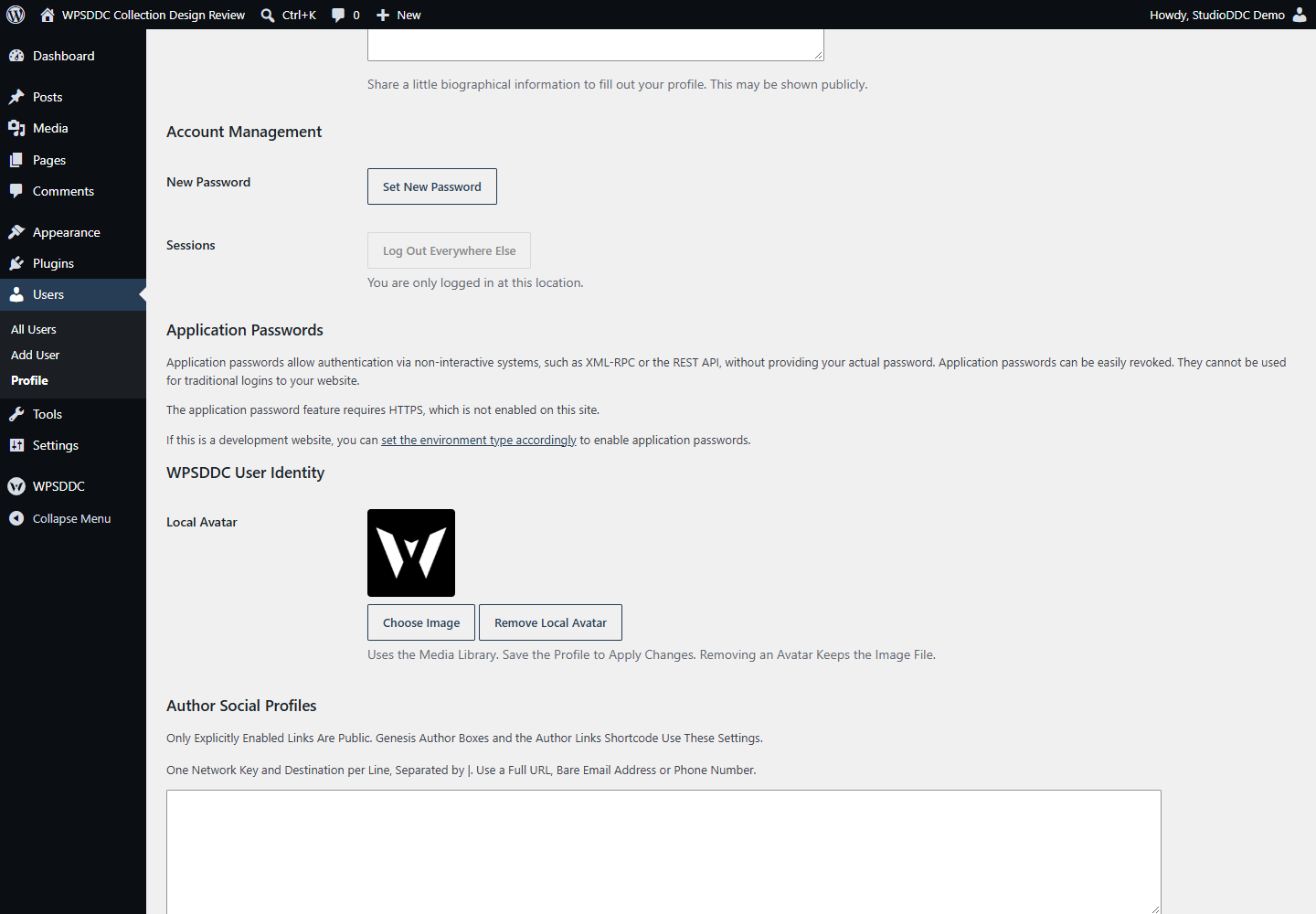
Choose a local Media Library avatar and enter the profile fields you need. Check user permissions and theme output.
Operating Limits
Profile values and avatar references stay local. Media survives deactivation. Without an applicable local avatar, normal WordPress avatar behavior can still use the existing Core or site provider.
Data, Privacy and Deactivation
Profile values and avatar references stay local. Media survives deactivation. Without an applicable local avatar, normal WordPress avatar behavior can still use the existing Core or site provider.
Detailed Behavior
Add local Media Library avatars and author-controlled public profile links using native WordPress APIs.
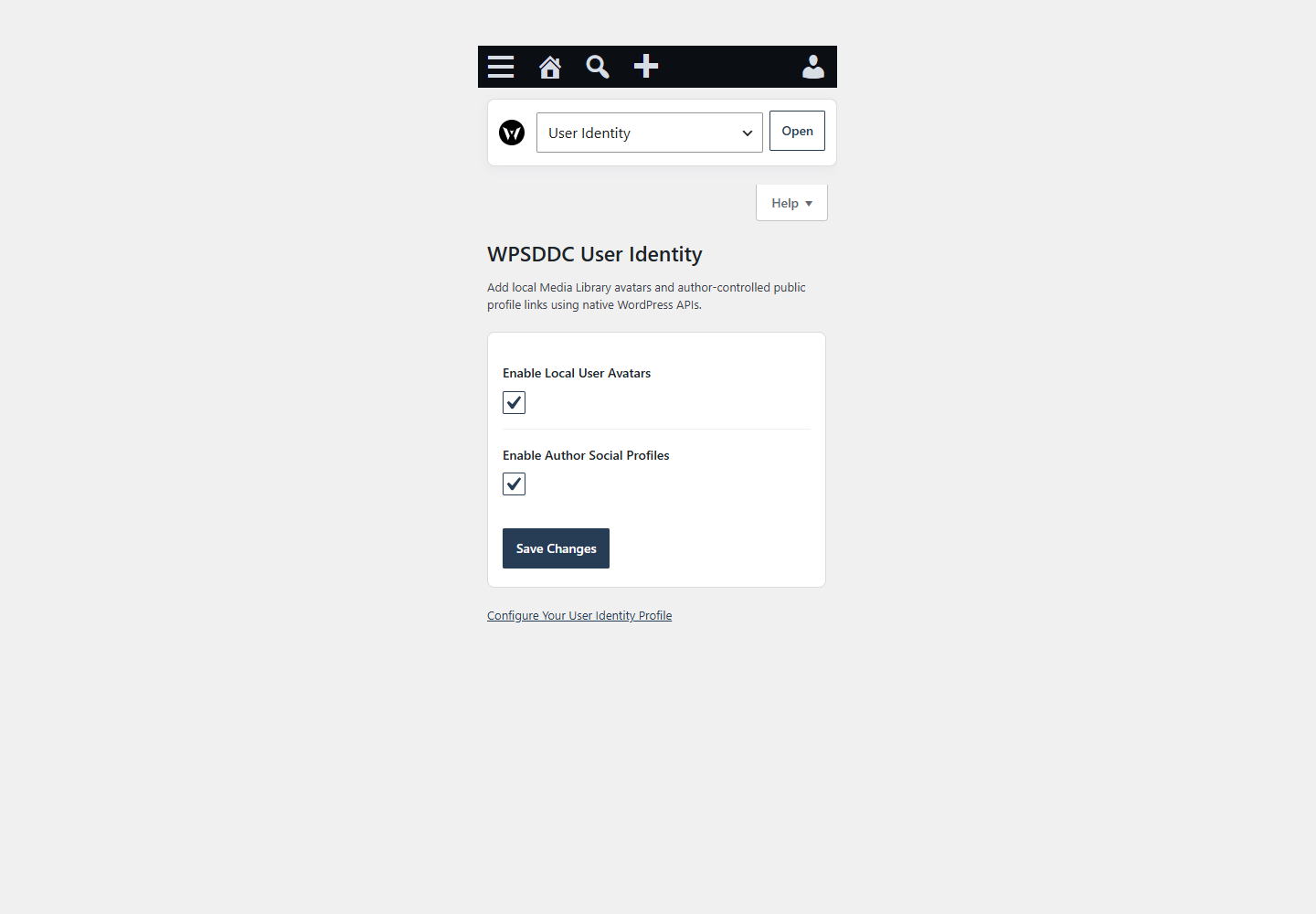
Enable each feature independently under WPSDDC > User Identity and configure it on user profiles. Media Library avatars require upload and attachment-edit permissions; removing an avatar preserves the Media Library file. Author links integrate with Genesis author boxes and are also available through [wpsddc_user_identity_links user=”123″] (the current post author is the default). Each author explicitly enables their own public links and controls position, size, spacing, padding, radius, colors, hover and new-tab behavior. Profile data is site-local in Multisite. No HQ/legacy metadata migration, private brand catalog, telemetry or mandatory companion plugin is included. Existing Core avatar fallback remains when no local avatar is selected.
The plugin uses local WordPress APIs and does not send telemetry. Settings are retained after deactivation or removal.
Both features are disabled by default. Each author explicitly enables their public links. No administration menus are filtered. Avatar associations, profile links and appearance settings stay in site-scoped WordPress user metadata. Author CSS loads only when links render; there is no frontend JavaScript or automatic remote request.
Frequently Asked Questions
Do I Need the Whole Collection?
No. Install only the plugins you need and check any product-specific dependencies listed above.
Is It Available on WordPress.org?
Version 1.0.0 is in preparation and is not published on WordPress.org yet. The official link will be added after an approved version is published.
Support and License
Check the documented limits first. Include the plugin, WordPress and PHP versions and reproduction steps when requesting support. Do not include passwords or personal data.
GPL-2.0-or-later license. Author: StudioDDC. Native WordPress controls.
Real Screenshots
Captured in real test WordPress installations with synthetic content. Images show implemented features and do not depict client installations.