WordPress Plugin
WPSDDC Ecommerce Toolkit
DocumentationConfigure clean product URLs, metric attribute displays and missing SKU patterns for WooCommerce.
Documentation
The WPSDDC Ecommerce Toolkit WordPress Plugin is designed for optional WooCommerce product management utilities. It helps editors simplify product URLs and handle supported metric attributes or empty SKUs. This is useful for consistent WooCommerce product information management. Each utility is optional and depends on the store configuration.
For practical context on the WPSDDC Ecommerce Toolkit WordPress Plugin, read Extending WooCommerce Checkout Without Slowing It Down. The official reference on Official WooCommerce Permalinks explains related technical concepts.
Requirements and Compatibility
- WordPress 6.0 or later; PHP 8.1 or later.
- English and Spanish interface.
- Works without the general HQ plugin; active collection plugins share one WPSDDC menu.
- Requires an installed and active WooCommerce.
Installation and First Steps
- Check requirements and use a test installation first.
- When the official ZIP is available to you, open Plugins → Add New → Upload Plugin, select it and activate it.
- Open WPSDDC → Ecommerce Toolkit. The native Help tab includes instructions and support.
Configuration and Use
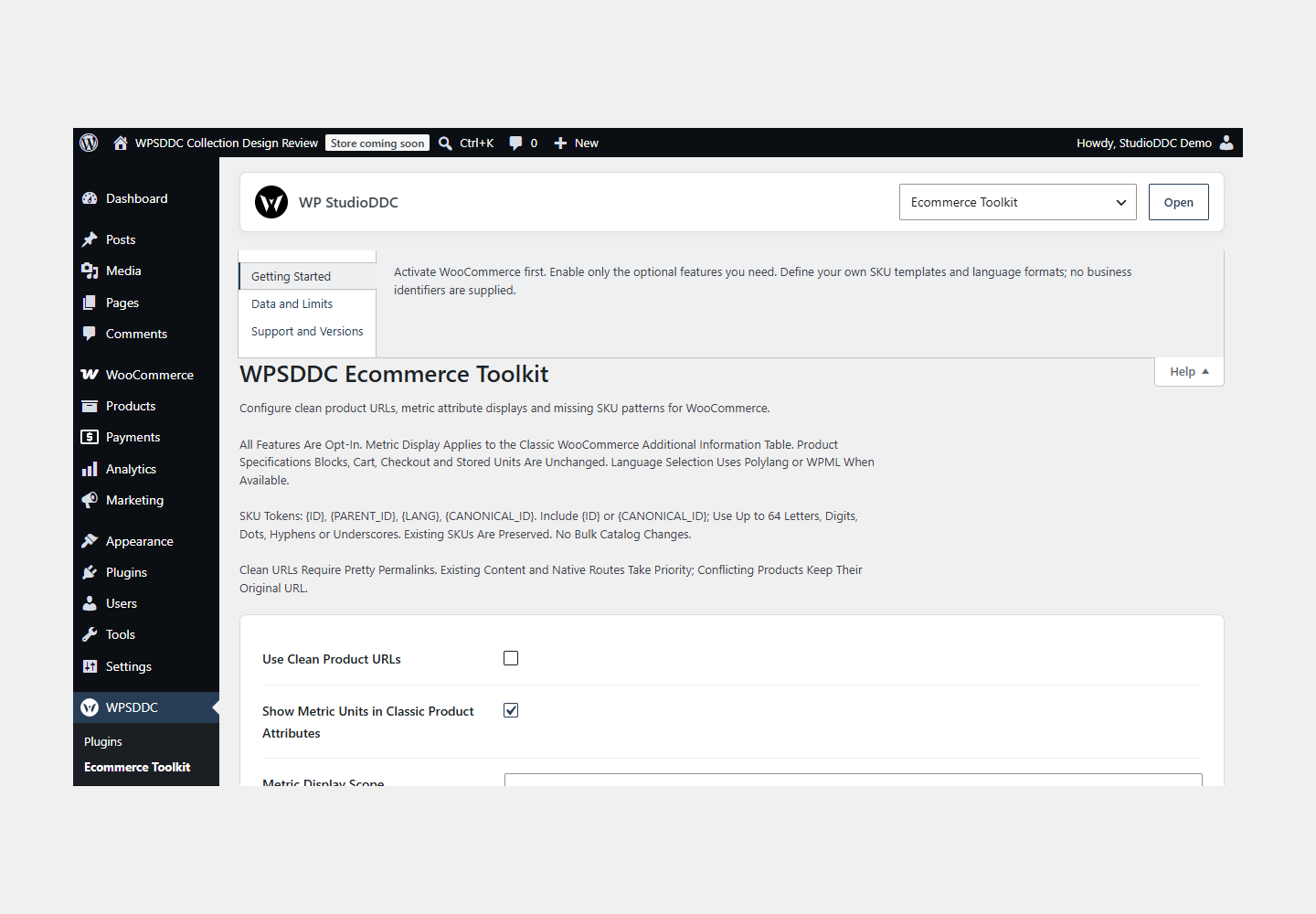
Activate WooCommerce first. Enable only the optional features you need. Define your own SKU templates and language formats; no business identifiers are supplied.
Operating Limits
Settings are local. Optional SKU generation fills missing values only. Language formatting targets classic Additional Information, not WooCommerce Blocks. Existing product data survives deactivation.
Data, Privacy and Deactivation
Settings are local. Optional SKU generation fills missing values only. Language formatting targets classic Additional Information, not WooCommerce Blocks. Existing product data survives deactivation.
Detailed Behavior
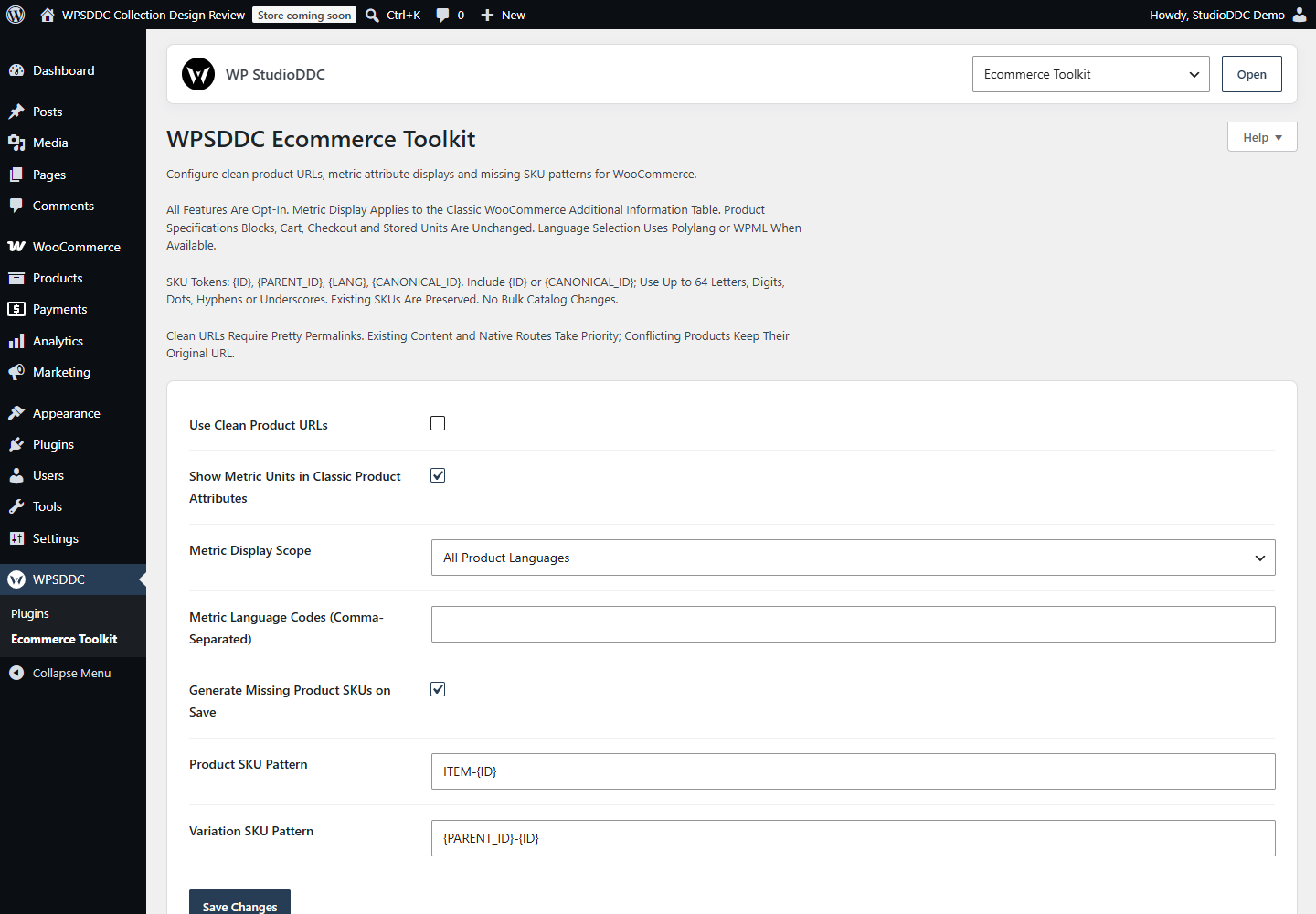
Three optional utilities for WooCommerce store owners: clean product URLs with conservative collision checks, metric values in the classic Additional Information table, and configurable SKU patterns for products and variations whose SKU is empty. All three features are off by default.
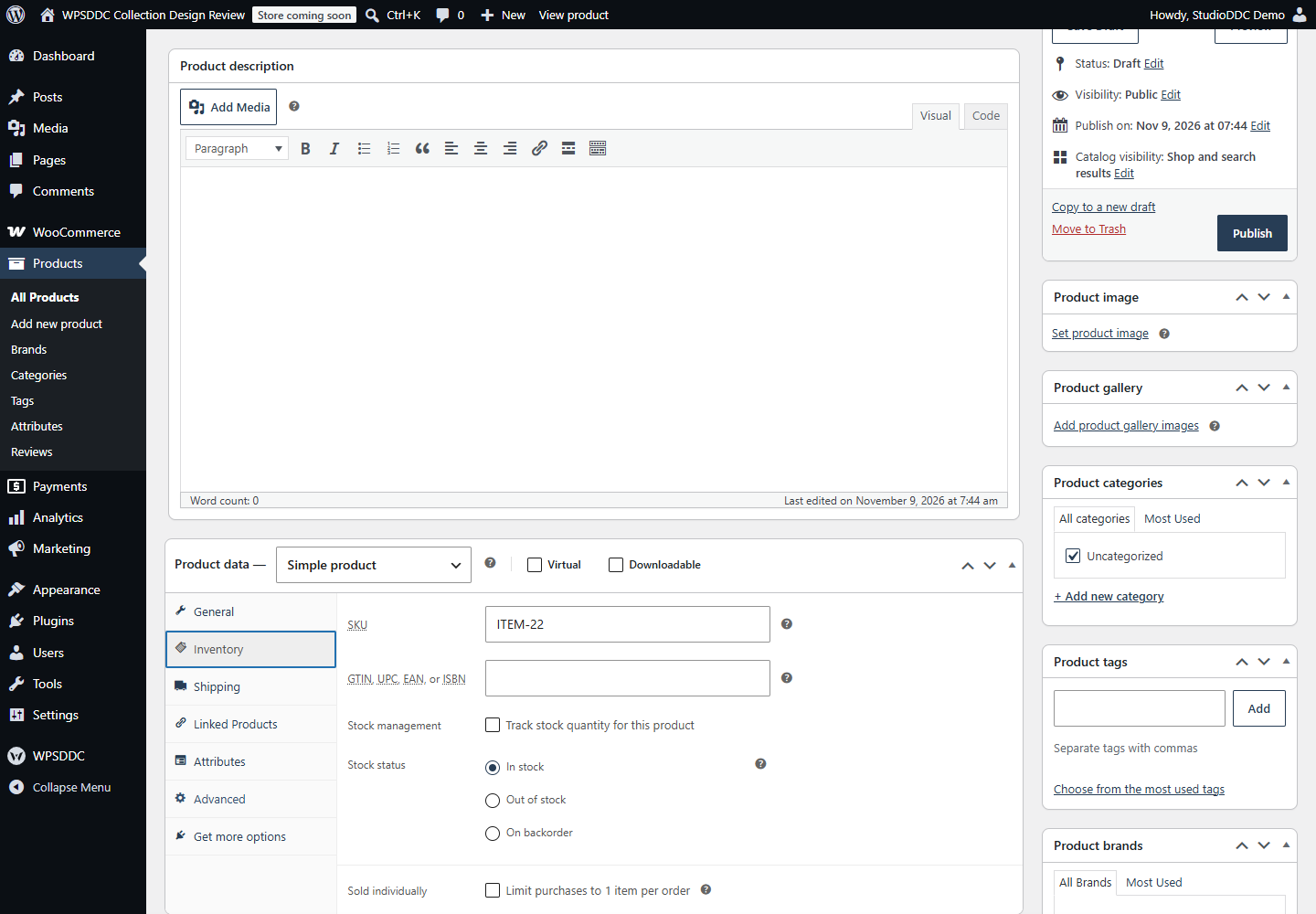
The default SKU is the local product or variation ID. Patterns accept {ID}, {PARENT_ID}, {LANG} and {CANONICAL_ID}; an ID token is required. The canonical token explicitly selects the configured default-language translation when one exists. Language codes come from Polylang or WPML, never from a built-in language list. Existing/imported SKUs are preserved. Changes apply on a later WooCommerce product save; there is no bulk catalog update. Generated values are bounded and WooCommerce checks uniqueness before a site-local ID/language suffix is added when needed.
Metric conversion displays kilograms and centimeters for all product languages or a selected set of language codes. It works without a translation link. Only the classic WooCommerce Additional Information table is supported; the newer Product Specifications block retains the store’s units. Stored measurements, shipping calculations, cart, checkout and APIs remain unchanged.
Clean URLs need pretty permalinks. Pages, public post types, taxonomy/archive bases and native endpoints take priority; conflicting products retain their original URLs. Polylang language homes are respected. Clean URL routing is conservatively disabled with WPML until its routing contract can be verified. This plugin is not a multilingual catalog or checkout replacement.
Settings are stored in the site-local wpsddc_ecommerce_toolkit_settings option. Generated SKUs use WooCommerce’s product data API. Settings and SKU data remain after deactivation/removal. There is no telemetry, remote request, background job, frontend branding, CSS or JavaScript. Frontend work is limited to the enabled URL or classic attribute feature; SKU generation runs on WooCommerce saves.
Frequently Asked Questions
Do I Need the Whole Collection?
No. Install only the plugins you need and check any product-specific dependencies listed above.
Is It Available on WordPress.org?
Version 1.0.0 is in preparation and is not published on WordPress.org yet. The official link will be added after an approved version is published.
Support and License
Check the documented limits first. Include the plugin, WordPress and PHP versions and reproduction steps when requesting support. Do not include passwords or personal data.
GPL-2.0-or-later license. Author: StudioDDC. Native WordPress controls.
Real Screenshots
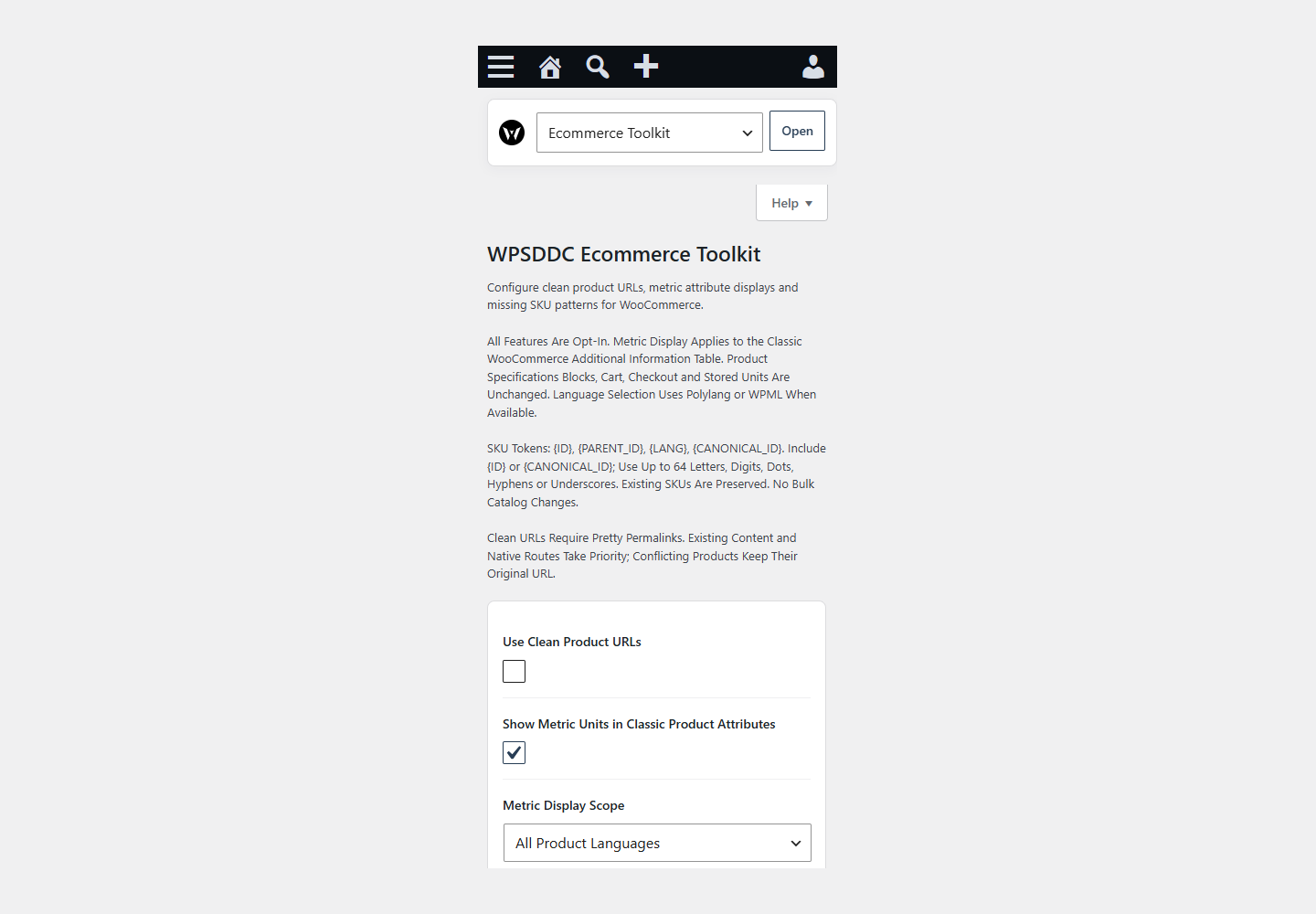
Captured in real test WordPress installations with synthetic content. Images show implemented features and do not depict client installations.