WordPress Plugin
WPSDDC Notes Archive
DocumentationKeep personal notes and checklists in WordPress administration, with private storage for each user and site.
Documentation
The WPSDDC Notes Archive WordPress Plugin is designed for private administrative notes and task lists. It helps editors keep personal text entries and checklists for each WordPress user. This is useful for organizing an internal notebook in the dashboard. Personal notes are not published as public site content.
For practical context on the WPSDDC Notes Archive WordPress Plugin, read Document a Plugin So Future You Understands It. The official reference on WordPress User Metadata explains related technical concepts.
Requirements and Compatibility
- WordPress 6.0 or later; PHP 8.1 or later.
- English and Spanish interface.
- Works without the general HQ plugin; active collection plugins share one WPSDDC menu.
Installation and First Steps
- Check requirements and use a test installation first.
- When the official ZIP is available to you, open Plugins → Add New → Upload Plugin, select it and activate it.
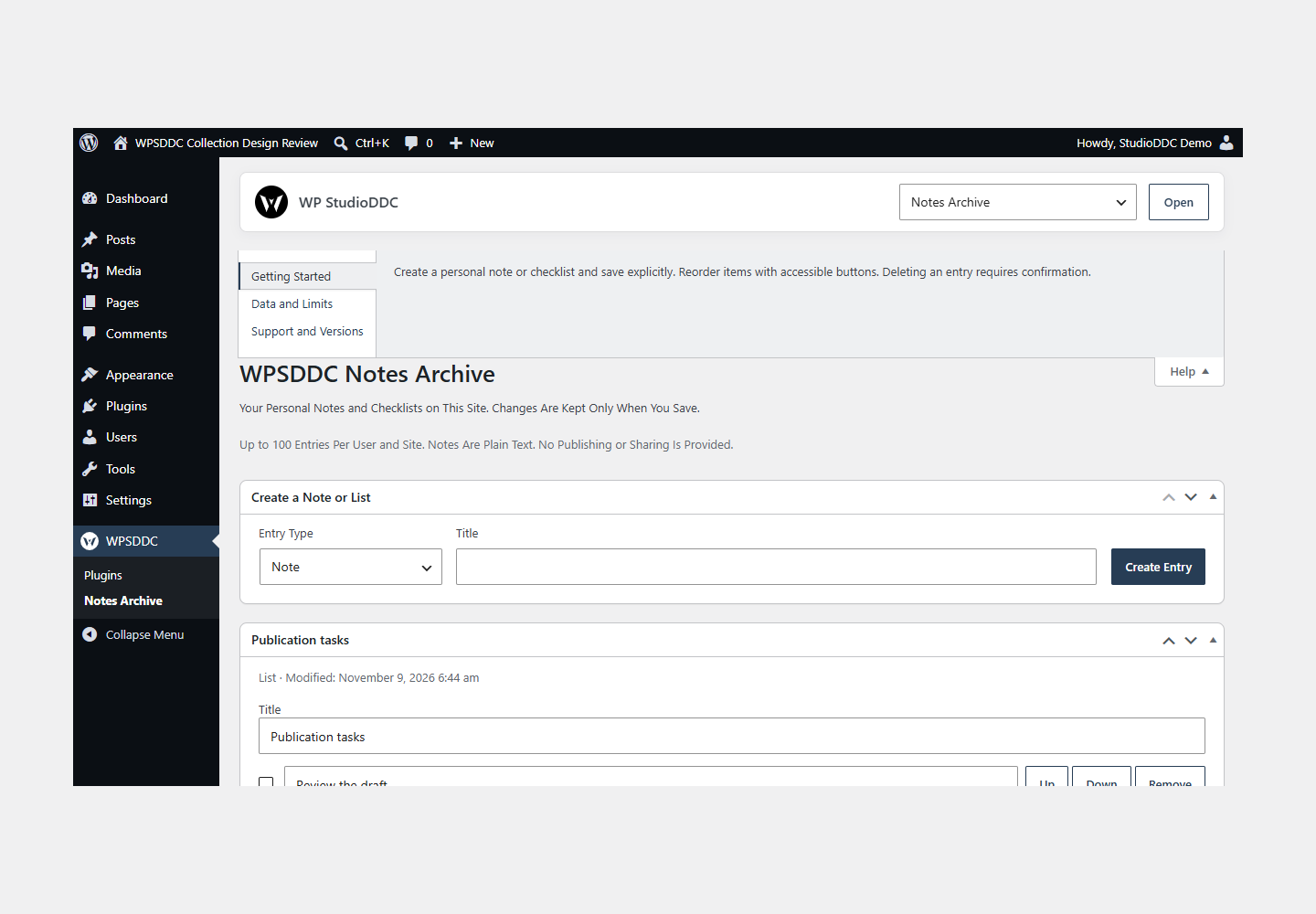
- Open WPSDDC → Notes Archive. The native Help tab includes instructions and support.
Configuration and Use
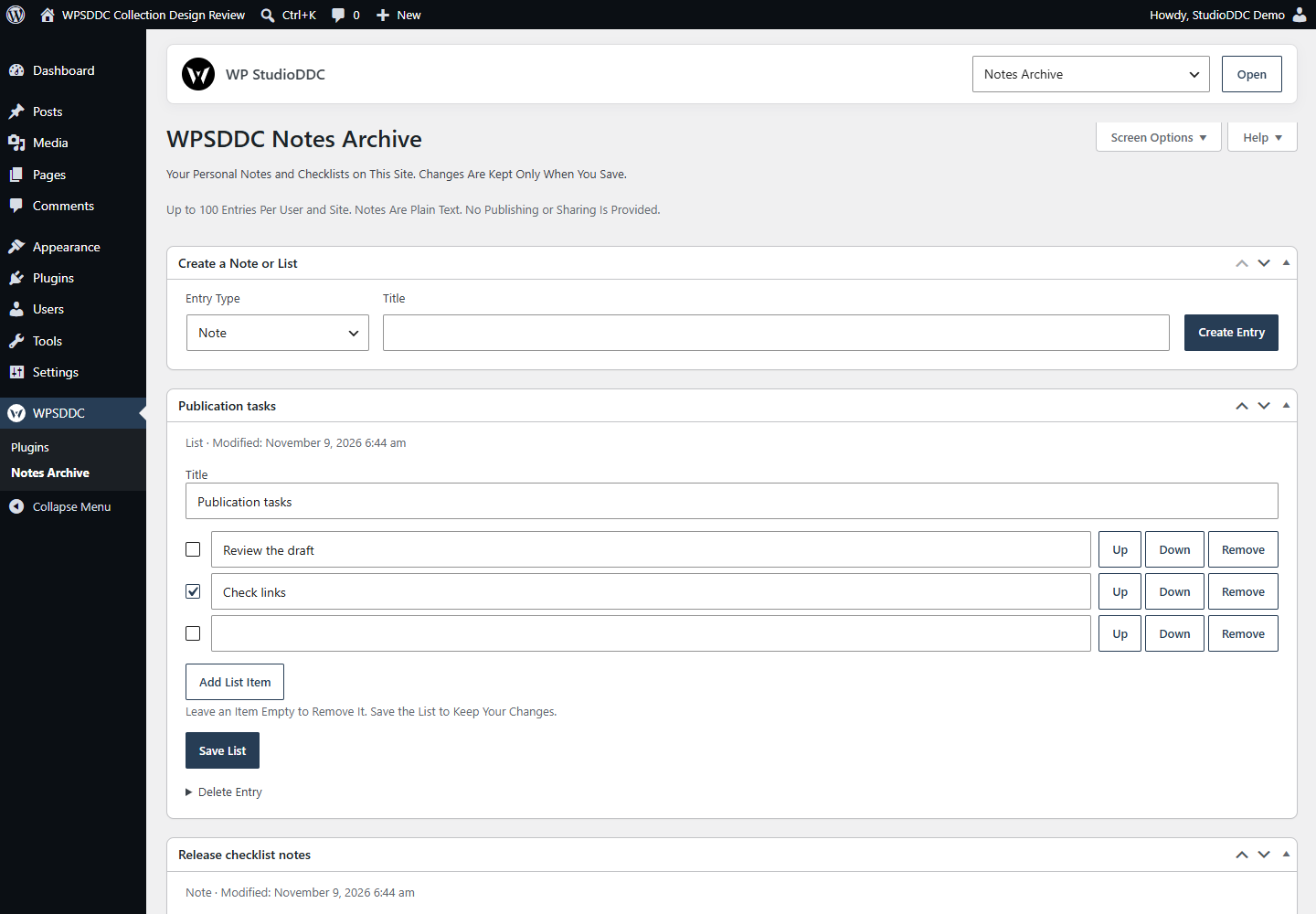
Create a personal note or checklist and save explicitly. Reorder items with accessible buttons. Deleting an entry requires confirmation.
Operating Limits
Plain-text entries belong to the current user and site and survive deactivation or removal. Normal capacity is 100 entries and 100 items per list. Reload after a save conflict. Database administrators can access stored data.
Data, Privacy and Deactivation
Plain-text entries belong to the current user and site and survive deactivation or removal. Normal capacity is 100 entries and 100 items per list. Reload after a save conflict. Database administrators can access stored data.
Detailed Behavior
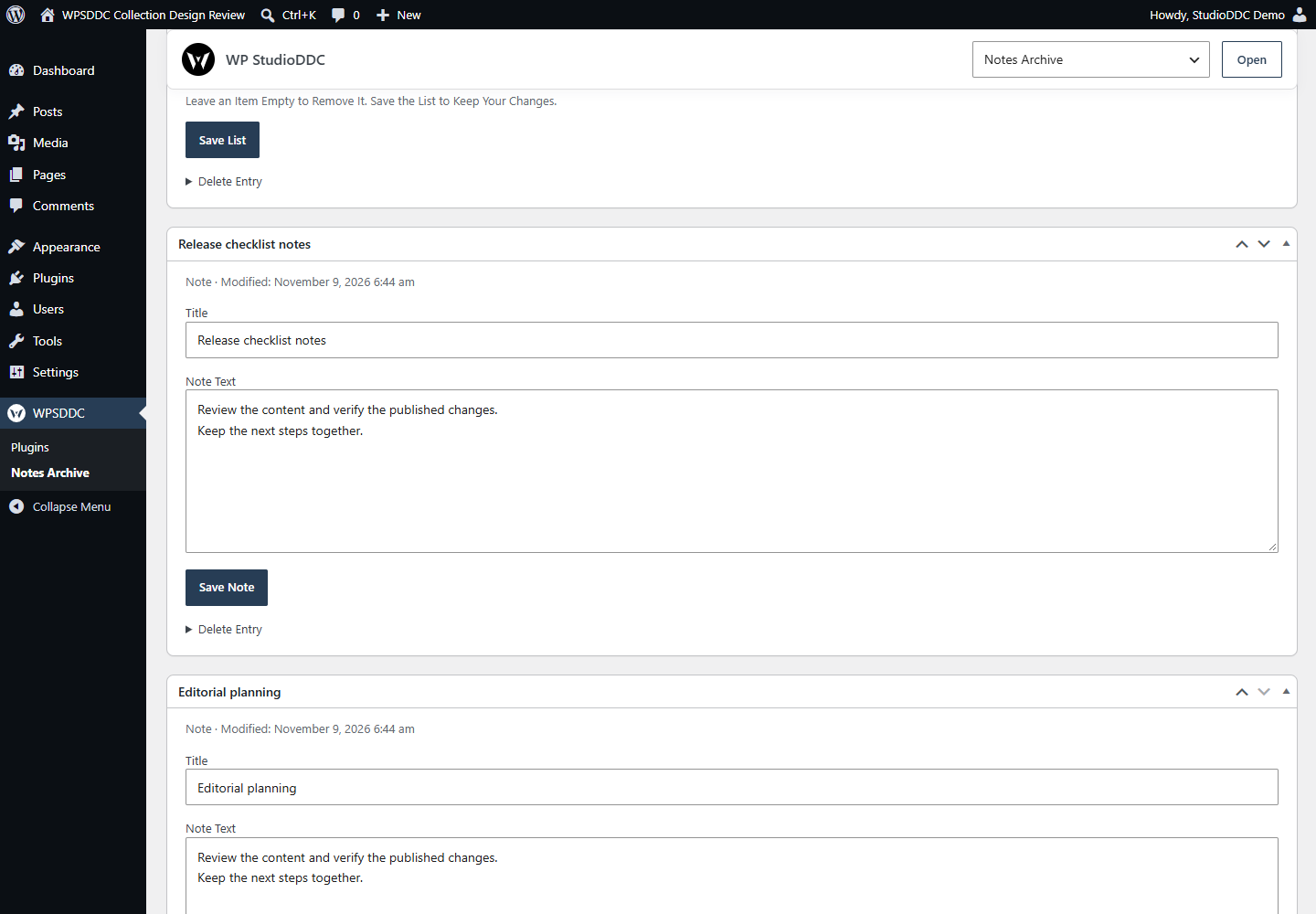
Notes Archive is for people who write or manage content in WordPress and need a personal working notebook. Contributors, authors, editors and administrators can create notes, update their text, build checklists, mark items complete or incomplete, reorder items with keyboard-accessible buttons and delete individual entries with explicit confirmation. Core metabox controls organize and collapse entries. Changes are saved explicitly; the browser warns about unsaved edits, and stale revisions cannot silently overwrite a newer save.
Entries are plain text and have server-generated modified dates. Normal use is limited to 100 entries per user and site, with up to 100 items per checklist. Long or malformed submissions are rejected without discarding existing content. No rich-text editor, icon picker, symbol catalog, brand marks, Content Ideas, shortcode, widget, frontend block or public sharing feature is included.
Data is stored in WordPress user meta under wpsddc_notes_archive_entries_SITEID. Every operation uses the current user; a submitted target user is ignored. Each site uses a different key, including in Multisite. Core stores metabox layout preferences in its own user meta. This is private within WordPress permissions, not encrypted against database/server administrators. Note data is never sent to an external service. Deactivation or removal preserves entries; deleting a WordPress user removes that user’s metadata through Core.
Normal frontend requests load only the guarded plugin entry file: no feature modules, hooks, shortcodes, styles, scripts or plugin-initiated storage query. Only the Notes screen loads the small scoped layout stylesheet and list enhancement, alongside Core postboxes. WordPress itself can include user metadata in its normal signed-in user cache; there is no claim that stored notes have zero storage size.
Frequently Asked Questions
Do I Need the Whole Collection?
No. Install only the plugins you need and check any product-specific dependencies listed above.
Is It Available on WordPress.org?
Version 1.0.0 is in preparation and is not published on WordPress.org yet. The official link will be added after an approved version is published.
Support and License
Check the documented limits first. Include the plugin, WordPress and PHP versions and reproduction steps when requesting support. Do not include passwords or personal data.
GPL-2.0-or-later license. Author: StudioDDC. Native WordPress controls.
Real Screenshots
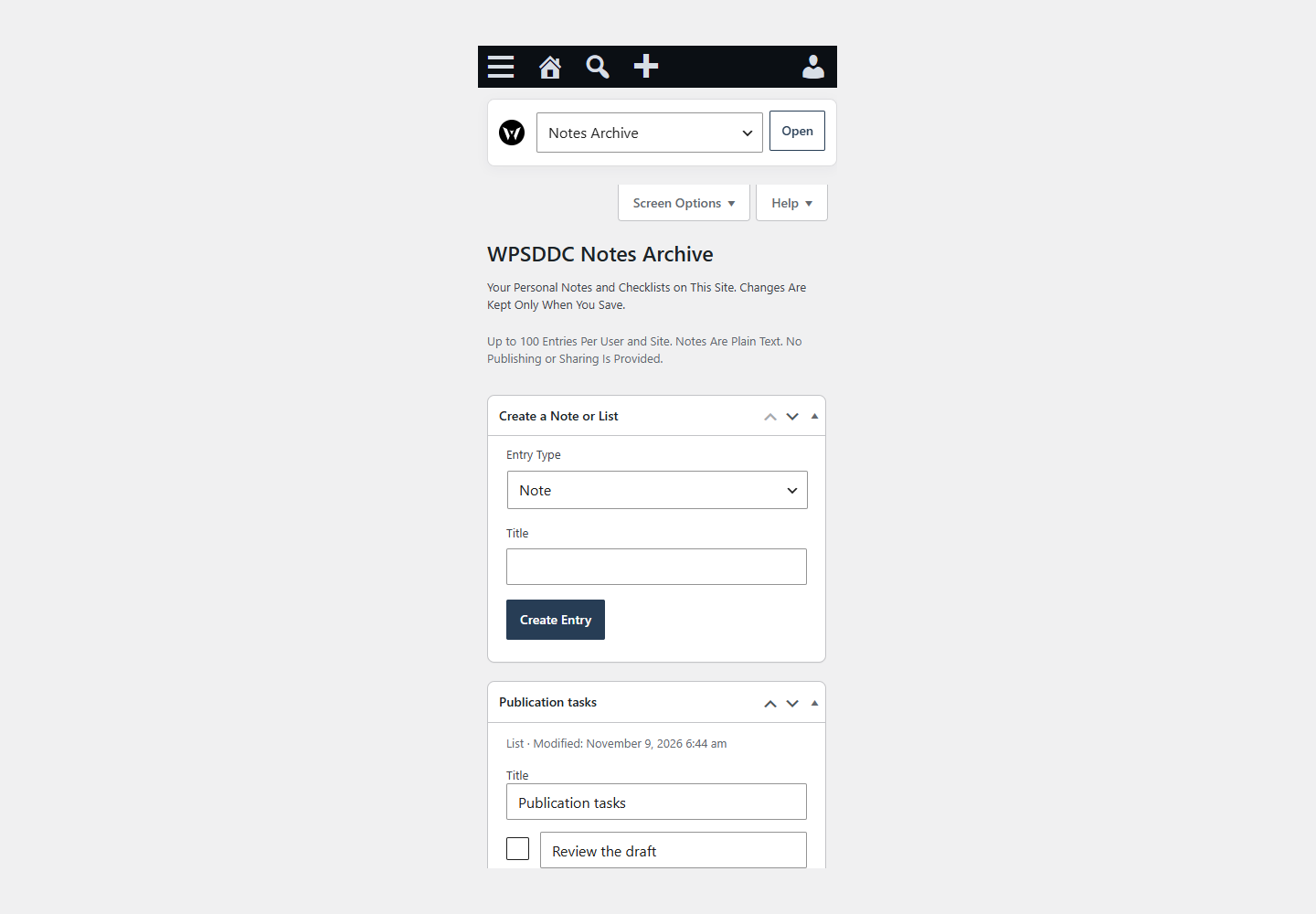
Captured in real test WordPress installations with synthetic content. Images show implemented features and do not depict client installations.