WordPress Plugin
WPSDDC Calendar Timeline
DocumentationExplore your editable content in year, month, week, day and agenda views using native WordPress dates and permissions.
Documentation
The WPSDDC Calendar Timeline WordPress Plugin is designed for a read-only WordPress editorial calendar. It helps editors review content dates in calendar and agenda views. This is useful for visual planning for WordPress publication dates. Changes to content still use the native WordPress editor.
For practical context on the WPSDDC Calendar Timeline WordPress Plugin, read Document a Plugin So Future You Understands It. The official reference on WordPress Publication Dates explains related technical concepts.
Requirements and Compatibility
- WordPress 6.0 or later; PHP 8.1 or later.
- English and Spanish interface.
- Works without the general HQ plugin; active collection plugins share one WPSDDC menu.
Installation and First Steps
- Check requirements and use a test installation first.
- When the official ZIP is available to you, open Plugins → Add New → Upload Plugin, select it and activate it.
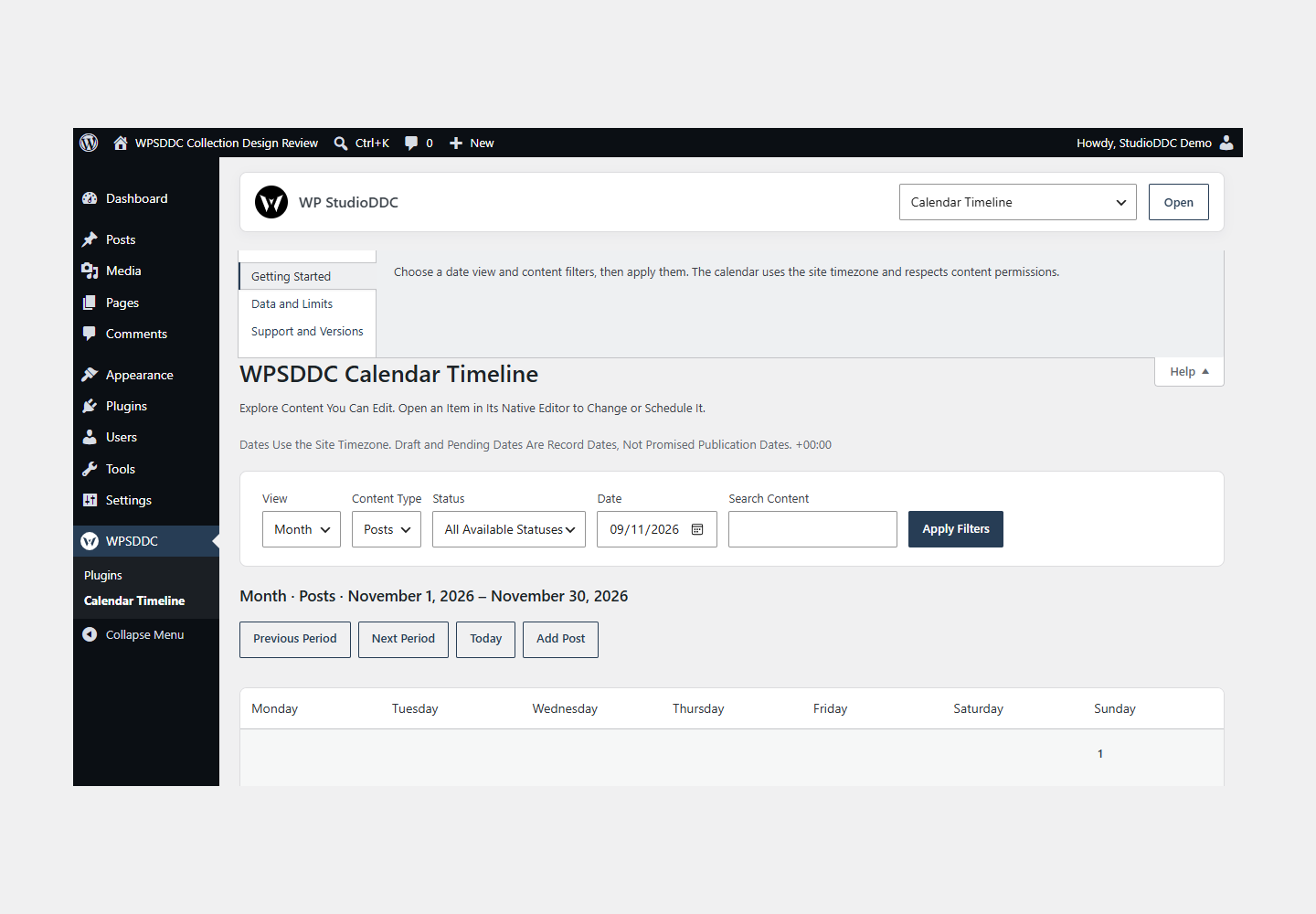
- Open WPSDDC → Calendar Timeline. The native Help tab includes instructions and support.
Configuration and Use
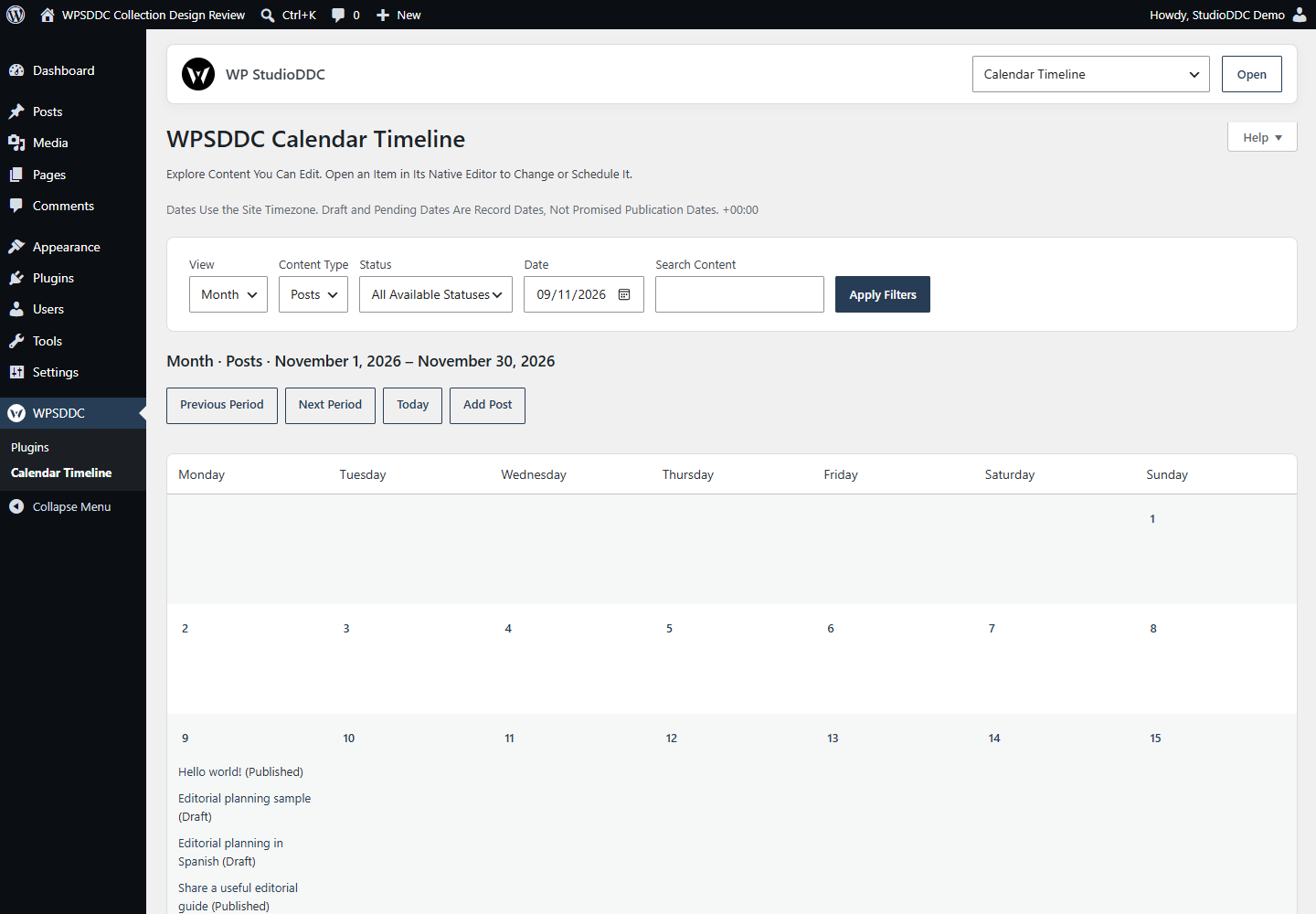
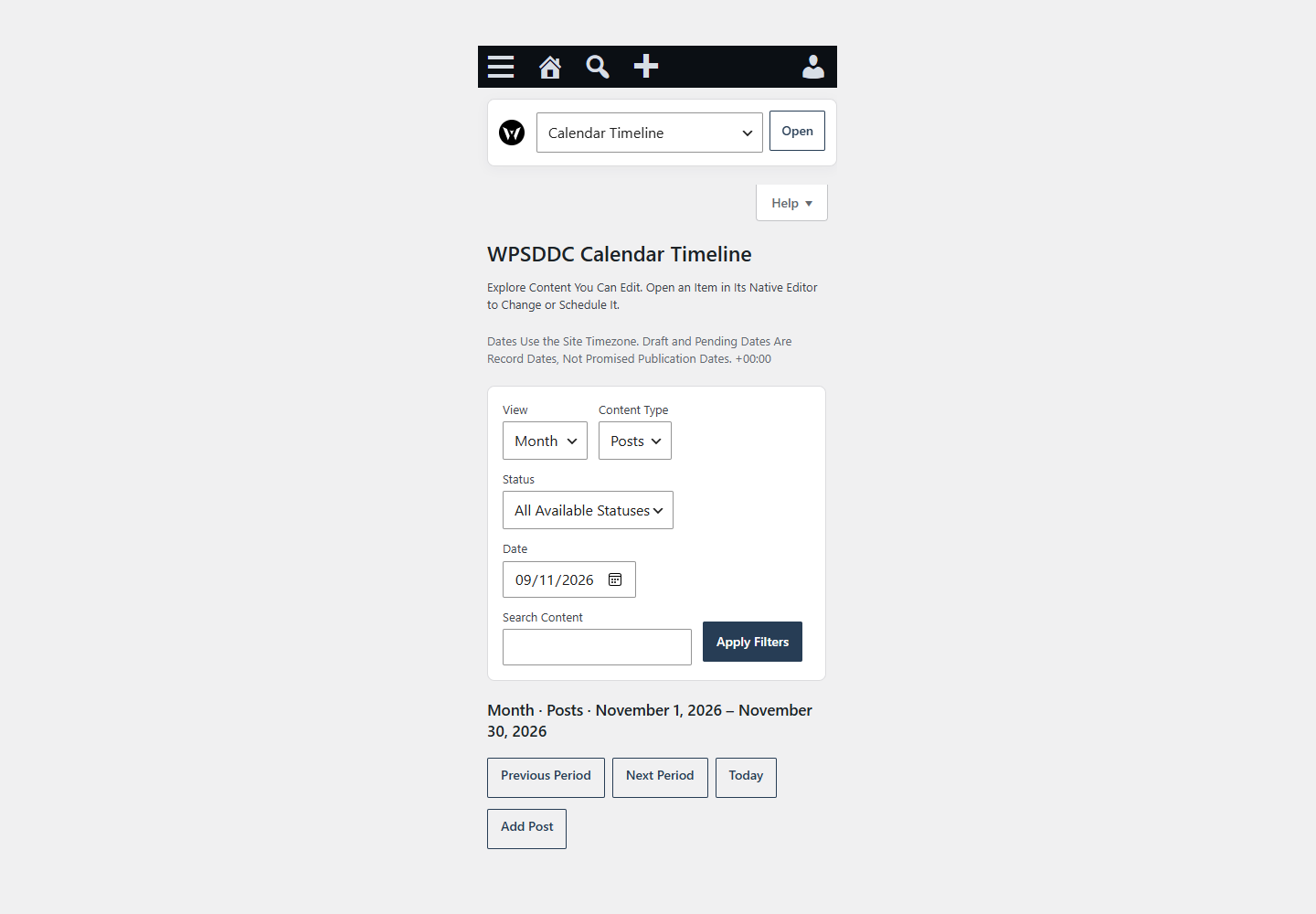
Choose a date view and content filters, then apply them. The calendar uses the site timezone and respects content permissions.
Operating Limits
This read-only view uses existing WordPress dates. It does not create a separate calendar store, schedule posts or modify publication dates. Filters are carried in the URL.
Data, Privacy and Deactivation
This read-only view uses existing WordPress dates. It does not create a separate calendar store, schedule posts or modify publication dates. Filters are carried in the URL.
Detailed Behavior
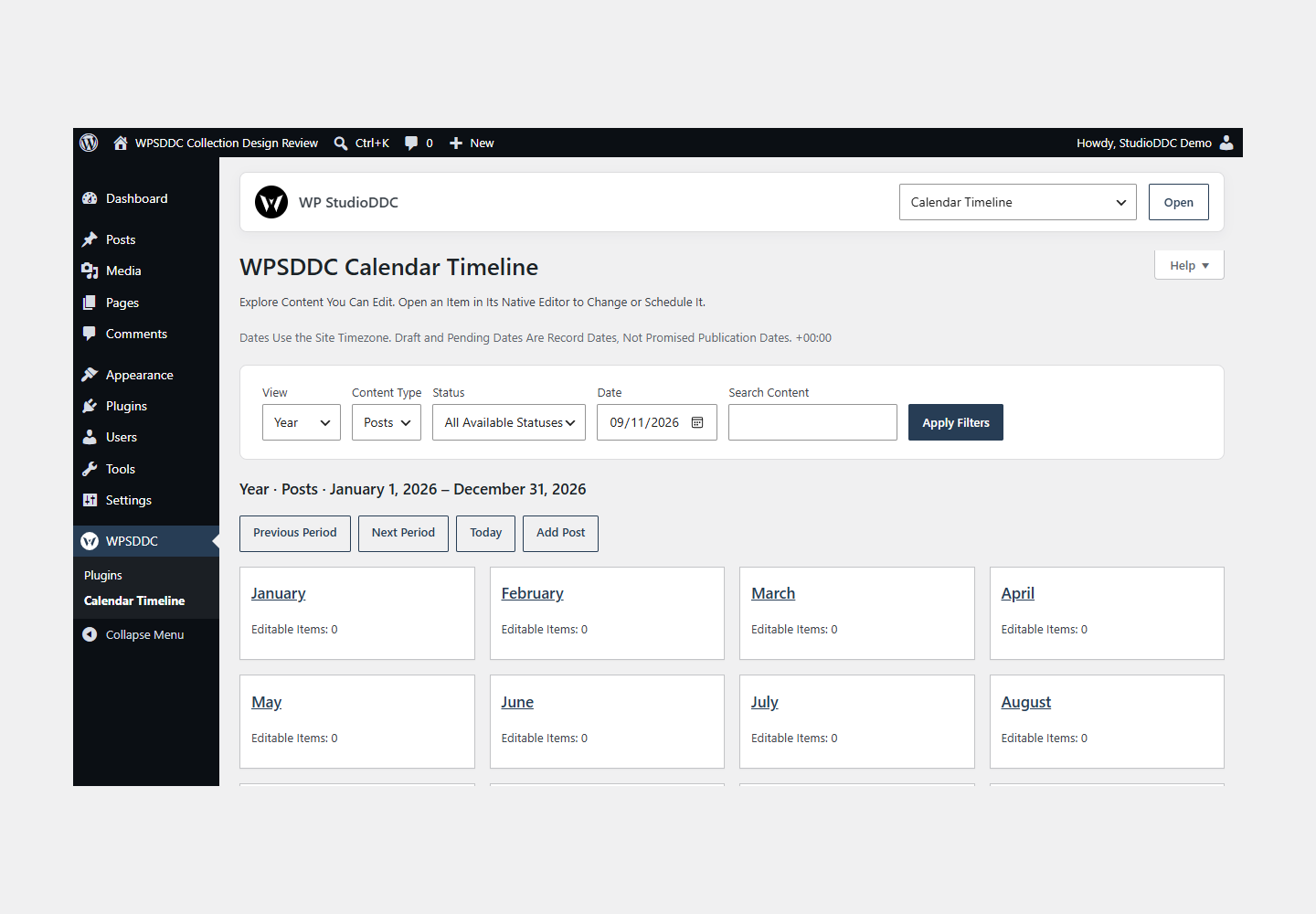
Calendar Timeline helps WordPress writers and editors inspect the dates of content they can edit. Choose an installed public content type, a publication status, a date and an optional text search. Browse the year, month, week, day or paginated annual agenda. Native editor links let you edit or schedule content using WordPress itself; the plugin does not change content or publication dates.
The calendar uses the site timezone, the configured first weekday and native post_date values. Draft and pending dates are record dates, not promised publication dates. Authors see only their editable content; users with permission to edit others can see their team’s editable content. A final per-record capability check honors custom restrictions. Custom public types work through their registered capabilities. Private content, attachments, internal types, trash and auto-drafts are omitted.
Calendar queries retrieve at most 501 records and display up to 500. An explicit notice identifies truncated periods. A truncated year omits misleading month counts. The annual agenda shows 50 records per page with previous/next navigation; its query retrieves one extra row to detect the next page without an all-record count. Individual month/week cells show up to five items and link to the day view. Narrow the filters or use the agenda for large periods. Search uses native WordPress title/content search and accepts up to 100 characters.
There is no drag-and-drop scheduling, term-date inference, SEO dashboard, private category integration, editor warning injection or frontend publishing. No shortcode, widget, block, custom JavaScript, remote request, telemetry, cron or plugin-owned transient is registered. A small scoped stylesheet loads only on the calendar screen and leaves buttons, links and focus colors to WordPress Core.
The plugin stores no settings or editorial data. Filters are read-only URL parameters; URLs and browser history can therefore contain search text. Ordinary frontend requests return from the main entry file before feature code or hooks are loaded. Multisite views use the current site’s tables and capabilities. Deactivation/removal leaves all WordPress content untouched.
Frequently Asked Questions
Do I Need the Whole Collection?
No. Install only the plugins you need and check any product-specific dependencies listed above.
Is It Available on WordPress.org?
Version 1.0.0 is in preparation and is not published on WordPress.org yet. The official link will be added after an approved version is published.
Support and License
Check the documented limits first. Include the plugin, WordPress and PHP versions and reproduction steps when requesting support. Do not include passwords or personal data.
GPL-2.0-or-later license. Author: StudioDDC. Native WordPress controls.
Real Screenshots
Captured in real test WordPress installations with synthetic content. Images show implemented features and do not depict client installations.